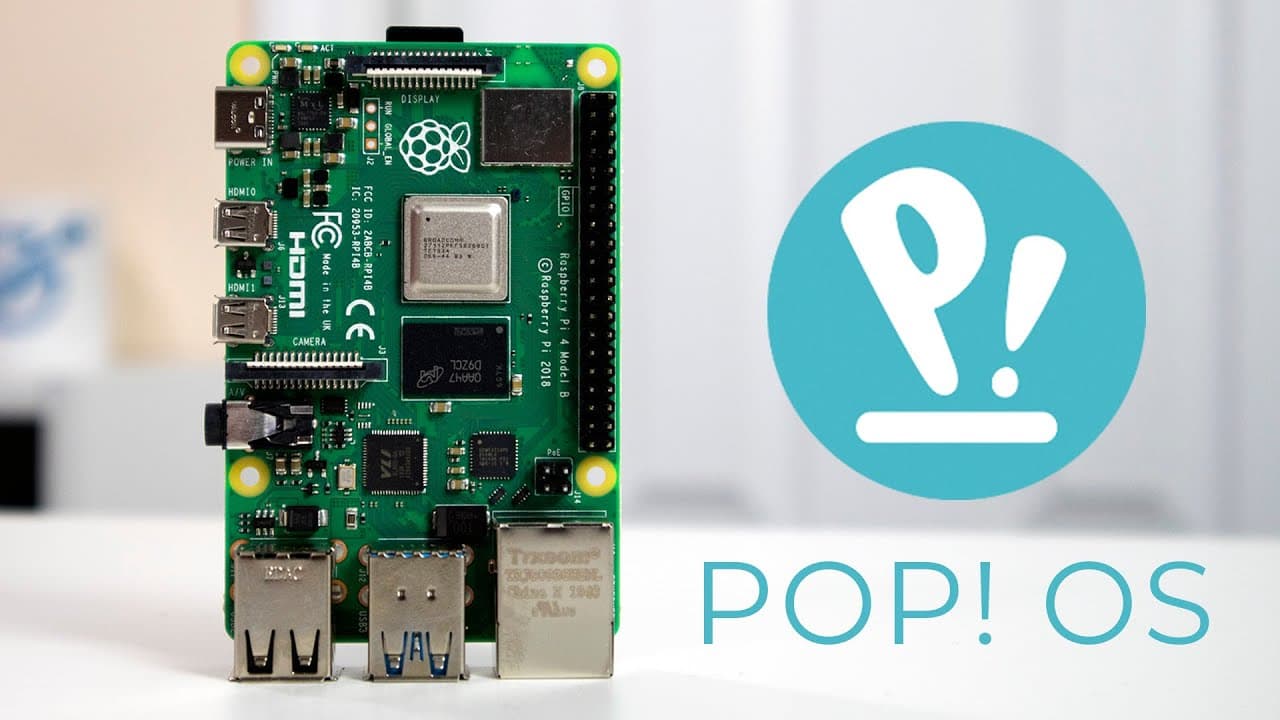
How Well Does Pop OS Perform on Raspberry Pi 4?
TL;DR
Pop OS for Raspberry Pi 4 is currently in beta and exhibits sluggish performance with notable bugs, such as application visibility issues and network detection failures. While installation is quick and the tiling window manager works well, it is not recommended for use as a primary desktop environment until improvements are made.
Transcript
hey guys what's going on it's don here from nova spare tech and welcome back to the channel and today we are going to be checking out poppo as for the raspberry pi 4 so let's get started now pop os is one of those operating systems i love i've been using them for a while and that's the operating system that actually got me into gnome before that i ... Read More
Key Insights
- 😚 The user has transitioned to Pop OS and appreciates its Gnome interface and tiling window management features.
- 😚 The beta version of Pop OS for Raspberry Pi 4 currently suffers from significant performance latency and a few critical bugs, making it less than ideal for daily use.
- 😚 Installation of Pop OS on the Raspberry Pi 4 is quick and user-friendly, facilitated by a new, efficient installer.
- 😀 Users may face a lack of network detection, particularly with Ethernet connections, indicative of beta software issues.
- 😚 Compared to Ubuntu, Pop OS exhibits slower performance and less responsive application launches, particularly in multi-tasking scenarios.
- 🥺 Available applications and functions like the file manager may not always operate correctly, leading to user frustration in the testing phase.
- ☠️ The choice of storage significantly affects the operating system's speed, with SSD and USB drives providing better performance compared to SD cards.
Install to Summarize YouTube Videos and Get Transcripts
Explore YouTube Video Summarizer or Get YouTube Transcript Extractor
Questions & Answers
Q: What is Pop OS, and why does the creator prefer it?
Pop OS is an operating system developed by System76, known for its user-friendly interface and optimizations for developers. The creator prefers it because it introduced them to Gnome and offers features like tiling windows, which streamline productivity. Their experience with Pop OS led them to favor it over other environments like Cinnamon and Gnome Classic.
Q: What were some notable issues encountered during the beta test?
The beta version tested had several critical issues, including application launch delays, network connectivity problems, and a blank applications list. The user noted that the experience felt sluggish overall, especially when using multiple applications simultaneously, which might be improved in future updates.
Q: How does the performance of Pop OS on Raspberry Pi 4 compare to Ubuntu?
The performance of Pop OS on Raspberry Pi 4 is reportedly slower and less smooth relative to Ubuntu. The user experienced lag when launching applications and navigating the interface, suggesting that Ubuntu offers a more fluid experience, especially when paired with SSDs or USB drives rather than SD cards.
Q: Is Pop OS suitable for everyday use on Raspberry Pi 4?
Based on the user’s testing experience, Pop OS is not recommended for everyday use on Raspberry Pi 4 due to performance issues and bugs. The current beta version was deemed insufficient as a primary desktop environment until improvements and optimizations are made for its final release.
Q: How does the new tiling window manager feature perform?
The tiling window manager feature works well despite the overall sluggishness observed in the operating system. The user appreciated this feature for helping manage application windows effectively, indicating that it could be a strong asset for those familiar with Pop OS, though performance concerns still persist.
Q: What future updates does the user anticipate for Pop OS on Raspberry Pi?
The user looks forward to further beta updates or a final release of Pop OS that promises better performance and resolves existing bugs such as network issues and application visibility. They expressed hope that these updates would make Pop OS a viable primary operating system for the Raspberry Pi in the future.
Q: How might the choice of storage impact performance?
The user mentioned that the read and write speeds of the storage medium, whether an SD card, SSD, or USB, significantly impact performance. Using an SSD or USB for installation tends to result in a faster and smoother experience compared to an SD card, which can be slower and more prone to bottlenecks.
Q: What additional features does the creator hope to see in future Pop OS versions?
The creator would like to see improved hardware acceleration capabilities and better integration of Wayland, which may enhance performance on the Raspberry Pi. Optimizing resource management and reducing the sluggishness observed with application startups would also be highly beneficial.
Summary & Key Takeaways
-
Pop OS is an operating system enjoyed by the creator, transitioning from tiling window managers to Gnome. A beta version for Raspberry Pi 4 was recently released and is discussed in detail.
-
The installation process for Pop OS on the Raspberry Pi 4 was quick and straightforward, although the user experienced issues with application visibility and performance lapses, indicative of the beta status.
-
While the tiling window manager feature functions well, overall performance is sluggish compared to other distributions like Ubuntu, leading to recommendations against using it as a primary desktop environment for now.
Read in Other Languages (beta)
Share This Summary 📚
Summarize YouTube Videos and Get Video Transcripts with 1-Click
Try YouTube Summary with ChatGPT & Claude or YouTube Transcript Generator
Explore More Summaries from Novaspirit Tech 📚






Summarize YouTube Videos and Get Video Transcripts with 1-Click
Try YouTube Summary with ChatGPT & Claude or YouTube Transcript Generator