What Can You Do with the BIQU Raspberry Pi Pad 5?
TL;DR
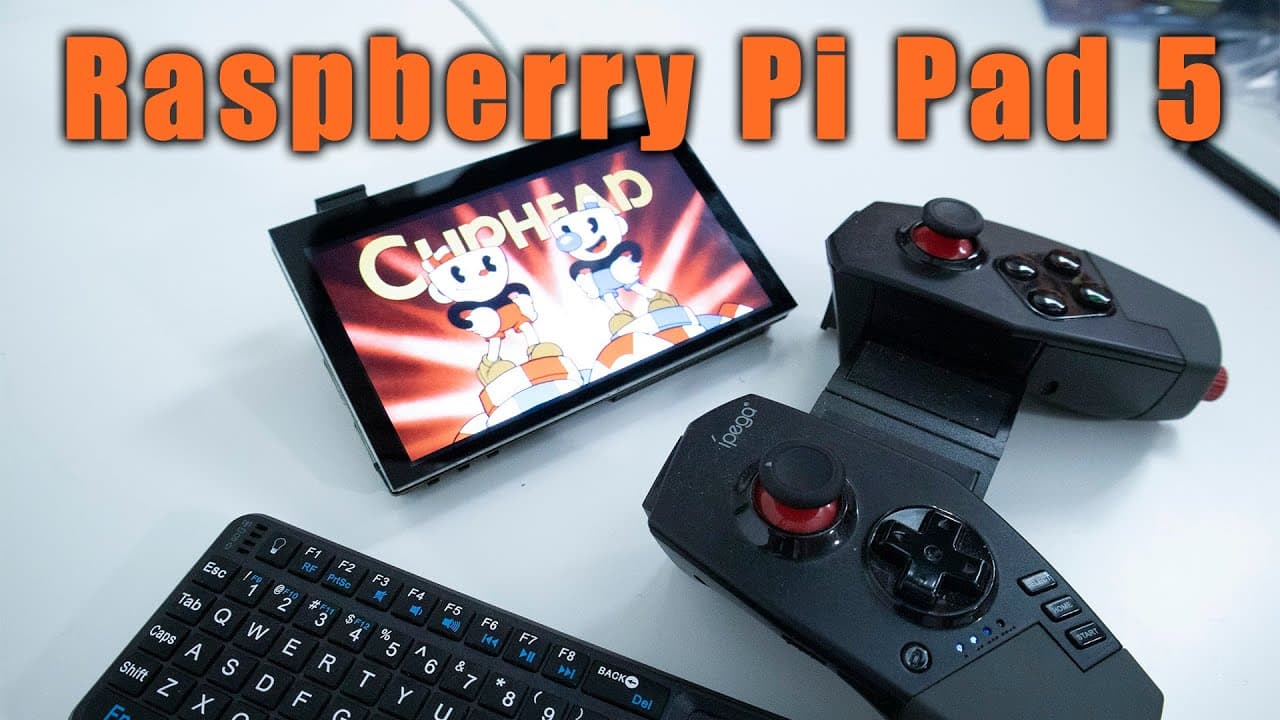
The BIQU Raspberry Pi Pad 5 features an integrated compute module (CM4) that allows for various projects such as 3D printing and time-lapse photography. It includes multiple connectivity options like USB, HDMI, and GPIO pins, but lacks built-in audio and requires driver installation. Its compact design makes it suitable for creating handheld devices or HDMI capture setups.
Transcript
hey guys what's going on it's don here from nova spare tech and welcome back to the channel and today we're going to be checking out by q's raspberry pi pad 5 so let's get started now before we begin i do want to thank myq for sending this over to me and it is something that i have requested to review because i thought this was a very interesting p... Read More
Key Insights
- 🎨 The Raspberry Pi Pad 5 is a versatile tool designed with an integrated CM4 for various applications.
- 👻 Its compact size allows for easy integration into projects, including 3D printing and handheld devices.
- 😴 Connections such as USB, HDMI, and GPIO pins provide extensive options for configuring the device.
- 👤 Users may need to manage driver installations and settings for optimal functionality, especially for touchscreen interactions.
- 🖤 The lack of built-in speakers necessitates external audio solutions via Bluetooth or other means.
- ☀️ Varied potential applications highlight the versatility of the device, from gaming to weather monitoring.
- 🤔 The design encourages innovative thinking about how to utilize Raspberry Pi technology in everyday projects.
Install to Summarize YouTube Videos and Get Transcripts
Explore YouTube Video Summarizer or Get YouTube Transcript Extractor
Questions & Answers
Q: What are the primary features of the Raspberry Pi Pad 5?
The Raspberry Pi Pad 5 has a compact design that includes a built-in compute module (CM4) for high integration. It features various ports including USB, HDMI, and GPIO, allowing for extensive customization and connectivity. Due to its low profile, it can also fit into different casings for projects like handheld gaming or 3D printing management.
Q: How does the Raspberry Pi Pad 5 integrate with 3D printers?
The Raspberry Pi Pad 5 has been developed primarily for By Q’s 3D printer lineup, allowing it to run similar to OctoPrint. By providing seamless connectivity and support for CAN bus communication, it can effectively manage 3D printing tasks while also allowing users to potentially expand its functionality with custom software.
Q: What challenges might users face with the Raspberry Pi Pad 5?
Users may encounter difficulties with driver installation, as it requires specific software to operate. Furthermore, its touchscreen may not perform optimally with standard Raspberry Pi OS due to user interface design issues. The lack of built-in audio and the need for additional setup for projects could also present challenges.
Q: What are some potential projects for the Raspberry Pi Pad 5?
Potential projects include turning the device into an OctoPi controller for monitoring 3D prints, a weather station with real-time data display, or even a handheld gaming console. It could also serve as an HDMI capture device by integrating specific hardware components.
Q: Why is the CM4 preferred over previous Raspberry Pi models for this setup?
The CM4 is preferred due to its enhanced reliability with built-in eMMC storage, which offers faster performance and greater durability compared to traditional SD cards. This makes it a more efficient choice, particularly for long-running applications like those involving 3D printing.
Q: What type of display resolution does the Raspberry Pi Pad 5 offer?
The Raspberry Pi Pad 5 features a display resolution of 800x480 pixels. While it supports higher resolutions, the display will scale down, ensuring compatibility across different applications while also delivering bright visuals for various projects.
Summary & Key Takeaways
-
The Raspberry Pi Pad 5 boasts a low-profile design with an integrated compute module (CM4), making it suitable for various projects, including 3D printing and time-lapse photography.
-
It features several connections, including USB, HDMI, and GPIO pins, although lacks built-in audio and requires driver installation for optimal functionality.
-
The device can be turned into a handheld gaming console or an HDMI capture device if paired with compatible software like Android, enhancing its versatility.
Read in Other Languages (beta)
Share This Summary 📚
Summarize YouTube Videos and Get Video Transcripts with 1-Click
Try YouTube Summary with ChatGPT & Claude or YouTube Transcript Generator
Explore More Summaries from Novaspirit Tech 📚






Summarize YouTube Videos and Get Video Transcripts with 1-Click
Try YouTube Summary with ChatGPT & Claude or YouTube Transcript Generator