How to build lead gen AI agents with no code in Lindy
TL;DR
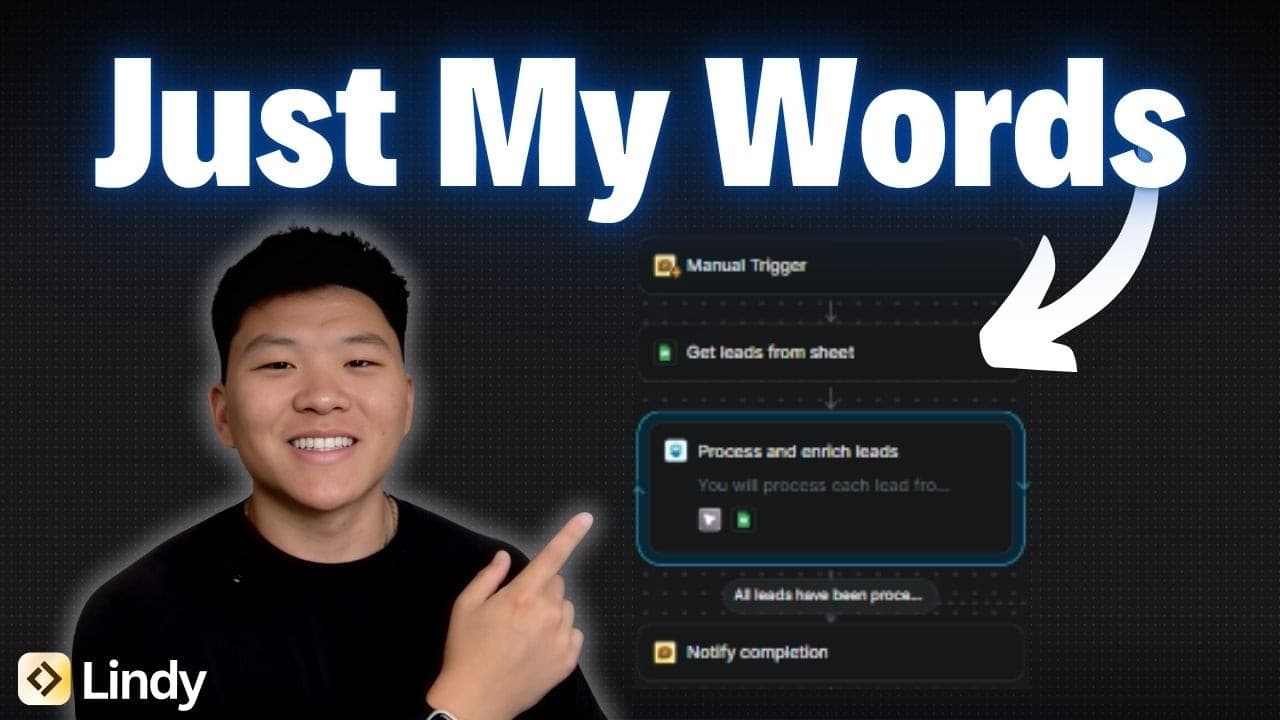
The video demonstrates building three lead generation AI agents using natural language in Lindy. It shows an agent that searches for leads, saves them to a Google sheet, then a second agent that enriches those leads with company pain points, and finally a third that crafts outreach messages. The creator emphasizes testing, iteration, and breaking tasks into small flows for clarity.
Transcript
Today I'm going to be building a lead generation and outreach system right here in front of you guys just using my natural words. So let's get started. This interface right here is what's prompting me to use natural language in order to explain what kind of agent I want to build. So I'm just going to paste in this request that says build an agent t... Read More
Key Insights
- Lead generation agents can be built using natural language without coding any prompts or variables.
- The process starts with an agent builder and a flow editor that shows node connections and configurations.
- Leads are sourced from defined criteria and stored in a Google sheet for later use.
- Agents can run tests by inputting industry and location to fetch and save leads.
- Enrichment agents search the web for pain points and add context back to the sheet.
- Breaking complex workflows into smaller, separate agents helps manage complexity and improve reliability.
- If an execution stops early, it can be diagnosed by checking prompts or exit conditions and re-running.
- Testing and iteration are essential to refine prompts and resolve issues before production usage
Install to Summarize YouTube Videos and Get Transcripts
Explore YouTube Video Summarizer or Get YouTube Transcript Extractor
Questions & Answers
Q: How to start building a lead generation AI agent with no code
To start, use the Lindy agent builder to create a new lead generation flow. You communicate your goal in natural language and the builder translates it into a sequence of nodes and actions. You specify data sources, like a Google sheet, and the fields you need such as name, role, company, size, and email. Then you run a test by inputting industry and location. The agent searches for leads, returns a list, and stores the results in the sheet. If results are incomplete, you adjust prompts or flows and re run. This approach avoids writing code while producing a functional template you can iterate on.
Q: What does the lead generation workflow look like in Lindy
The workflow consists of three main stages connected by blue arrows. First, an input trigger prints a prompt asking for industry and location. Second, an agent searches for leads and returns up to a set number, here ten, then writes them into a Google sheet with fields like name, role, company, and email. Third, you review the output, confirm if it looks correct, and iterate on the prompts to fix issues such as incomplete lead counts. This visual flow lets you observe how data travels between steps.
Q: How is data stored and used in the lead gen process
Data collected from the lead search is stored in a Google sheet with fields including name, role, company, company size, and email. The sheet serves as a central repository shared between steps and can be used to trigger downstream tasks like enrichment. Keeping data in a sheet makes it easy to review, modify, and feed into subsequent agents, such as the enrichment and outreach modules, enabling a cohesive end to end workflow.
Q: What happens if the lead count is not fully retrieved
If the lead count is incomplete, the system prompts you to review what happened, often pointing to a potential exit condition or prompt issue. You then re run the test or adjust the prompt to ensure all expected leads are captured. This debugging step is essential to ensure reliability and to learn how the agent handles edge cases. Once fixed, you re run the process to confirm all desired leads are collected.
Q: What is the purpose of splitting into separate agents
Splitting into separate agents helps manage complexity and improves reliability. Each agent handles a distinct task: finding leads, enriching them with pain points, and creating personalized outreach. By separating concerns, you can test and refine each step independently before integrating them, which reduces troubleshooting time and makes it easier to iterate on prompts and data flows without rewriting large portions of the workflow.
Q: What kind of enrichment does the second agent perform
The second agent enriches leads by searching the web for the company pain points. It reads the data from the lead sheet, performs web searches to gather relevant insights about each company, and then writes the enrichment back to the sheet. This adds context that can be used to tailor outreach messages, making outreach more targeted and potentially more effective.
Q: How does the system handle testing and iteration
Testing starts with running the agent flows using sample industry and location inputs. The results are inspected in the Google sheet and the builder is used to adjust prompts or add missing steps. If issues arise, such as incomplete results, the prompts are revised, and the test is run again. Iteration continues until the flow reliably delivers the desired data and outputs.
Q: What are the recommended best practices when using no code AI agents
Best practices include starting with small, focused flows and validating each step before combining them into a larger system. Use natural language prompts to define the goal and verify outputs via live tests. Break large tasks into separate agents to simplify debugging, and keep a clear data schema in the Google sheet to ensure consistency as data moves through the workflow. Finally, monitor tests and adjust prompts to improve accuracy and reliability.
Summary & Key Takeaways
-
The video presents a beginner friendly workflow for creating three separate AI agents using Lindy, starting from an agent builder and ending with a test run, with a focus on no code and natural language prompts.
-
Lead generation workflow: the first agent finds leads and stores them in a Google sheet, the second enriches data by web search for pain points, and the third prepares personalized outreach content.
-
The presenter discusses potential issues like incomplete lead counts during runs, the importance of validating results, and why splitting tasks into smaller flows helps improve outcomes
Read in Other Languages (beta)
Share This Summary 📚
Summarize YouTube Videos and Get Video Transcripts with 1-Click
Try YouTube Summary with ChatGPT & Claude or YouTube Transcript Generator
Explore More Summaries from Nate Herk | AI Automation 📚






Summarize YouTube Videos and Get Video Transcripts with 1-Click
Try YouTube Summary with ChatGPT & Claude or YouTube Transcript Generator