How to install Zonos TTS offline for free and clone voices
TL;DR
Zonos TTS is free and open source under Apache 2.0, and it allows unlimited voice cloning. You upload about a 10 second sample of a voice and enter text to generate speech, with options to control emotions and other parameters, making it more natural than some paid options. The tutorial covers offline installation and how the tool works with demos and settings explained.
Transcript
I'm so sad why did things have to turn out this way it feels like everything is falling apart wow today is absolutely amazing the sun is shining and everything just feels perfect I can't stop smiling believe me folks I know all the voice models let me tell you cyphus is the best of the best it's about to change everything I'm a pretty busy guy but ... Read More
Key Insights
- Zonos TTS is fully open source under the Apache 2.0 license, which allows unrestricted use and modification for text to speech applications.
- Unlimited voice cloning is a core feature of Zonos TTS, enabling cloning of any voice with a simple sample upload and text input to generate speech.
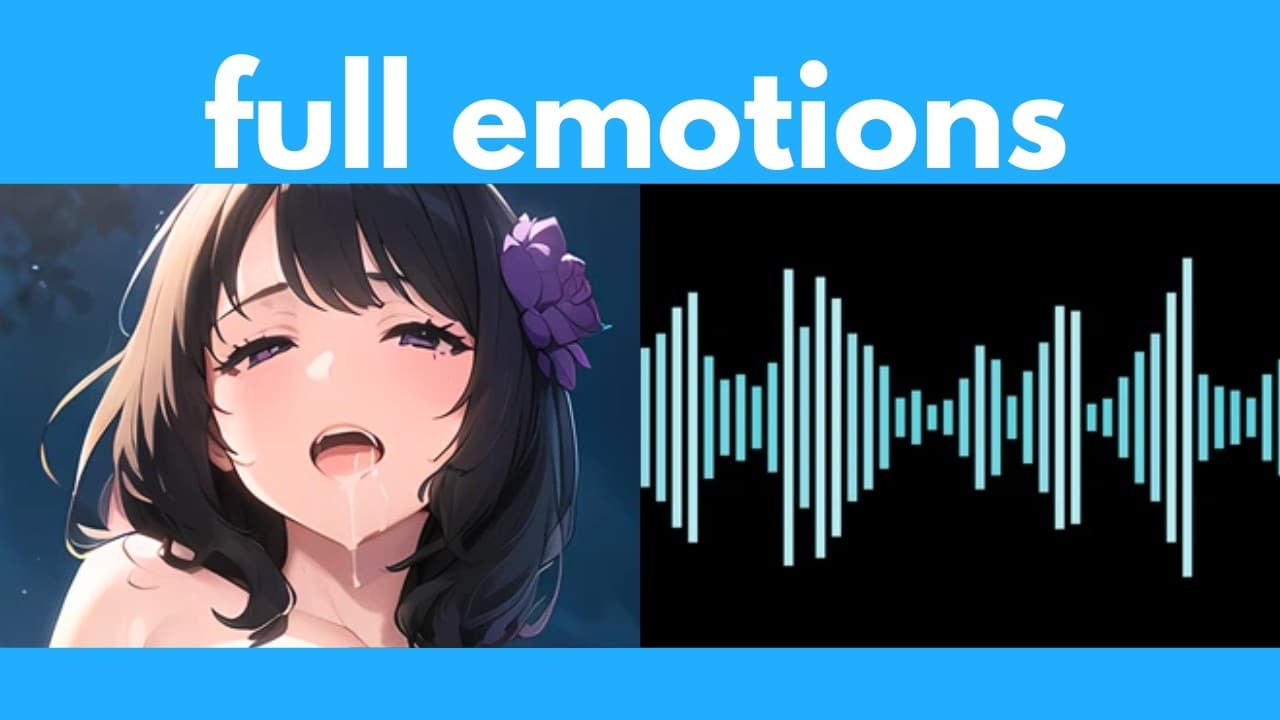
- The system supports emotion control and context aware emotion, which can be adjusted via sliders or automatic settings during generation.
- A typical workflow involves uploading a 10 second voice sample, choosing a model, and entering the text to generate speech for offline use.
- Zonos provides a comparison to 11 Labs, noting that 11 Labs can sound more robotic whereas Zonos may sound more natural in some instances.
- Users can run Zonos offline for free, as emphasized in the installation tutorial portion of the video.
- Settings include denoise, language, model type, and audio quality parameters to tailor the output for clarity and expressiveness.
- The tutorial demonstrates practical demos with different voices and prompts to showcase how emotions and accents affect the generated speech.
- More videos from this channel:
- More from this channel: AI Search
Install to Summarize YouTube Videos and Get Transcripts
Explore YouTube Video Summarizer or Get YouTube Transcript Extractor
Questions & Answers
Q: A real search query question about the video (e.g. 'How to...', 'What is...', 'Why does...', 'When should...'). Question 1
How can I install and run Zonos TTS offline for free, and what are the basic steps to clone a voice using a 10 second sample? The video explains that Zonos TTS is open source under the Apache 2.0 license and can be used offline. You first install the software, then upload a short voice sample and input the text you want spoken. The system will clone that voice and generate speech with options to adjust emotion and other parameters. This process emphasizes ease of setup and the ability to work without an internet connection, making it suitable for offline projects.
Q: What makes Zonos TTS different from paid alternatives like 11 Labs, according to the video?
The video compares Zonos TTS to 11 Labs by showing that Zonos can sound nearly as natural in some demos while being completely free and open source. It highlights that Zonos offers unlimited voice cloning, emotion control, and offline usage, whereas 11 Labs is presented as a paid option with a different voice quality profile. The comparison provides specific demo examples to illustrate differences in expressiveness and realism between the two tools.
Q: How does the video suggest controlling emotions in Zonos TTS?
Emotion control in Zonos TTS is described as a feature you can adjust either via sliders or automatic settings during generation. The video shows how to set happiness and fear levels and use an emotion aware mode to influence how the generated speech conveys sentiment. This allows more expressive speech that can reflect different moods or intents in the generated output.
Q: Can you clone multiple voices with Zonos TTS, and how is that demonstrated in the video?
Yes, you can clone multiple voices with Zonos TTS. The video demonstrates cloning a new voice by uploading another short voice sample, then generating speech with the new voice. This demonstrates that different voice profiles can be created and used in separate text to speech generations, enabling varied voice personas within the same workflow.
Q: What installation steps are covered for Zonos TTS in the video?
The video provides a step by step walkthrough for installing Zonos TTS, including the Git installation and setup. It emphasizes that the tool can run offline once installed and demonstrates the process of acquiring and configuring the necessary components, as well as linking to the Zonos GitHub repository for reference.
Q: What are some of the key parameters mentioned for tuning audio output in Zonos TTS?
Key parameters include model choice (transformer vs hybrid), language selection, denoise, F Max, VQ score, pitch standard deviation, and speaking rate. The video explains how these settings affect clarity, speed, and expressiveness of the generated speech, and notes that some emotions can override fixed parameter values when enabled.
Q: How are sample prompts used to test Zonos TTS in the video?
Sample prompts in the video are used to test how Zonos TTS handles different sentences and emotional contexts. The presenter uses prompts with adjectives like scared or excited to observe how the generated voice adapts to these moods. By applying different prompts and samples, the video demonstrates the context awareness and emotion control features of the tool.
Q: Is there any guidance on using Zonos TTS for different languages or accents?
The video mentions that language settings are available and showcases how to select language within the model options. It explains that adjusting DNS MOS and other parameters can influence how language and emotion interplay in the output, enabling generation in multiple languages or with various accents depending on the chosen voice sample and model configuration.
Summary & Key Takeaways
-
This video introduces Zonos TTS as a free, open source text to speech tool that supports unlimited voice cloning and emotion control. It includes a step by step guide to install Zonos offline and demonstrates cloning a voice from a short sample, followed by generating audio with adjustable parameters.
-
The presenter compares Zonos with a paid option called 11 Labs, showing Zonos as more natural in some demos while highlighting the free nature and context aware emotion features. It also covers choosing models, languages, and denoise settings for clear output.
-
The guide also explains how to upload a voice sample, select language and model, and adjust emotion based on text prompts. It ends with demonstrations of emotions and accents and notes on hyper parameters like VQ score and pitch for expressive speech.
Read in Other Languages (beta)
Share This Summary 📚
Summarize YouTube Videos and Get Video Transcripts with 1-Click
Try YouTube Summary with ChatGPT & Claude or YouTube Transcript Generator
Explore More Summaries from AI Search 📚




Summarize YouTube Videos and Get Video Transcripts with 1-Click
Try YouTube Summary with ChatGPT & Claude or YouTube Transcript Generator