How to install LatentSync for lip syncing
TL;DR
LatentSync is a free, open source lip syncing tool by ByteDance. The video walks through installing LatentSync locally, using it to map any audio onto a video while keeping the original facial movements. It also covers demos, setup steps, and notes about hardware requirements and online options.
Transcript
this is the best lip sync tool that you can use right now it's completely free and open source and that's exactly what we're going to go over in this video I'm going to show you how to install it and use it so the tool is called Laten sync by bite dance and this allows you to input any video and add any audio and it would lips sync the audio to the... Read More
Key Insights
- LatentSync is introduced as a free, open source lip syncing tool by ByteDance that can be used to attach any audio to a video while preserving facial movements.
- The core capability is lip syncing the input audio to the original video so the mouth movements match the new speech, making the result fluid and convincing.
- The tool is demonstrated with varied examples including real videos, 3D characters, and AI-generated content to show its versatility and limitations.
- A practical workflow is shown: upload a video, upload audio, adjust settings if needed, and generate the lip synced result.
- The video explains that you can use LatentSync with different languages by translating transcripts and using text-to-speech or voice cloning tools to produce new audio.
- The presenter notes that while the tool handles realistic faces well, it may not work for cartoon or anime styles due to face detection limitations.
- The installation portion promises a local, offline setup, implying no need for continuous internet dependency beyond initial downloads.
- Hardware considerations are touched upon, illustrating that a reasonably capable GPU is used in demonstrations, underscoring performance constraints for rendering.
- More videos from this channel:
- More from this channel: AI Search
Install to Summarize YouTube Videos and Get Transcripts
Explore YouTube Video Summarizer or Get YouTube Transcript Extractor
Questions & Answers
Q: How to install LatentSync for lip syncing
To install LatentSync you follow a step by step process shown in the video starting with downloading the LatentSync code from the official repository, then preparing your environment with necessary dependencies such as Python and FFmpeg, and finally configuring the tool on your local machine. The presenter provides detailed guidance on each step, including potential troubleshooting tips and verifying the installation by running a basic demo to ensure the software is correctly set up and ready to use.
Q: What is LatentSync used for
LatentSync is used to input any video and attach any audio so the lips in the video sync with the new audio track, creating realistic lip movement while preserving the original video’s facial expressions. This enables realistic deepfake style lip syncing without rebuilding a full AI avatar, making it useful for demonstrations, language translation tests, and creative video editing.
Q: Can LatentSync work with language translation
Yes, the video outlines a workflow where transcripts can be translated into other languages and then a text to speech system can generate new audio that is synced back to the video using LatentSync. This demonstrates how the tool can facilitate multilingual lip syncing while maintaining natural mouth movements in the source video.
Q: Does LatentSync support AI generated videos
The video demonstrates that LatentSync can be used with AI generated content by applying the lipsync process to AI created footage, allowing the character to talk or speak in the new audio. However, the presenter notes limitations, such as anime or cartoon styles where face detection may fail, indicating the tool is optimized for realistic faces.
Q: What type of videos work best with LatentSync
Realistic videos with detectable facial features work best according to the demonstrations. The tool aligns the input audio to the original video to preserve mouth movements, and the presenter shows multiple real video examples to illustrate effective lip syncing, while also showing some limitations with non real or stylized faces.
Q: What hardware is mentioned for LatentSync usage
The video mentions using an RTX 5000 Ada GPU with 16 GB of VRAM as part of the demonstration, noting that a 5 minute render of a short clip is feasible on that machine. This implies LatentSync benefits from a capable GPU but is presented as relatively efficient for practical use.
Q: Are there online options for LatentSync
Yes, the description lists online options for LatentSync, including a HuggingFace space, which provides an online demo or access point to LatentSync without requiring a full local installation. This enables users to test the lip syncing capability directly through a web interface before downloading the tool.
Q: What are some example use cases shown in the video
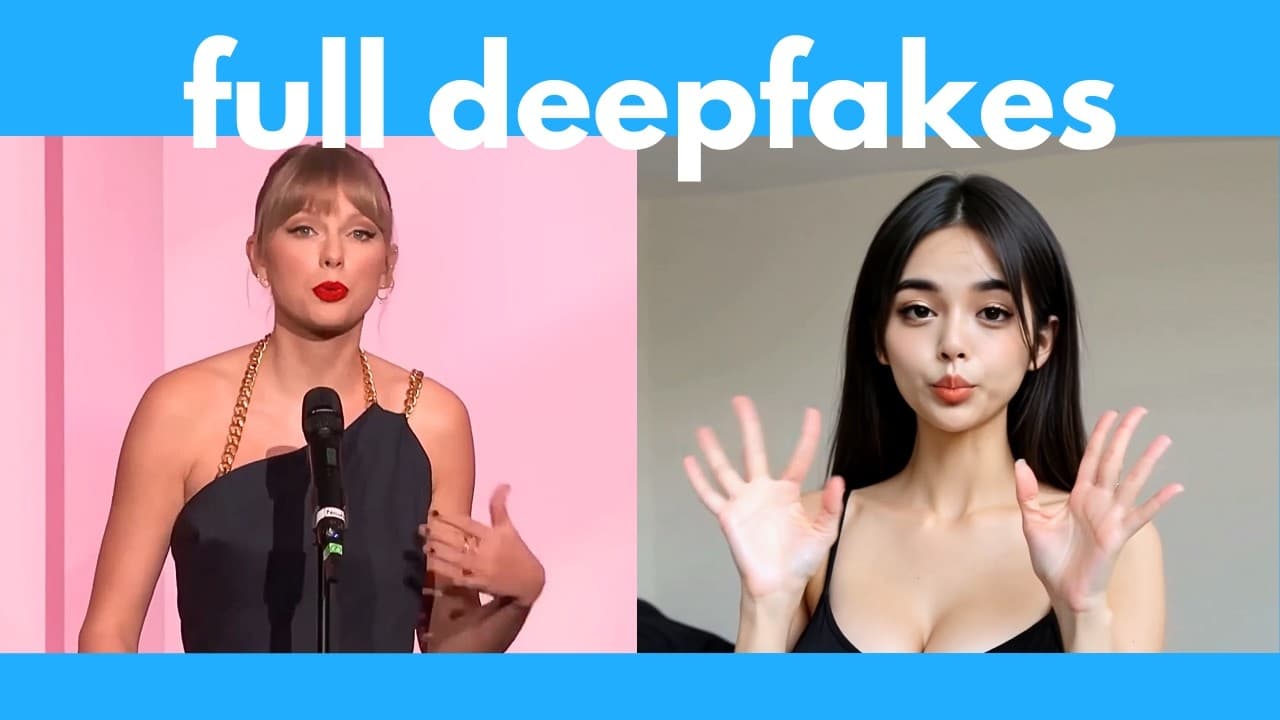
The video presents several use cases including lip syncing a person like Sam Altman or Taylor Swift to different audio tracks, translating speech into other languages, and applying the tool to 3D or AI generated characters. The examples illustrate the versatility of LatentSync for creative, educational, and experimental video projects.
Summary & Key Takeaways
-
LatentSync is presented as a free, open source tool that lip syncs audio to a video while preserving the original actor’s mouth movements, enabling realistic results without creating a full AI avatar.
-
The creator demonstrates multiple use cases including real video lip syncing, language translation workflows, and experimenting with different character types, while also outlining installation steps and hardware considerations.
-
The video hints at online options and sponsor mentions, and emphasizes that LatentSync can work with both real videos and AI-generated content for versatile lip sync demonstrations.
Read in Other Languages (beta)
Share This Summary 📚
Summarize YouTube Videos and Get Video Transcripts with 1-Click
Try YouTube Summary with ChatGPT & Claude or YouTube Transcript Generator
Explore More Summaries from AI Search 📚

Summarize YouTube Videos and Get Video Transcripts with 1-Click
Try YouTube Summary with ChatGPT & Claude or YouTube Transcript Generator