How to Achieve Real-Time Speech-to-Text Transcription
TL;DR
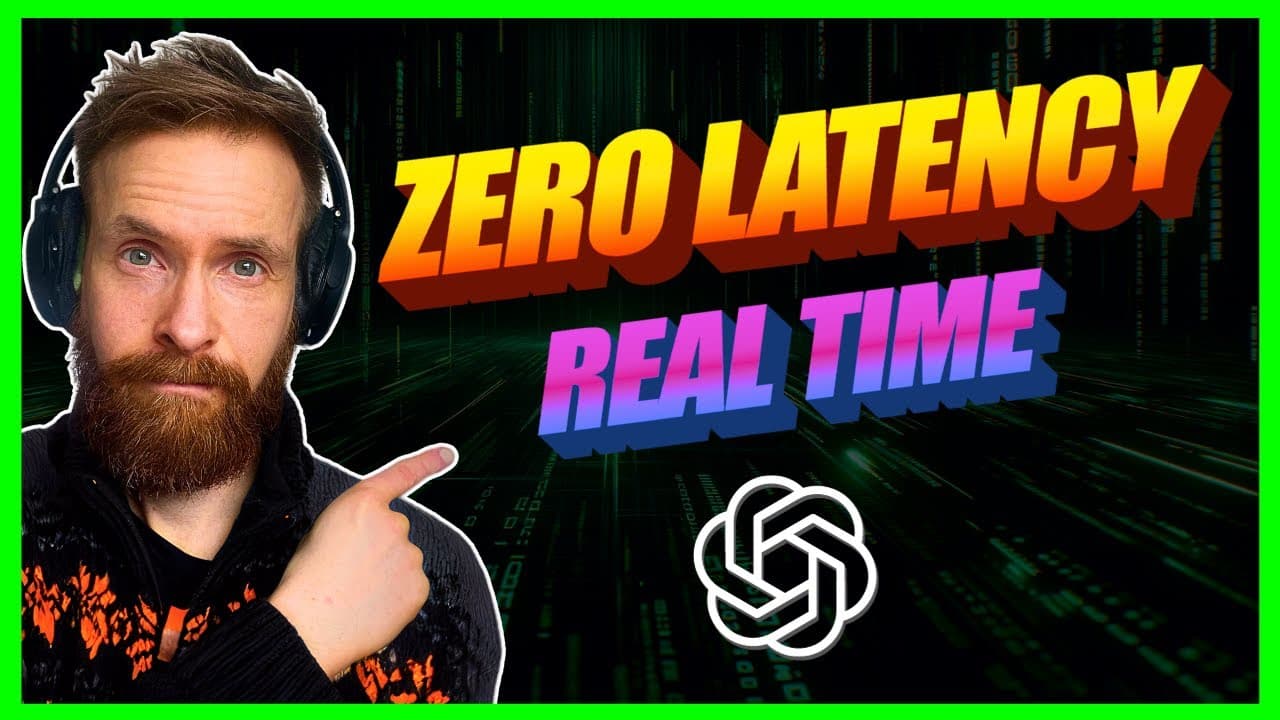
To achieve real-time speech-to-text transcription, utilize Fast Whisperer with GPU acceleration for low latency. The setup is straightforward; install the necessary libraries and configure the model based on your needs. Practical applications include transcribing videos, performing sentiment analysis, and generating images from conversation in real-time.
Transcript
in today's video I thought we can take a look at how I created this almost zero latency real time transcription that you actually can see on the screen here we're going to go through some use case ideas I have for this and how you can create this too so yeah I think we're just going to get started you can also see when I stop this now we get a log ... Read More
Key Insights
- 💨 Fast Whisperer enables low-latency real-time transcription by utilizing GPU acceleration.
- ⌛ Use cases demonstrated include real-time transcription of videos, sentiment analysis, and real-time image generation based on spoken words.
- 🛝 Sliding window prompts help maintain a consistent input length for sentiment analysis.
- 🫵 Viewers can access code and implementation details by becoming channel members.
- 🎮 Future improvements and upcoming video previews are teased in the content.
- 💬 The video emphasizes user engagement through comments and support for the channel.
- 😒 Real-time transcription with Fast Whisperer offers flexibility for various applications like music videos and different use cases.
Install to Summarize YouTube Videos and Get Transcripts
Explore YouTube Video Summarizer or Get YouTube Transcript Extractor
Questions & Answers
Q: What is Fast Whisperer and how does it enable low-latency transcription?
Fast Whisperer is a sped-up version of Whisperer from Open AI, leveraging GPU acceleration for quick transcription with minimal latency. By following simple setup instructions, users can achieve real-time transcription efficiently.
Q: What are some demonstrated use cases of the real-time transcription tool in the video?
The video showcases use cases like transcribing a Mr. Beast YouTube video in real-time, conducting sentiment analysis, and previewing a unique feature that generates images based on spoken words in real-time.
Q: How does the sliding window prompt work in the sentiment analysis feature?
The sentiment analysis feature utilizes a sliding window prompt to maintain a set number of characters for the model to analyze. This approach ensures real-time updates of sentiment based on the ongoing conversation.
Q: How can viewers access the code and implementation demonstrated in the video?
Viewers can access the code and implementation details by becoming a member of the channel and gaining access to the private GitHub repository. The video provides a link in the description for easy access to the resources.
Summary & Key Takeaways
-
Demonstrates creating real-time transcription with Fast Whisperer for low latency.
-
The video showcases use cases like real-time transcription of a Mr. Beast YouTube video and real-time sentiment analysis.
-
Preview of upcoming video with real-time generation of images based on spoken words.
Read in Other Languages (beta)
Share This Summary 📚
Summarize YouTube Videos and Get Video Transcripts with 1-Click
Try YouTube Summary with ChatGPT & Claude or YouTube Transcript Generator
Explore More Summaries from All About AI 📚




Summarize YouTube Videos and Get Video Transcripts with 1-Click
Try YouTube Summary with ChatGPT & Claude or YouTube Transcript Generator