How to Use Animal Avatars in Zoom Meetings
TL;DR
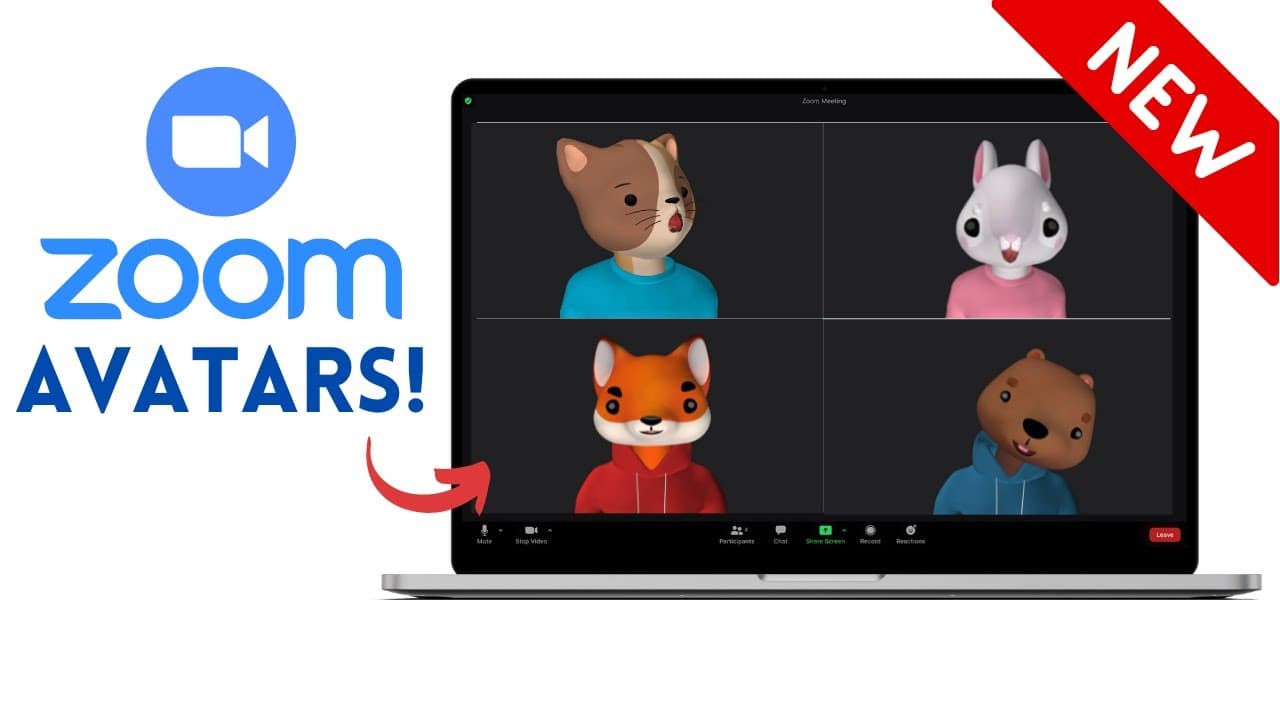
To use animal avatars in Zoom meetings, update to version 5.10, then start a meeting and select 'Choose Video Filter' from the camera settings. Choose your desired animal avatar, which will mimic your facial expressions and movements. To turn off the avatar, simply select 'Turn off Avatar' in the camera settings.
Transcript
have you ever wanted to start a zoo meeting as a dog or a fox a raccoon or even a gopher thanks to the latest zoom update you can now make yourself into any type of animal avatar and i'm going to show you how but before i do it would be great if you consider subscribing to my youtube channel where each week i'll be uploading new technology videos a... Read More
Key Insights
- 👤 Zoom now offers a fun feature of animal avatars for users during meetings.
- 👤 Users must update to version 5.10 of Zoom to access the avatar feature.
- ❓ There might be potential future updates to include human avatar options in Zoom.
- 😑 Animal avatars in Zoom mimic users' facial expressions and body movements.
- ↩️ Users can turn off the avatar feature by selecting "turn off avatar" in the camera settings.
- 🍄 The avatar feature adds a fun and quirky element to Zoom meetings.
- 👤 Some users might experience delays when switching between different animal avatars.
Install to Summarize YouTube Videos and Get Transcripts
Explore YouTube Video Summarizer or Get YouTube Transcript Extractor
Questions & Answers
Q: How can users access the animal avatar feature on Zoom?
Users need to update to version 5.10 of Zoom and select the avatar option in the video filter settings during a meeting.
Q: Can users choose human avatars in Zoom?
Currently, users can only select animal avatars in Zoom, but there might be human avatar options in the future.
Q: Are there any limitations to the animal avatars in Zoom?
While the animal avatars mimic facial expressions and movements, the arms of the avatar might hang in a static position.
Q: How can users turn off the animal avatar feature?
To disable the animal avatar, users can click on the arrow next to their camera settings and select "turn off avatar."
Summary & Key Takeaways
-
Zoom now offers the feature of turning yourself into an animal avatar during meetings.
-
Users need to update to version 5.10 of Zoom to access the avatar feature.
-
By selecting an animal avatar, users can have their facial expressions and body movements mimicked during meetings.
Read in Other Languages (beta)
Share This Summary 📚
Summarize YouTube Videos and Get Video Transcripts with 1-Click
Try YouTube Summary with ChatGPT & Claude or YouTube Transcript Generator
Explore More Summaries from EdTech Hustle 📚


![Keynote: Remove The Background of Any Photo [Using Instant Alpha] thumbnail](/_next/image?url=https%3A%2F%2Fi.ytimg.com%2Fvi%2F0Ji-uTffzJE%2Fhqdefault.jpg&w=750&q=75)



Summarize YouTube Videos and Get Video Transcripts with 1-Click
Try YouTube Summary with ChatGPT & Claude or YouTube Transcript Generator