How to Set Up PrivateGPT for Document Queries
TL;DR
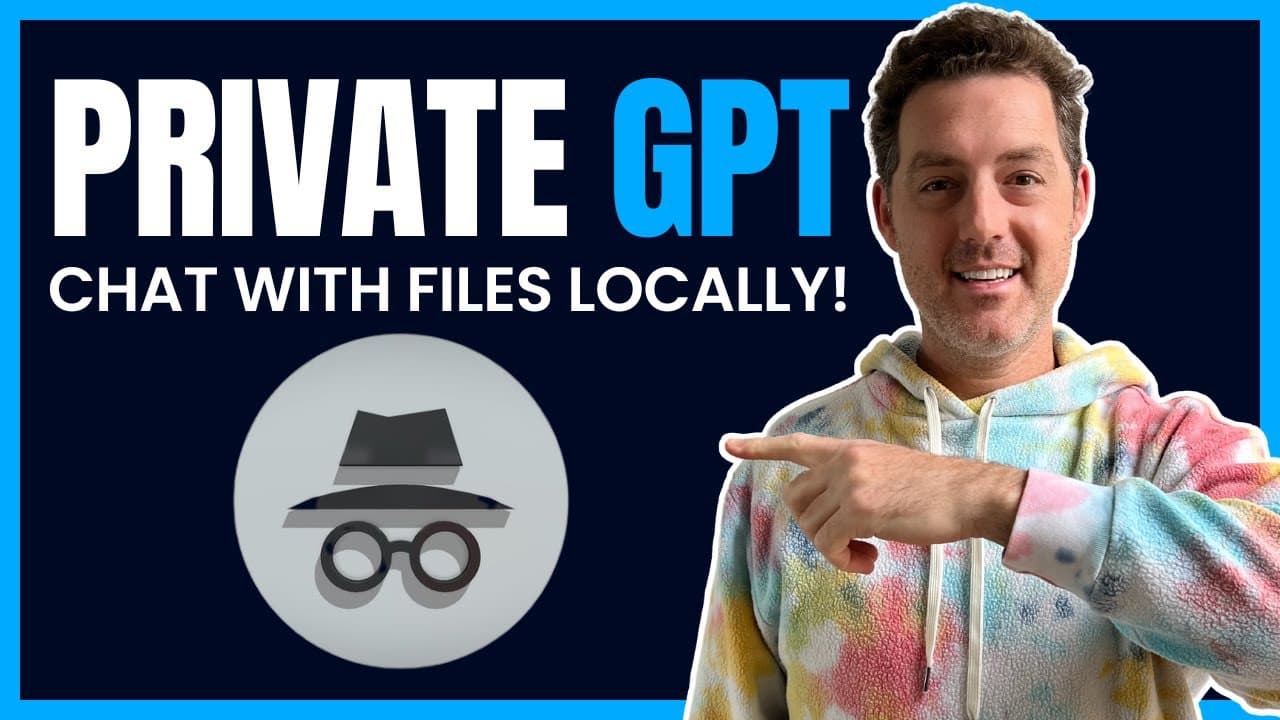
PrivateGPT enables private, offline document queries using a local language model. The setup involves cloning the GitHub repository, installing requirements, and downloading necessary models, allowing you to ask questions about text, PDF, and CSV files without sharing any data online.
Transcript
today we're going to take a look at private GPT which is a new project that is currently the number one trending project on GitHub and it allows you to load up documents text files PDF files and ask questions about them using a large language model the best part is it's completely private hence the name you can install it locally on your machine it... Read More
Key Insights
- 🤗 Private GPT is an open-source project that allows local installation of a language model for document-based question-answering.
- ℹ️ It is designed for privacy, as it does not require sending information to external sources.
- 🌀 The installation process involves cloning the GitHub repository, installing requirements, and downloading models.
- ⌛ Ingesting files can take a significant amount of time, depending on the machine.
- 📁 Private GPT supports various file formats, including text files, PDFs, and CSVs.
- ⁉️ The application provides answers to questions along with possible sources.
- ❓ Issues may arise during installation, but support is provided through a Discord community.
Install to Summarize YouTube Videos and Get Transcripts
Explore YouTube Video Summarizer or Get YouTube Transcript Extractor
Questions & Answers
Q: What is Private GPT?
Private GPT is an open-source project that allows users to ask questions about loaded documents using a language model.
Q: Does Private GPT require an internet connection?
No, Private GPT can be installed locally on your machine and does not require an internet connection to function.
Q: How do I install Private GPT?
To install Private GPT, you need to clone the GitHub repository, install the required dependencies, and download the models. Detailed instructions are provided in the content.
Q: What types of files can be loaded into Private GPT?
Private GPT supports text files, PDF files, and CSV files. You can load any documents you want to ask questions about into the "Source documents" folder.
Q: How long does the ingestion process take?
The ingestion process can take a significant amount of time, especially on older machines. It may take minutes or even longer to chunk and store the files in a database.
Q: Can Private GPT provide sources for the answers it generates?
Yes, Private GPT can provide sources for the answers it generates, allowing you to verify the information.
Q: What do I do if I encounter issues during the installation process?
If you encounter any issues during the installation process, you can seek help by joining the provided Discord community for support and debugging assistance.
Key Insights:
- Private GPT is an open-source project that allows local installation of a language model for document-based question-answering.
- It is designed for privacy, as it does not require sending information to external sources.
- The installation process involves cloning the GitHub repository, installing requirements, and downloading models.
- Ingesting files can take a significant amount of time, depending on the machine.
- Private GPT supports various file formats, including text files, PDFs, and CSVs.
- The application provides answers to questions along with possible sources.
- Issues may arise during installation, but support is provided through a Discord community.
- Private GPT can be run without an internet connection, making it suitable for offline use.
Summary & Key Takeaways
-
Private GPT is a new project that enables users to ask questions about loaded documents using a language model.
-
It is completely private and does not require sending any information to external sources.
-
The installation process involves cloning the GitHub repository, installing the requirements, and downloading the necessary models.
Read in Other Languages (beta)
Share This Summary 📚
Summarize YouTube Videos and Get Video Transcripts with 1-Click
Try YouTube Summary with ChatGPT & Claude or YouTube Transcript Generator
Explore More Summaries from Matthew Berman 📚



Summarize YouTube Videos and Get Video Transcripts with 1-Click
Try YouTube Summary with ChatGPT & Claude or YouTube Transcript Generator