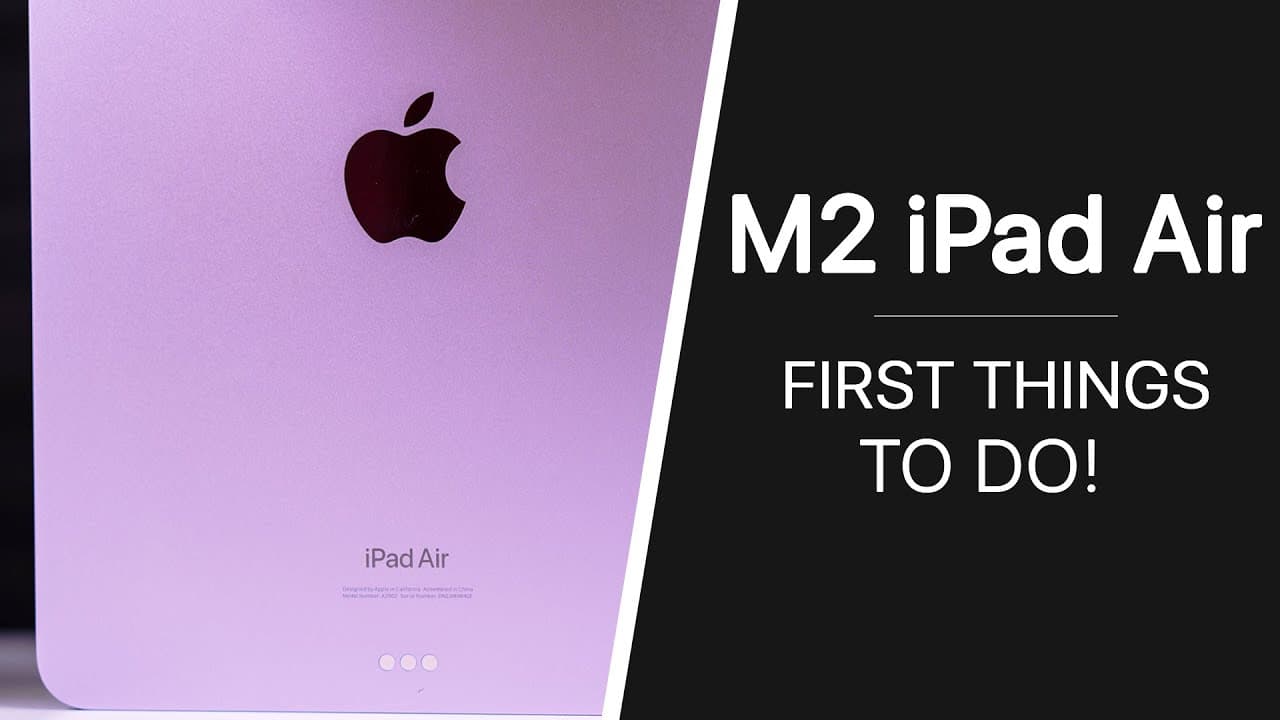
What Are the Best 16 Tips for Your New M2 iPad Air?
TL;DR
To optimize your new M2 iPad Air, start by updating to the latest software for enhanced features. Enable battery health settings to prolong battery lifespan, make use of the landscape ultrawide camera for better video calls, and explore multitasking capabilities. Personalize your device by utilizing Safari profiles and the Apple Pencil hover feature for improved efficiency.
Transcript
what's up guys my name is Brandon and you just got your new M2 iPad Air you've already unboxed it you've gone through the initial setup process but now you might be wondering what should I do next well in this video I'm going to be showing you the first 16 things that you should do after getting your brand new M2 iPad Air to get the most out of it ... Read More
Key Insights
- 👶 Immediate software updates on new devices are crucial for security and performance enhancements.
- 🔋 Utilizing battery health settings can significantly extend the lifespan of your device's battery.
- 🎥 The new landscape ultrawide camera enhances video call quality, particularly by supporting features like Center Stage.
- 😀 iPad Air’s multitasking capabilities provide users with flexible workflow options, allowing for efficient app management.
- 🆘 Customization options in Safari, such as creating profiles, help in organizing browsing activities for different contexts.
- 💄 The Apple Pencil hover feature enhances precision while drawing or editing, making it a valuable tool for creatives.
- 😀 Organizing home screen apps and widgets can result in a more user-friendly interface tailored to individual preferences.
Install to Summarize YouTube Videos and Get Transcripts
Explore YouTube Video Summarizer or Get YouTube Transcript Extractor
Questions & Answers
Q: Why is it important to update the software on my iPad Air immediately after unboxing?
Updating the software ensures that your device has the latest features, security updates, and improvements. When you first unbox and set up the iPad Air, it likely runs an older version of the operating system. By performing this update, you can unlock new capabilities and ensure optimal device performance.
Q: What benefits does the 80% battery charging limit provide?
The 80% battery charging limit helps prolong your iPad's battery lifespan. By preventing the battery from charging to full capacity, this feature reduces stress on the battery, which can lead to longer-term health and higher efficiency over the years. If you plan to keep your iPad for an extended period, enabling this feature is recommended.
Q: How can I customize my iPad Air’s multitasking experience?
You can enhance your multitasking experience by learning three systems: Split View, Slide Over, and Stage Manager. Split View allows two apps to be displayed side by side, while Slide Over lets another app appear in a slimmer view. Stage Manager provides a more organized layout for open applications, giving you flexibility in managing your workspace effectively.
Q: What is Apple Pencil hover, and how does it enhance usage?
The Apple Pencil hover feature allows users to see a preview of their pointer on the screen before they make contact. This capability, now available on iPad Air, is particularly beneficial for drawing and editing tasks, as it provides greater control and precision when selecting items or executing actions.
Q: How do Safari profiles enhance browsing on the iPad Air?
Safari profiles enable users to separate their browsing activities for work, personal, or leisure use. Each profile can have its own bookmarks, favorites, and browsing history. This separation helps maintain organization and privacy while using the browser for different purposes, making it easy to switch contexts without mixing information.
Q: What should I do if my iPad Air freezes and won't respond?
To resolve a frozen iPad Air, press the volume up button followed by the volume down button, and then press and hold the top button until the Apple logo appears. This forces a reboot of the device, which can resolve unresponsive issues and restore normal operation, even if the screen appears frozen.
Q: What features can I utilize to enhance my iPad Air's home screen?
You can customize your home screen by adding widgets, changing wallpapers, and organizing apps in the dock. The video recommends using exclusive iPad Air wallpapers and selecting useful widgets like battery and HomeKit controls. Additionally, hiding less-used apps can declutter your home screen for better accessibility.
Q: How do I configure Touch ID on my iPad Air?
To optimize Touch ID, navigate to Settings, then Touch ID & Passcode. Here, you can add multiple fingerprints for different fingers, naming each for easy reference (e.g., left index, right thumb). This setup allows you to unlock the device quickly and securely, accommodating various grips and orientations.
Summary & Key Takeaways
-
The video offers 16 essential tips for new M2 iPad Air owners, guiding them through initial settings and features.
-
Key recommendations include updating software for the latest features, managing battery health settings, and utilizing the new landscape ultrawide camera for better video calls.
-
Additionally, it covers multitasking features, customizing the user interface, and maximizing device efficiency with tools like Safari profiles and the Apple Pencil.
Read in Other Languages (beta)
Share This Summary 📚
Summarize YouTube Videos and Get Video Transcripts with 1-Click
Try YouTube Summary with ChatGPT & Claude or YouTube Transcript Generator
Explore More Summaries from Brandon Butch 📚





Summarize YouTube Videos and Get Video Transcripts with 1-Click
Try YouTube Summary with ChatGPT & Claude or YouTube Transcript Generator