How to Master Claude Code: 32 Essential Hacks
TL;DR
To optimize Claude Code usage, start by initializing projects with /init to create a cloud.md cheat sheet. Use voice input, maintain small contexts, and deploy sub-agents for parallel tasks. Advanced users can leverage agent teams and context-specific MCP servers for up-to-date documentation access, enhancing overall efficiency and output quality.
Transcript
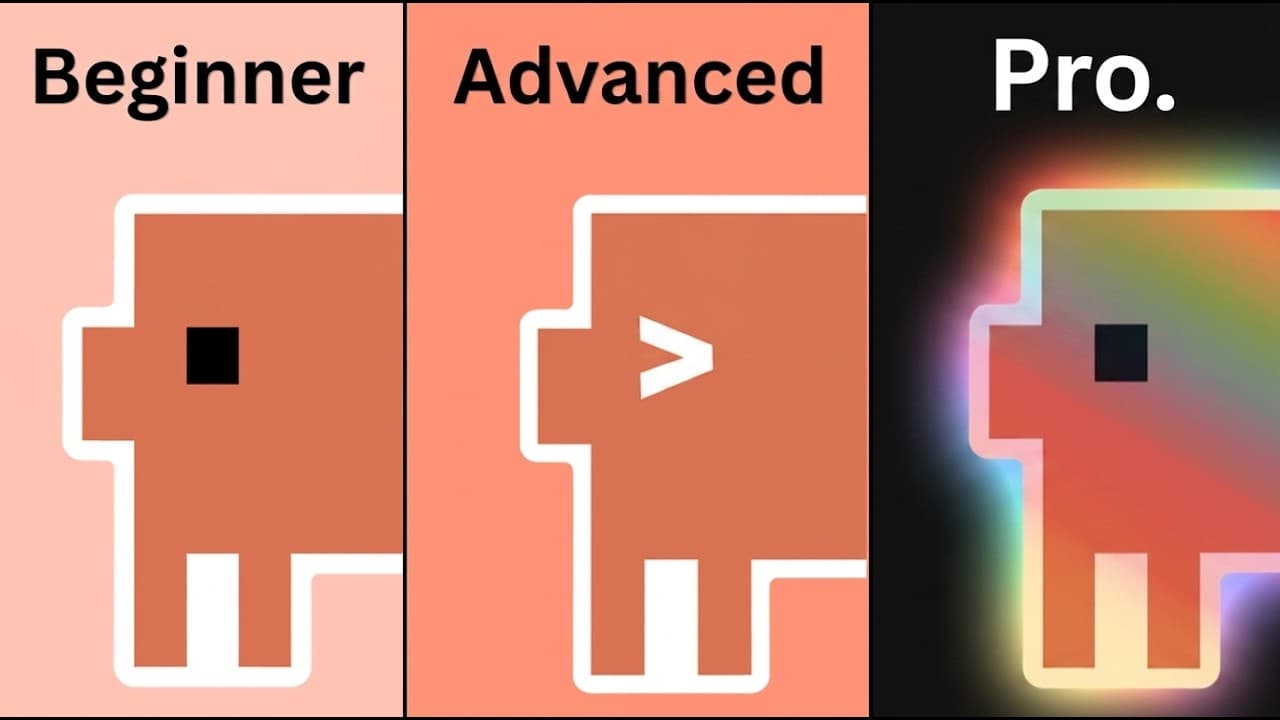
These are the cloud code hacks that took me from a complete beginner to mass-producing workflows and building websites, apps, and AI agents in real time. So, today we're going to be going from beginner hacks all the way to advanced power user stuff. And the best ones are saved at the end. All right, so starting off with our beginner hacks, number o... Read More
Key Insights
- Running /init on projects creates a cloud.md file that outlines architecture and key files, streamlining project initialization.
- Setting up a status line in the terminal provides real-time updates on model, context percentage, and costs, aiding session management.
- Voice input allows users to dictate code directly, increasing coding efficiency and reducing manual input.
- Maintaining a small context by focusing on current tasks improves Claude's performance and reduces context rot.
- Using sub-agents enables parallel processing of tasks, keeping the main thread clean and efficient.
- Regularly updating the claw.md file with new discoveries and skills ensures Claude remains informed about project specifics.
- Agent teams allow communication between agents, enhancing collaboration and output quality for complex projects.
- Context 7 MCP server provides up-to-date documentation, preventing issues with deprecated functions or APIs.
Install to Summarize YouTube Videos and Get Transcripts
Explore YouTube Video Summarizer or Get YouTube Transcript Extractor
Questions & Answers
Q: How to create a project cheat sheet in Claude Code?
To create a project cheat sheet in Claude Code, run the /init command on your project. This generates a cloud.md file that outlines the project's architecture, key files, and conventions. It helps streamline project setup and management by providing a comprehensive overview, reducing the need for repeated explanations and facilitating better contextual understanding for Claude.
Q: What is the benefit of using a status line in Claude Code?
A status line in Claude Code provides real-time updates on various session metrics such as model type, context percentage, and costs. This feature acts as a mini dashboard, allowing developers to monitor session parameters continuously. It helps in managing resources effectively and ensures that users can avoid context rot by keeping track of the remaining context capacity.
Q: Why is maintaining a small context important in Claude Code?
Maintaining a small context in Claude Code is crucial for performance optimization. By focusing only on the current task and avoiding unnecessary data input, users can enhance Claude's efficiency and accuracy. A smaller context window minimizes noise, allowing Claude to process relevant information more effectively and deliver better outputs, ultimately improving the coding experience.
Q: How do sub-agents improve Claude Code's efficiency?
Sub-agents in Claude Code allow for parallel processing of tasks, enhancing efficiency by keeping the main thread clean. Each sub-agent operates in its own context window, performing specific tasks like research or testing independently. This setup enables concurrent task execution, similar to having a team of developers, which speeds up workflows and reduces bottlenecks in complex projects.
Q: What is the role of the claw.md file in Claude Code?
The claw.md file in Claude Code serves as a dynamic system prompt, logging project-specific information such as new patterns, skills, and conventions. Regular updates to this file help Claude remember important details about the project, preventing repeat mistakes and ensuring smarter interactions. However, it's essential to keep the file concise to avoid token bloat, typically between 150 and 200 lines.
Q: How do agent teams enhance project collaboration in Claude Code?
Agent teams in Claude Code facilitate enhanced project collaboration by allowing multiple agents to communicate and share tasks. Unlike sub-agents, which operate independently, agent teams can assign work to each other and coordinate efforts, resulting in more cohesive outputs. This setup is particularly beneficial for large projects requiring complex interactions and detailed task management.
Q: What problem does the Context 7 MCP server solve in Claude Code?
The Context 7 MCP server addresses the issue of outdated training data in Claude Code by providing access to up-to-date technical documentation. It ensures that coding agents have the latest information on functions and APIs, preventing errors related to deprecated or renamed elements. This server enhances code quality by injecting current documentation into conversations before code execution.
Q: How can Claude Code users optimize token usage with API endpoints?
Claude Code users can optimize token usage by utilizing direct API endpoints instead of MCP servers when only specific functions are needed. MCP servers load entire tool definitions, consuming more tokens. By hardcoding endpoints for required tasks, users can save tokens and maintain efficiency, particularly in projects with tight token budgets or when only a subset of functions is necessary.
Summary & Key Takeaways
-
Initializing projects with /init generates a cloud.md file, serving as a cheat sheet for project architecture and key files. This facilitates efficient project management and reduces the need for repeated explanations.
-
Utilizing voice input and maintaining a small context window enhances coding efficiency and Claude's performance. Voice commands reduce manual input, while a focused context minimizes unnecessary data processing.
-
Deploying sub-agents for parallel tasks and using agent teams for complex projects improves workflow efficiency. These advanced techniques allow for concurrent task execution and better collaboration among coding agents.
-
(Content reviewed on 2026-08-27.)
Read in Other Languages (beta)
Share This Summary 📚
Summarize YouTube Videos and Get Video Transcripts with 1-Click
Try YouTube Summary with ChatGPT & Claude or YouTube Transcript Generator
Explore More Summaries from Nate Herk | AI Automation 📚

Summarize YouTube Videos and Get Video Transcripts with 1-Click
Try YouTube Summary with ChatGPT & Claude or YouTube Transcript Generator