How to Cross Compile the Raspberry Pi Kernel Efficiently
TL;DR
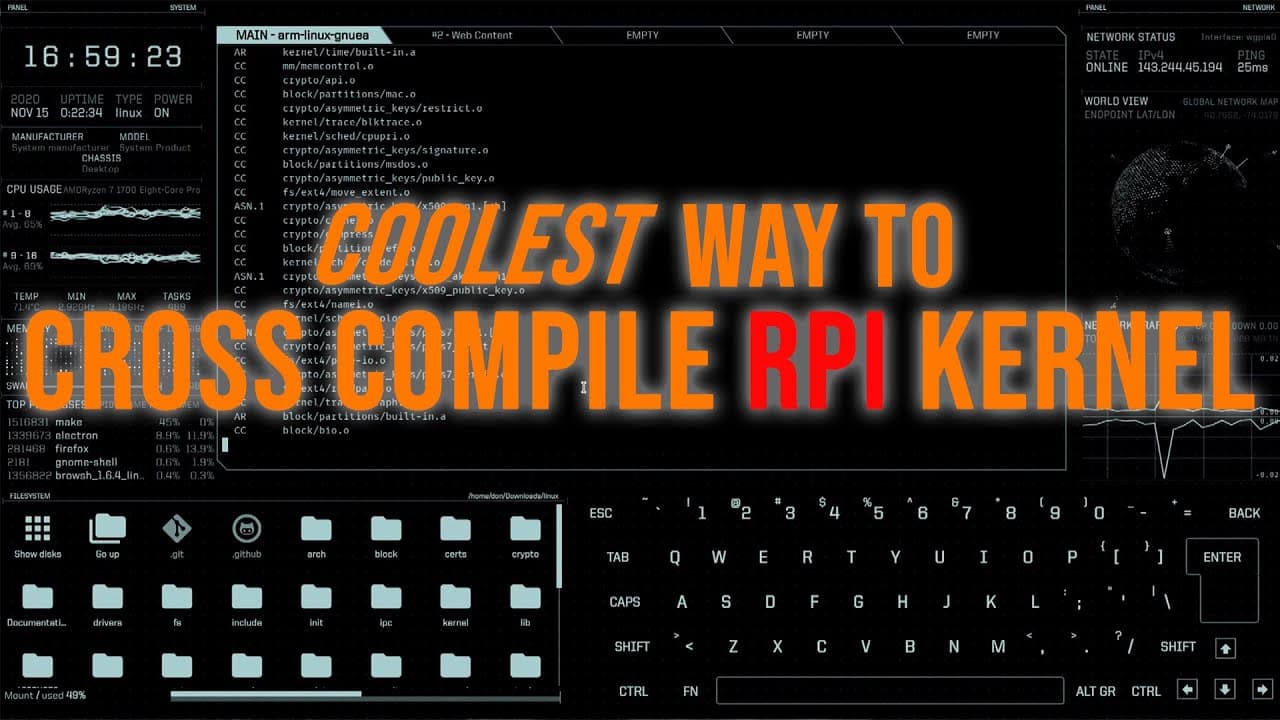
To cross compile the Raspberry Pi kernel efficiently, start by downloading the kernel source using a terminal-based browser and ensure you have the necessary tools installed. Use specific commands to compile the kernel and its modules, leveraging multiple CPU cores for faster processing. A VPN is also recommended for secure downloads during this process.
Transcript
hey guys what's going on it's don here from nova spur tech and welcome back to the channel and today we are going to be cross compiling the raspberry pi kernel in the coolest way possible so let's get started before i begin i do want to announce that i partnered up with my friend for this new merch on imfyi.com my friend just started a company rece... Read More
Key Insights
- 😑 Cross compiling the Raspberry Pi kernel can greatly enhance performance and allow for customized features that aren't available in pre-compiled versions.
- 🫥 Using a terminal-based browser optimizes the Linux command-line experience, allowing easy access to resources without leaving the terminal environment.
- 🎭 Compiling kernels can be quick if done on a capable desktop setup, showcasing the importance of hardware when performing resource-intensive tasks.
- 📁 Familiarity with terminal commands and Linux file structures is crucial for effective kernel compilation and file management.
- 😑 Merging productivity tools with self-expression, such as custom merchandise, highlights the intersection of technology and personal branding.
- 😒 Effective use of version control, like Git, ensures that the most current kernel releases are utilized in projects.
- 📁 The necessity for thorough clean-up and proper directory management cannot be overlooked during the compilation and installation process.
Install to Summarize YouTube Videos and Get Transcripts
Explore YouTube Video Summarizer or Get YouTube Transcript Extractor
Questions & Answers
Q: What is the significance of using a VPN while cross compiling the Raspberry Pi kernel?
A VPN enhances security by encrypting internet traffic, protecting users' data from ISPs or public networks. It ensures that any downloads or online activities remain private, which is particularly important when managing sensitive kernel compilations or working in public spaces.
Q: What tools does the presenter use for terminal browsing and system configuration?
The presenter utilizes an ASCII-based terminal browser called Browsh and employs Edex UI for an immersive terminal experience. These tools allow for streamlined navigation, downloading files, and executing commands conveniently within the terminal environment.
Q: How can one ensure that they are using the correct kernel configuration when compiling?
It’s essential to use the right commands and flags during the configuration process. Specifically, the presenter points out the importance of the "make" and "menuconfig" commands to properly set up the kernel configuration required for the Raspberry Pi 4, thus avoiding common compilation errors.
Q: What are the steps taken to transfer the compiled kernel files to the Raspberry Pi?
The presenter creates specific directories on the Raspberry Pi, ensuring files are categorized into "boot" and "lib/modules" folders. He then uses SCP commands to efficiently transfer the compiled files directly, eliminating the need for an SD card or manual data transfer.
Summary & Key Takeaways
-
The video tutorial demonstrates how to cross compile the Raspberry Pi kernel using various terminal tools while sharing useful merchandise for self-expression.
-
Key steps include downloading the kernel, changing directories, and using specific commands to compile the kernel and its modules quickly.
-
The presenter emphasizes the importance of using a VPN for secure internet access, showcasing Private Internet Access as a reliable option for users.
Read in Other Languages (beta)
Share This Summary 📚
Summarize YouTube Videos and Get Video Transcripts with 1-Click
Try YouTube Summary with ChatGPT & Claude or YouTube Transcript Generator
Explore More Summaries from Novaspirit Tech 📚






Summarize YouTube Videos and Get Video Transcripts with 1-Click
Try YouTube Summary with ChatGPT & Claude or YouTube Transcript Generator