What Are the Best Gnome Extensions for Ubuntu?
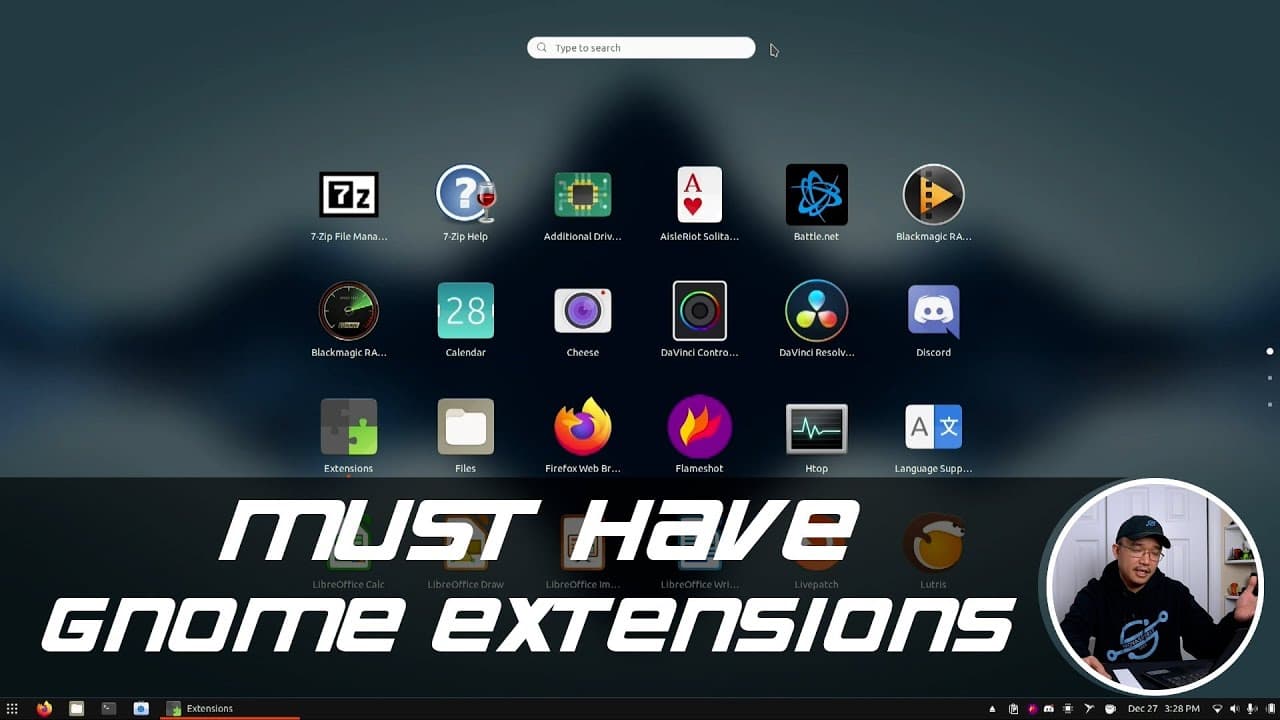
TL;DR
The best Gnome extensions for enhancing workflow on Ubuntu include Blur My Shell for a cleaner interface, Caffeine to prevent the screen from sleeping during tasks, and Dash to Panel for a familiar Windows layout. Additional useful extensions are Clipboard Indicator for efficient clipboard management and Snap Manager for easy Snap package updates.
Transcript
hey guys what's going on it's don here from nova spare tech and welcome back to the channel and today we are going to be going through some of my must-have gnome extensions so let's get started so if you guys haven't noticed by now i actually use a lot of ubuntu and gnome shell and that wasn't always the case i used to switch between the operating ... Read More
Key Insights
- 👤 Gnome extensions can significantly enhance the overall user experience and efficiency on Ubuntu.
- ❓ Utilizing the Caffeine extension is a practical approach to avoid disruptions during important tasks and presentations.
- 🆘 Visual modifications from extensions like Blur My Shell can help reduce distractions and improve focus on application icons.
- 😄 The Dash to Panel extension aligns the Gnome interface more closely with familiar Windows layouts, easing transitions between operating systems.
- 👤 Effective clipboard management is crucial for users who frequently copy and paste across applications, making the Clipboard Indicator an essential tool.
- 👤 The Snap Manager simplifies the upkeep of Snap packages without requiring users to frequently check for updates.
- 👻 Customization through User Themes allows for greater personalization, making the desktop environment more enjoyable and user-friendly.
Install to Summarize YouTube Videos and Get Transcripts
Explore YouTube Video Summarizer or Get YouTube Transcript Extractor
Questions & Answers
Q: What is the purpose of the Blur My Shell extension?
Blur My Shell adds a blur effect to the background behind your icons, making it less distracting compared to having a clear background. This improvement enhances visibility and helps you focus on your applications and files without visual clutter.
Q: How does the Caffeine extension benefit users?
Caffeine prevents the screen from going to sleep during tasks such as video filming or presentations. By keeping the display active, users avoid interruptions and the need to re-enter passwords, thus enhancing productivity during important tasks.
Q: Why does Don prefer the Dash to Panel extension?
Don prefers the Dash to Panel extension because it relocates the panel to the bottom of the screen, similar to a Windows interface. This aligns with his muscle memory from using Windows, thereby improving his workflow and ease of navigation while switching between operating systems.
Q: What is the function of the Sound Input and Output Device Chooser?
This extension allows users to easily switch between audio output and input devices without navigating through the settings menu. It's particularly handy for quickly changing audio sources, such as switching from built-in speakers to headphones, enhancing user experience.
Q: How does the Snap Manager extension enhance convenience?
Snap Manager informs users of available updates for Snap packages and allows for easy management such as installing or removing snaps. This means users don’t have to constantly check the Ubuntu Software Center, making it a time-saver for maintaining updated applications.
Q: What role does the User Themes extension play in customization?
The User Themes extension enables users to customize the look of their Gnome environment by altering themes, icons, and title bars. This flexibility allows for a more personalized user experience, allowing users to make their desktop visually appealing and aligned with their preferences.
Summary & Key Takeaways
-
Don discusses his personal experience switching to Ubuntu with Gnome shell and highlights the productivity benefits of using Gnome extensions.
-
He reviews a selection of essential extensions, such as Blur My Shell and Caffeine, emphasizing their functionalities in improving the user interface and keeping the device active during tasks.
-
The video concludes with Don inviting viewers to share their favorite Gnome extensions, fostering community engagement and further exploration of useful tools.
Read in Other Languages (beta)
Share This Summary 📚
Summarize YouTube Videos and Get Video Transcripts with 1-Click
Try YouTube Summary with ChatGPT & Claude or YouTube Transcript Generator
Explore More Summaries from Novaspirit Tech 📚






Summarize YouTube Videos and Get Video Transcripts with 1-Click
Try YouTube Summary with ChatGPT & Claude or YouTube Transcript Generator