How to Use Claude Code Dynamic Workflows Effectively
TL;DR
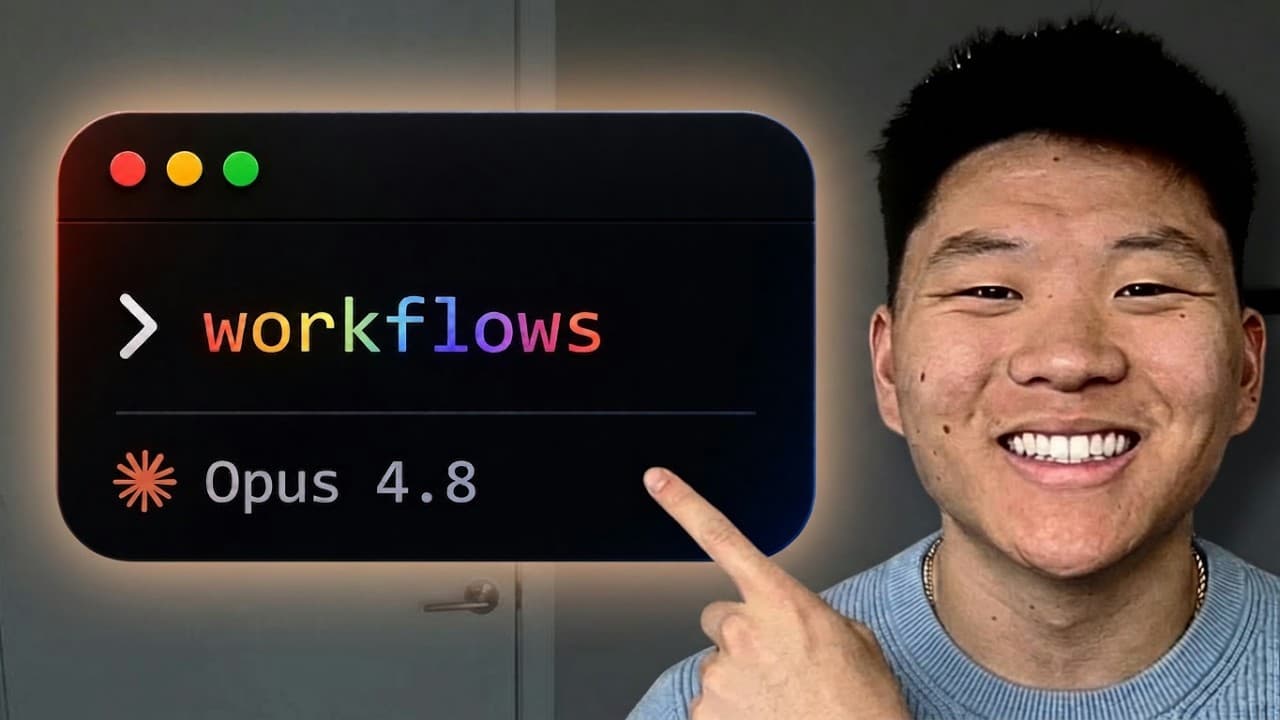
Dynamic workflows in Claude Code automate complex tasks by running multiple sub-agents in parallel, optimizing efficiency but potentially increasing costs. They differ from skills, sub-agents, and agent teams by their ability to handle large-scale operations. Users should carefully consider their use case to avoid unnecessary expenses.
Transcript
So, I just ran this cloud code dynamic workflow that analyzed all of my skills. You can see here that it spun up 41 Haiku scoring agents because I have 41 skills here. And then it's feeding all of that analysis into an opus synthesis agent. Now, because all of those agents were working in parallel, which is pretty cool. It didn't take that long, bu... Read More
Key Insights
- Dynamic workflows in Claude Code automate tasks by running multiple agents in parallel, enhancing efficiency.
- They differ from skills, sub-agents, and agent teams by handling large-scale operations with more complexity.
- Workflows can consume significant tokens, increasing costs, especially if not carefully managed.
- Each agent in a workflow is a full Claude call, which can add up in terms of token usage.
- The /deep-research function in workflows allows for parallel research, providing a cited report.
- Workflows are best for tasks that can be broken into independent parts running simultaneously.
- Ultra code mode uses workflows extensively, offering high intelligence but at a higher cost.
- Users should assess if a workflow is necessary or if it would be overkill for their specific task.
Install to Summarize YouTube Videos and Get Transcripts
Explore YouTube Video Summarizer or Get YouTube Transcript Extractor
Questions & Answers
Q: How do dynamic workflows in Claude Code function?
Dynamic workflows in Claude Code function by running multiple sub-agents in parallel to complete complex tasks efficiently. These workflows automate the execution of tasks that can be broken into independent parts, allowing for simultaneous processing and synthesis of results. This capability makes them ideal for large-scale operations requiring coordination among several agents.
Q: What distinguishes workflows from skills and sub-agents in Claude Code?
Workflows differ from skills and sub-agents by their ability to handle large-scale operations through parallel processing. While skills are reusable recipes for specific tasks and sub-agents execute tasks independently, workflows coordinate multiple agents to work simultaneously, integrating their results for complex problem-solving. This distinction makes workflows suitable for tasks requiring extensive parallelism.
Q: Why can dynamic workflows be costly in Claude Code?
Dynamic workflows can be costly because each agent within the workflow acts as a full Claude call, consuming tokens for both input and output. This parallel processing of multiple agents increases token usage, potentially leading to high costs. Users must carefully define their tasks to avoid unnecessary token consumption and manage expenses effectively.
Q: What is the /deep-research function in Claude Code workflows?
The /deep-research function in Claude Code workflows automatically invokes a workflow to conduct parallel research. It spins up multiple agents to gather information, vote on claims, and produce a cited report. This feature is valuable for users needing comprehensive research capabilities, allowing for detailed analysis and synthesis of information from various sources.
Q: When should a user opt for dynamic workflows over other features?
A user should opt for dynamic workflows when a task can be divided into multiple independent parts that can run simultaneously. Workflows are ideal for large-scale operations requiring extensive parallel processing and integration of results. Users should ensure that the complexity and cost of workflows align with their task requirements to avoid unnecessary expenses.
Q: How does ultra code mode utilize workflows in Claude Code?
Ultra code mode in Claude Code utilizes workflows extensively to provide high-level intelligence and reasoning capabilities. It defaults to using workflows for complex tasks, offering enhanced processing power but at a higher cost. This mode is suitable for users needing maximum computational resources and intelligence, albeit with increased token consumption.
Q: What precautions should users take when using workflows?
Users should define their tasks explicitly and limit the scope to avoid excessive token consumption. It's crucial to specify deliverables and ensure that the workflow aligns with the task's requirements. By bounding the scope and avoiding vague requests, users can manage costs effectively and prevent unnecessary expenses when using workflows.
Q: Can workflows be reused in Claude Code?
Yes, workflows in Claude Code can be saved and reused. Once a workflow is created, it generates a JavaScript file that can be stored and executed again for similar tasks. This reusability allows users to efficiently manage recurring tasks, ensuring consistency and saving time in executing complex operations.
Summary & Key Takeaways
-
Dynamic workflows in Claude Code enable the execution of complex tasks by running multiple sub-agents concurrently. They are suitable for large-scale operations but can quickly consume tokens, leading to increased costs. Users should assess their specific needs to determine if workflows are the right tool for their tasks.
-
Workflows differ from skills, sub-agents, and agent teams by their ability to handle multiple independent tasks at once. The /deep-research feature allows for comprehensive research, delivering a detailed report. However, the token usage can be high, so careful planning is required to avoid unnecessary expenses.
-
Ultra code mode leverages workflows to provide high-level intelligence but at a significant cost. Users should consider if the complexity and cost of workflows are justified for their tasks, ensuring they are not using them unnecessarily and incurring additional expenses.
Read in Other Languages (beta)
Share This Summary 📚
Summarize YouTube Videos and Get Video Transcripts with 1-Click
Try YouTube Summary with ChatGPT & Claude or YouTube Transcript Generator
Explore More Summaries from Nate Herk | AI Automation 📚






Summarize YouTube Videos and Get Video Transcripts with 1-Click
Try YouTube Summary with ChatGPT & Claude or YouTube Transcript Generator