What Are All the ChatGPT Features Explained in 37 Minutes?
TL;DR
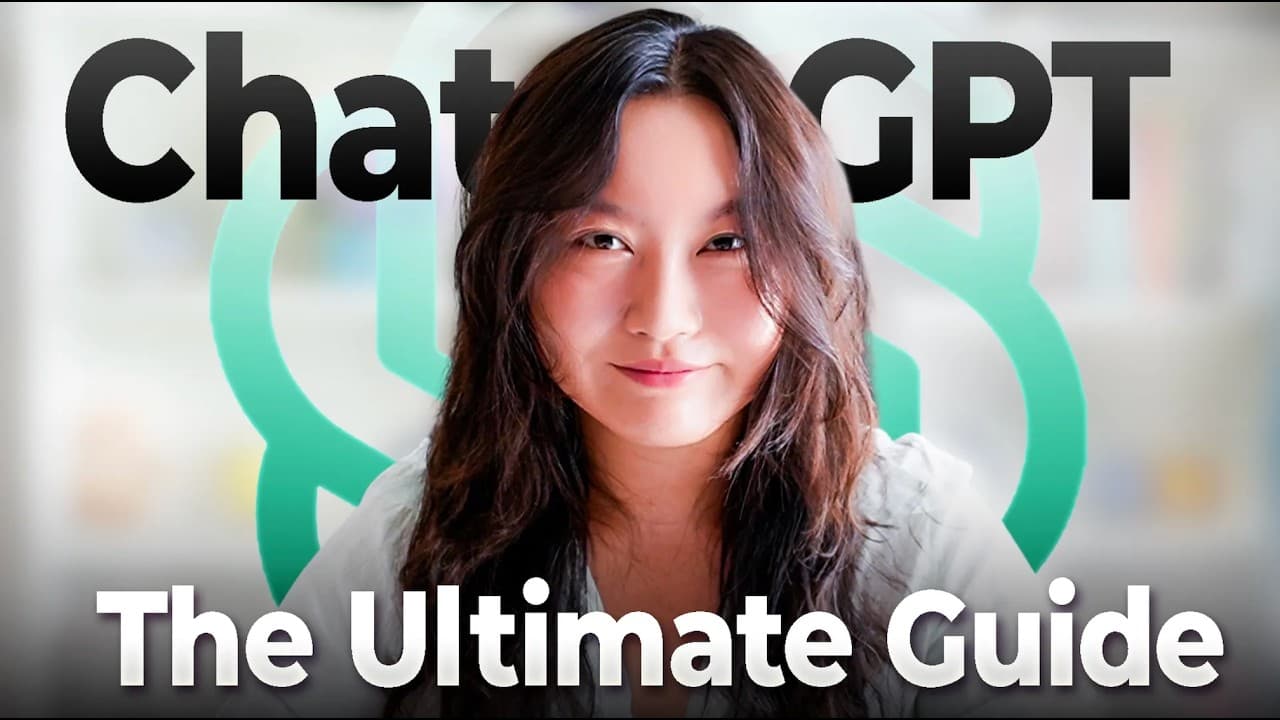
Chachibt is presented as a fast, reliable and well-rounded AI chatbot with almost 550 million monthly active users worldwide. Its features include photos and files, agent mode, deep research, image generation, connectors, web search, canvas, voice mode, custom GPTs, projects and scheduled tasks. Read on to see how these tools support research, creation, coding, organization and personalized assistance.
Transcript
ChachiBT is my all-time mostused AI product, hands down. I've been using it multiple times a day ever since it was released in October of 2022. But for some reason, I haven't actually made a video covering all of its functionalities yet. So, yeah, here it is. Do stay tuned because I am 99% sure that there is going to be a feature that I'm going to ... Read More
Key Insights
- ChatGPT is the most widely used AI chatbot with over 550 million monthly active users.
- Agent mode allows ChatGPT to perform tasks beyond simple conversation, such as creating website mockups.
- The deep research feature enables users to generate comprehensive reports on specific topics using multiple sources.
- ChatGPT supports multimodal inputs, allowing users to upload images and receive context-specific responses.
- Custom GPTs can be created to tailor ChatGPT's functionality to specific tasks or interests.
- The platform includes privacy and security settings for managing data and personal information.
- ChatGPT's voice functionality offers a humanlike interaction experience, useful for brainstorming and role-playing conversations.
- Advanced users can access the OpenAI Playground for more granular control over AI models and API testing.
Install to Summarize YouTube Videos and Get Transcripts
Explore YouTube Video Summarizer or Get YouTube Transcript Extractor
Questions & Answers
Q: What is Chachibt and what features does it offer?
Chachibt is presented as a general AI chatbot that is fast, reliable and well-rounded, with almost 550 million monthly active users worldwide. Its features include file and photo uploads, agent mode, deep research, image generation, connectors, web search, canvas, dictation, voice mode, custom GPTs, projects and schedules.
Q: What can ChatGPT agent mode do?
Agent mode allows ChatGPT to do things for the user instead of only holding a conversation. The transcript also identifies the OpenAI Agents SDK as a framework developed specifically for making agents.
Q: How does ChatGPT support research and web search?
Deep research is designed for in-depth research tasks, while web search handles internet-based requests. The transcript shows ChatGPT searching for popular keyboards and returning details, community information, summaries and recommendations.
Q: What can users create with ChatGPT canvas and image generation?
ChatGPT includes image generation and canvas. Canvas specializes in editing text and generating code, and users can build dashboards and applications through the ChatGPT interface.
Q: How can photos, files and connectors extend ChatGPT?
The plus button lets users add photos and files to a conversation. Connectors can link ChatGPT with various third-party software services to provide additional functionality.
Q: What are custom GPTs and projects in ChatGPT?
GPTs are custom versions of ChatGPT with specific skill sets. Examples named in the transcript include Write For Me, Scholar GPT, Astrology Charts, Coloring Book and Data Analysis, while projects help keep work organized.
Q: What personalization, privacy and scheduling settings does ChatGPT provide?
Settings let users manage memory, data controls and security options. Users can also provide information about themselves for customized instructions and schedule recurring tasks every hour, day, week, month or year.
Q: What are ChatGPT voice mode, Codex, Sora and the OpenAI Playground used for?
Voice mode supports spoken interaction and is described as the speaker's favorite ChatGPT functionality, especially on mobile. Codex specializes in coding, Sora specializes in video generation, and the OpenAI Playground gives advanced users more control and functionality.
Summary & Key Takeaways
-
ChatGPT is a versatile AI platform with features extending beyond simple text interaction. Users can engage with agent mode for task automation and deep research for detailed reports. Multimodal inputs enhance personalized responses, while custom GPTs allow tailored functionalities. Privacy settings ensure data security, making ChatGPT a comprehensive tool for diverse applications.
-
Advanced features like the OpenAI Playground offer granular control for developers, while the voice functionality provides a humanlike interaction experience. The platform's versatility makes it suitable for both creative and analytical tasks, supporting a wide range of user needs from content creation to data analysis.
-
The video also highlights the importance of responsible AI usage, cautioning against over-reliance on AI for personal decision-making. With robust features and customization options, ChatGPT is positioned as a leading tool in the AI landscape, offering significant capabilities for both casual users and professionals.
Read in Other Languages (beta)
Share This Summary 📚
Summarize YouTube Videos and Get Video Transcripts with 1-Click
Try YouTube Summary with ChatGPT & Claude or YouTube Transcript Generator
Explore More Summaries from Tina Huang 📚



Summarize YouTube Videos and Get Video Transcripts with 1-Click
Try YouTube Summary with ChatGPT & Claude or YouTube Transcript Generator