How to Build the Best Scalable Cold Email Marketing Setup in 2025
TL;DR
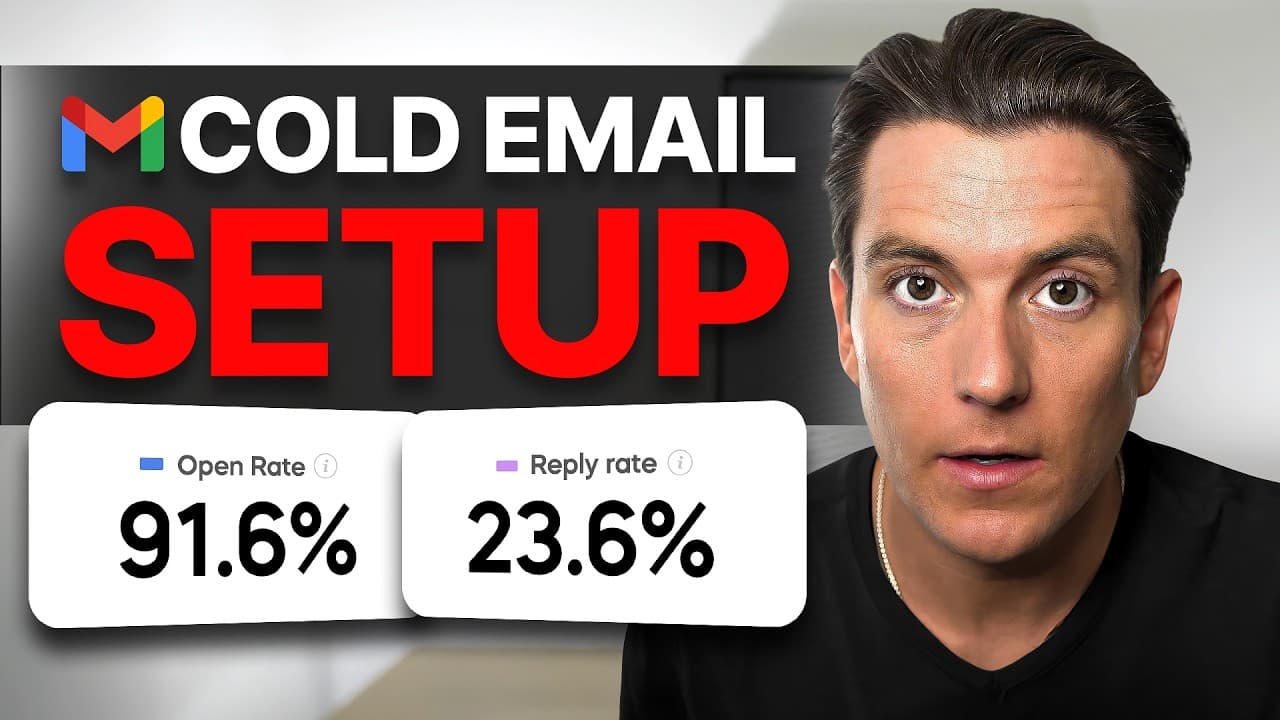
Build a scalable cold email system by using contextual secondary domains, creating multiple inboxes, warming them up, controlling sending volume, configuring SPF, DKIM, and DMARC, and targeting verified leads. The demonstrated Instantly setup uses five domains and 25 inboxes to send at least 750 emails daily at 30 per inbox. Read on for the setup steps, stated costs, and lead-enrichment process.
Transcript
This is the only tutorial that will give you a cold email marketing system that will generate qualified leads for your business on autopilot without you needing to lift a finger. And this is the same system that I've been able to battle test to generate multiple seven figures for my business. So, I'll be walking you through everything I did to set ... Read More
Key Insights
- Separate outreach domains are a safeguard for primary email accounts because sending large volumes directly from a personal or work address can cause later messages to clients and colleagues to enter spam folders.
- A scalable sending structure is built by creating several inboxes under each contextual secondary domain and controlling the volume from every inbox. The example proposes five inboxes per domain and approximately 30 to 50 messages from each inbox daily.
- Five domains can support 25 email accounts in the demonstrated setup. At 30 messages per inbox each day, those accounts provide a minimum stated capacity of 750 cold emails per day without concentrating the full volume in one account.
- The demonstrated infrastructure costs include $75 per year for five domains and $125 per month for the associated email inboxes. The done-for-you ordering process automatically generates inbox names from the account holder's name and begins configuring them after checkout.
- Inbox warm-up is essential before outreach begins because immediately sending high volumes from newly created accounts can damage deliverability. Instantly automates exchanges between inboxes, reports warm-up activity and health scores, and completes the presented process in about two weeks.
- Email authentication depends on three records in the presented setup. SPF states who may send mail, DKIM supplies proof that a message was not tampered with, and DMARC specifies the response when SPF or DKIM checks fail.
- Accurate lead data is necessary for an efficient campaign because unverified or outdated addresses can bounce and waste sending capacity. SuperSearch uses multiple databases to find and verify addresses while checking that the prospect still works at the identified company.
- Enriched prospect profiles provide information for targeting and personalized outreach, including LinkedIn details, contact headlines, contact summaries, company industries, descriptions, websites, and company sizes. Additional enrichment can identify job listings and technologies such as Shopify.
Install to Summarize YouTube Videos and Get Transcripts
Explore YouTube Video Summarizer or Get YouTube Transcript Extractor
Questions & Answers
Q: How do you build a scalable cold email marketing system?
Use contextual secondary domains instead of a personal or primary work domain, then create multiple inboxes under each domain. Warm the inboxes, limit each one to roughly 30 to 50 daily messages, and configure SPF, DKIM, and DMARC. Complete the system with filtered, verified, and enriched prospect data.
Q: Why should cold email outreach use separate domains?
Sending large volumes from a personal or primary work domain can damage its email reputation. The presenter says messages to clients and colleagues began landing in spam after cold outreach was sent from a work address. Contextual secondary domains separate that outreach activity from essential correspondence.
Q: How many cold emails can five domains send per day?
The demonstrated setup creates five inboxes on each of five domains, producing 25 email accounts. At 30 messages per inbox, those accounts can send at least 750 emails per day. The broader stated limit is approximately 30 to 50 daily messages from each inbox.
Q: How much does the demonstrated cold email setup cost?
Five domains cost $75 per year in the example. The 25 associated email inboxes have a subtotal of $125 per month. After checkout, the done-for-you process begins creating and configuring the inboxes.
Q: Why do new cold email inboxes need to be warmed up?
New inboxes should build a sending reputation before they begin high-volume outreach. Instantly automates messages between inboxes and displays sent and received warm-up totals along with an email health score. The described warm-up process takes about two weeks.
Q: What do SPF, DKIM, and DMARC do for cold email?
SPF identifies who is permitted to send email for a domain. DKIM verifies that a message was not altered, while DMARC determines what happens when SPF or DKIM checks fail. The setup treats all three records as important for sender verification and inbox placement.
Q: How can Instantly SuperSearch find and verify cold email prospects?
SuperSearch can filter prospects by criteria including job title, management level, country, and industry. It uses multiple databases to locate and verify email addresses and check whether each prospect still works at the listed company. This helps reduce bounces from inaccurate or outdated data.
Q: How does lead enrichment support personalized cold email outreach?
Lead enrichment adds details that can improve targeting, prospect research, and personalized opening lines. Available information includes LinkedIn details, contact headlines and summaries, company industries, descriptions, websites, and company sizes. Additional enrichment can identify job listings and technologies such as Shopify.
Summary & Key Takeaways
-
The setup separates cold outreach from personal and primary work email. Contextual secondary domains each support multiple inboxes, spreading the campaign across accounts rather than concentrating volume on one sender. The example uses five domains and 25 inboxes, with each inbox limited to about 30 daily messages for 750 emails per day.
-
New inboxes must complete an automated warm-up period before they are used for outreach. Instantly sends warm-up messages back and forth while displaying sent and received totals plus an inbox health score. The process takes about two weeks and is intended to build the sender reputation required for dependable inbox placement.
-
Technical authentication and accurate prospect data complete the presented setup. SPF identifies authorized senders, DKIM verifies that a message was not altered, and DMARC determines what happens when those checks fail. Instantly SuperSearch then filters, verifies, and enriches leads with professional and company information that can support targeting, personalization, and sales research.
Read in Other Languages (beta)
Share This Summary 📚
Summarize YouTube Videos and Get Video Transcripts with 1-Click
Try YouTube Summary with ChatGPT & Claude or YouTube Transcript Generator
Explore More Summaries from Instantly 📚




Summarize YouTube Videos and Get Video Transcripts with 1-Click
Try YouTube Summary with ChatGPT & Claude or YouTube Transcript Generator