How Does the Instantly Copilot AI Agent Replace Your Sales Team?
TL;DR
Instantly Copilot automates major cold email tasks by using stored business context to find prospects, write sequences, create campaigns, analyze performance, and schedule recurring work. Its memory can capture customer profiles, offers, success stories, communication preferences, and up to 10 guidance rules. The quality of that foundation determines how relevant its output becomes, so read on for the complete setup and automation workflow.
Transcript
Something just came out that I think changed cold email forever. You see, the cold email software that was already the most powerful and simple has just got a massive upgrade. They dropped an AI tool called Instantly Copilot that handles everything that you need when it comes to cold email and you hardly need to lift a finger. Everything from build... Read More
Key Insights
- Memory shapes every response: Copilot is only as useful as the context supplied to it. The walkthrough warns that a lazy prompt and an incomplete foundation produce weaker responses. A detailed memory gives the assistant persistent knowledge about the business, preventing users from repeatedly explaining their company, audience, offer, goals, and preferred outreach approach.
- Three memory input methods: Users can populate memory by asking Copilot to read a website, uploading a PDF or text file, or manually entering the information. The document method can package ideal client profiles, offers, and other sales details in one place. Manual entry provides direct control over which business facts become part of the assistant's working context.
- Business details establish direction: The demonstrated manual setup begins with the website, company name, business description, awards, and the outreach goal for cold email. These fields establish what the company does and what its campaigns should accomplish. They also give later prospect searches and campaign suggestions a defined business objective rather than leaving Copilot to work from an isolated request.
- Profiles connect problems to offers: Each ideal client profile describes the audience's problems, desired benefits, customer goals, applicable offer, unique selling proposition, and supporting success stories. It also records the intended email action and communication style. This structure links who should receive the outreach with why the offer matters and how the message should ask the recipient to respond.
- Multiple audiences stay distinct: Copilot memory can contain more than one customer profile when a business serves different groups. Each profile can carry its own problems, benefits, goals, offer, proof points, communication style, and desired action. Separating those details helps Copilot generate outreach for the selected audience without treating every prospect as though they share the same situation.
- Guidance controls email format: The guidance area accepts up to 10 smart rules that shape the generated copy. The walkthrough uses rules that keep emails short, lead with value, begin from a pain point or familiar problem, and finish with a sensible call to action. These rules translate the user's outreach preferences into reusable instructions for future sequences.
- Calls to action reduce friction: The preferred call to action is not an immediate request to book a call. Instead, Copilot is instructed to produce an action that feels like a no-brainer for the relevant ideal client profile. This aligns the closing request with the audience and offer, reducing the commitment required from someone receiving an unsolicited cold email.
- Super Search operationalizes targeting: When users describe the prospects they want, Copilot can use its memory and the request to suggest an audience and select corresponding filters. It then connects that recommendation to Instantly Super Search. Users can open the resulting search, find matching contacts, and enrich their email information rather than manually translating an audience description into filters.
- Warp mode removes confirmations: Warp mode allows Copilot to generate a campaign and enrich leads without stopping for confirmation at every stage. A contextual request can trigger audience selection, list creation, enrichment, sequence writing, and campaign creation. This mode reduces manual steps, but it makes the settings and the quality of the original business context especially important.
- Enrichment limits protect credits: Automated list building can consume enrichment credits as Copilot processes matching leads. The settings include a limit that controls how many contacts Warp mode enriches while creating a campaign. Choosing that quantity in advance constrains credit usage while preserving the benefit of a workflow that can build both the audience and campaign with limited intervention.
- Sequences include copy variants: Copilot can write an initial cold email and build the follow-up sequence around the same audience, offer, prompt, memory, and guidance. In the demonstrated campaign, the initial email had three variants. It also produced three follow-ups, each with two variants, giving the completed campaign multiple versions without requiring every message to be drafted separately.
- Recurring analysis extends automation: Copilot can summarize weekly analytics, identify strong performers among multiple campaigns, audit outreach, and propose new ideas. Recurring tasks can run daily, weekly, or monthly so users do not need to re-enter the same request. Slack notifications can deliver those task results outside Copilot, turning campaign review into a scheduled operating process.
Install to Summarize YouTube Videos and Get Transcripts
Explore YouTube Video Summarizer or Get YouTube Transcript Extractor
Questions & Answers
Q: How does the Instantly Copilot AI agent replace sales team tasks?
Instantly Copilot handles connected cold email tasks through a chat interface inside Instantly. It can identify ideal prospects, build lead searches, write email sequences and follow-ups, create campaigns, suggest offers or angles, and summarize campaign analytics. Its memory supplies the company, audience, offer, proof, and communication context needed for those actions. Warp mode then lets it create campaigns and enrich leads without requesting confirmation at every stage. Recurring tasks and Slack notifications extend that automation into ongoing reporting and idea generation.
Q: How do you set up Instantly Copilot for cold email?
Open the Memory section from the left side and provide detailed information about the business and its outreach. Copilot can read a website, process an uploaded PDF or text file, or accept manually entered details. Include the company description, website, awards, outreach goal, customer profiles, offers, benefits, unique selling proposition, customer goals, success stories, communication style, and desired email action. Add guidance rules that define how generated emails should be formatted. Completing this foundation first helps Copilot return relevant answers without requiring the same business context in every prompt.
Q: What should an Instantly Copilot customer profile contain?
A customer profile should name the ideal client profile and explain the problems the business solves for that audience. It should connect those problems with the benefits, offer, unique selling proposition, and goals relevant to that customer. Success stories provide proof that Copilot can use when shaping outreach. The profile should also specify the desired email action and the appropriate communication style. Separate profiles can be created when the business addresses more than one distinct audience.
Q: How does Instantly Copilot find ideal prospects?
Copilot combines the stored business memory with the audience or scenario described in the user's prompt. It suggests a suitable prospect group and chooses corresponding filters for Instantly Super Search. The resulting search can be opened inside Super Search so the user can inspect the audience. Matching email contacts can then be found and enriched. This process converts the company's ideal client context into an actionable lead list for campaign creation.
Q: How does Warp mode create a complete cold email campaign?
Warp mode permits Copilot to take campaign actions without requesting confirmation at each stage. From a contextual prompt, it can suggest an audience, create and enrich a lead list, write the initial email, add follow-ups, and build the campaign inside Instantly. The demonstrated sequence contained three initial-email variants and three follow-ups with two variants each. Users can open the finished campaign and review or update it. The mode is useful because it joins tasks that would otherwise require several separate actions.
Q: How can users control credit usage in Warp mode?
Users can set an enrichment limit in Copilot's settings before running an automated campaign workflow. That limit controls how many leads Warp mode enriches while building the campaign. It matters because automatic enrichment uses credits and can otherwise proceed without a separate confirmation step. Setting the quantity in advance keeps the generated list within the user's intended scope. Copilot can still complete the list-building and campaign-creation process while respecting that boundary.
Q: What rules improve Instantly Copilot's cold emails?
The guidance section supports up to 10 smart rules for generated outreach. The walkthrough recommends keeping emails short, leading with value, and beginning with a pain point or problem the prospect already recognizes. It also recommends ending with a call to action that makes sense for the offer and ideal client profile. The preferred action should not immediately ask the recipient to book a call. These reusable rules keep future campaign copy aligned with the user's chosen format and level of commitment.
Q: How can Instantly Copilot analyze campaigns automatically?
Copilot can provide weekly analytics, identify the best-performing campaigns in a workspace, and audit outreach to generate ideas. Analytics can be enabled in its settings so performance information becomes available through the assistant. Users can create recurring tasks that request these reviews daily, weekly, or monthly. The results can also trigger Slack notifications. This removes the need to type the same reporting prompt repeatedly and makes campaign review part of a scheduled workflow.
Summary & Key Takeaways
-
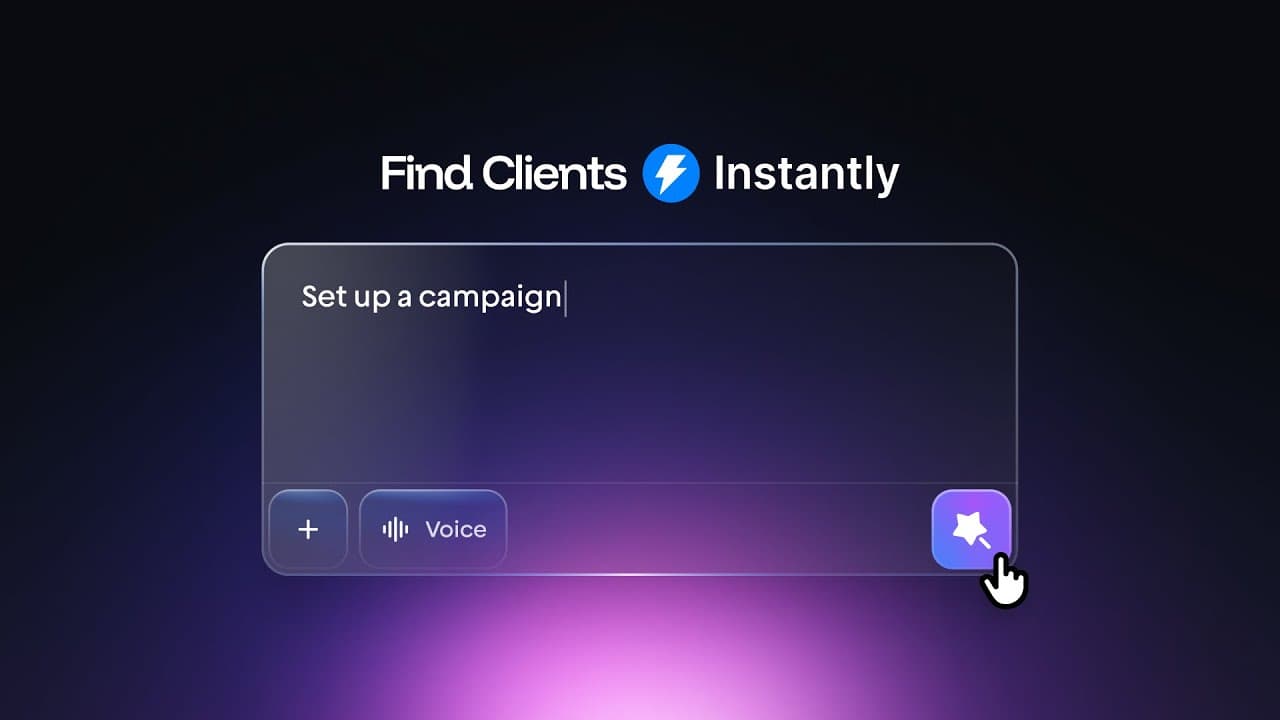
Introducing the AI agent: Instantly Copilot appears through the star at the top left of instantly.ai and opens as a chat interface. It is presented as an assistant trained on useful cold email principles. Its capabilities include building lead lists, generating campaigns, writing initial emails and follow-ups, suggesting campaign ideas and angles, summarizing weekly analytics, identifying the best-performing campaigns in a workspace, and auditing outreach to produce additional ideas.
-
Building Copilot's memory: Before using those capabilities, the walkthrough prioritizes the Memory section because Copilot needs detailed business context to provide relevant answers. Users can have it read a website, upload a PDF or text file, or enter information manually. A prepared document can consolidate an ideal client profile, offers, and other lead generation and sales information. Once the memory is thoroughly configured, it should reduce repeated explanations in later prompts.
-
Defining customers and guidance: The manual setup includes the company name, website, business description, awards, and outreach goal. Each customer profile can then identify audience problems, benefits, the applicable offer, the unique selling proposition, customer goals, success stories, the intended email action, and the preferred communication style. Guidance supports up to 10 smart rules, including short emails, value-first messaging, recognizable pain points, and a low-friction call to action instead of immediately requesting a booked call.
-
Configuring controlled automation: Copilot's settings determine how independently it operates. Warp mode can generate complete campaigns and enrich leads without requesting confirmation at every step. Follow-up suggestions and analytics can also be enabled. Because automated enrichment consumes credits, the enrichment limit should be set before allowing Warp mode to build a campaign. These controls let users choose between direct oversight and a workflow in which Copilot executes multiple connected cold email tasks from one contextual request.
-
Running ongoing campaigns: With memory and settings prepared, Copilot can turn an audience or scenario into Super Search filters, enrich matching contacts, write a multistep sequence, and create the campaign inside Instantly. The demonstrated output included three variants of the initial email and three follow-ups with two variants each. Users can open the resulting campaign for review. Recurring daily, weekly, or monthly tasks can also request analytics or ideas, with Slack notifications delivering updates outside the chat interface.
Read in Other Languages (beta)
Share This Summary 📚
Summarize YouTube Videos and Get Video Transcripts with 1-Click
Try YouTube Summary with ChatGPT & Claude or YouTube Transcript Generator
Explore More Summaries from Instantly 📚




Summarize YouTube Videos and Get Video Transcripts with 1-Click
Try YouTube Summary with ChatGPT & Claude or YouTube Transcript Generator