How to Book More Sales Calls With Cold Email Outreach
TL;DR
Booking a high volume of sales calls with cold email comes down to a repeatable sequence: build a large targeted lead list of decision makers in one niche, connect and warm up enough sending accounts to carry the volume, then write short spin tax emails using a problem, solution, call to action structure. Follow up with a series rather than a single send, since cold email is a game of volume and timing.
Transcript
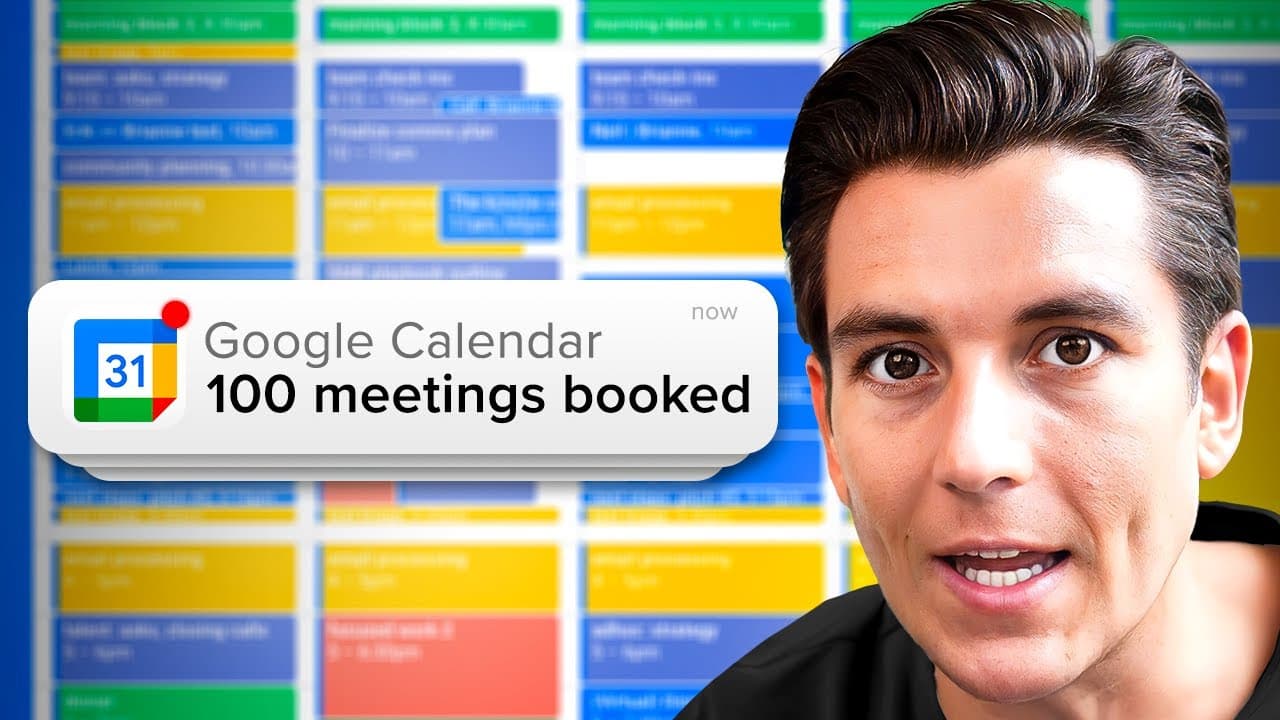
today I'm going to unveil the cold email strategy that has consistently helped me book a hundred sales calls every single month and I know it sounds ambitious but I promise you by the end of this video you'll have a step-by-step process that makes it mathematically unreasonable not to achieve these results first things first let me back up my claim... Read More
Key Insights
- Target audience selection comes before any sending. The message must resonate with a prospect's specific needs and pain points, which is only possible when the list is narrowed to decision makers inside one clearly defined niche rather than a mixed audience.
- A large total addressable market is a requirement, not a preference. The niche has to support high volume sending, so reaching only people in your neighborhood will not work. The stated goal is to have a large batch of leads ready before launching.
- Instantly's lead finder searches a very large contact database by job title, location, industry, employee count, revenue and keywords. Combining filters such as CEO, United States, business services, marketing and advertising, and the keyword agency produces a targeted list in one pass.
- Lead records include name, title, company, email, phone number, location, employee count, keywords and industry. That extra data is what makes personalization at scale efficient, since fields can be inserted as variables directly into the email copy.
- Deliverability depends on the sending provider. Google and Microsoft 365 are the recommended choices because they handle the intended volume and help emails reach the inbox instead of the spam folder.
- Sending capacity is calculated from accounts. Each email account is assumed to send roughly a fixed daily amount, so the number of connected accounts is chosen by dividing the target daily send volume by that per account assumption.
- Warming up accounts is mandatory before outreach. New accounts sending cold email raise red flags with providers, so Instantly slowly sends legitimate emails back and forth to build trust, a process that runs for about two weeks.
- Spin tax protects deliverability by rotating phrases inside subject lines and body copy so each recipient receives a slightly different message. Without it, email servers see too many similar messages from the same sender and reduce deliverability over time.
Install to Summarize YouTube Videos and Get Transcripts
Explore YouTube Video Summarizer or Get YouTube Transcript Extractor
Questions & Answers
Q: How do you book more sales calls each month using cold email?
The process has four stages. First, identify a niche with a large total addressable market and pull a big list of decision makers inside it. Second, connect enough email accounts with a reputable provider and warm them up over roughly two weeks. Third, write a short subject line and a body following intro, offer, case study, soft call to action, with spin tax for variation. Fourth, send a sequence of follow ups rather than one email, because timing determines whether a pain point lands.
Q: What is spin tax in cold email and why does it matter?
Spin tax rotates between different phrases inside your email so each recipient receives a slightly different version of the same message. It can be applied to the subject line, for example rotating hello, hi and greetings, and to body copy, for example rotating between different soft calls to action. It matters because email servers can decrease deliverability when they see too many similar messages coming from the same sender consistently. Rotating the wording keeps high volume sending from looking templated.
Q: How many email accounts do you need to send cold email at scale?
Capacity is calculated from a per account daily sending assumption. Each connected email account is treated as able to send a limited number of emails per day, so you divide your target daily volume by that per account figure to get the number of accounts to connect. Sending a larger daily volume simply means connecting proportionally more accounts. Instantly allows unlimited connected accounts, so scaling is a matter of adding and warming more inboxes rather than pushing more volume through a few.
Q: Why do you need to warm up email accounts before cold outreach?
Cold emailing from fresh accounts often raises red flags for email providers, which can lead to lower deliverability rates and messages landing in spam. Warming up solves this by gradually sending a small volume of legitimate emails back and forth from the account so it builds a positive sender reputation before the outreach scales up. In Instantly this is triggered with the warm up button, and the process runs for roughly two weeks. Skipping it undermines everything downstream.
Q: What is the best way to find B2B leads for a cold email campaign?
Use a lead database that lets you stack filters rather than buying a generic list. Instantly's lead finder searches a very large pool of contacts by job title, location, industry, employee count, revenue and keywords. A worked example combines CEO as the title, United States as the location, business services as the industry, marketing and advertising as the category, and agency as a keyword. The returned records carry name, title, company, email, phone, location, employees, keywords and industry.
Q: How should you structure a cold email body?
The recommended structure is problem, solution, call to action, expressed as intro, offer, case study, soft call to action. The opening states the reason for reaching out, the offer names who you work with and the outcome you deliver in a given timeframe using your unique selling proposition, and the case study cites a named client result. Adding an explicit pain point sentence sharpens it, for example naming the struggle to keep a consistent flow of qualified leads. The close is a soft ask.
Q: What is a soft call to action in cold email?
A soft call to action is a low friction ask designed to promote positive replies instead of demanding a meeting outright. Examples given include asking whether it is okay to send over a personalized video with more information, whether it is okay to send over some more information, or offering to shoot over some more info. Because the request is small, the prospect can say yes easily, which starts a conversation that can then be moved toward a booked call.
Q: How do you connect a Google account to Instantly for sending?
First enable IMAP access in the Google account: open Gmail, click the gear icon, go to all settings, open the forwarding and POP/IMAP tab, and select enable IMAP. Then in Instantly click add new and choose Google. One connection option routes through the Google Workspace admin panel, where you verify your identity, open the app access controls, search for Instantly by app name or client ID, and add it. After that, log in and allow access. Microsoft and manual IMAP are alternatives.
Q: Why should you send a sequence of emails instead of just one?
Cold email is described as a game of volume and timing. A single send can miss simply because the recipient is in the middle of something else when it arrives, or because the pain point you named is not pressing for them at that particular moment. Sending a series of follow up emails gives the same message multiple chances to arrive when the prospect is receptive, which raises the odds of a reply without needing a larger lead list.
Q: How do you write a cold email subject line that gets opened?
The subject line is the first thing the recipient sees, so it should be short and intriguing while hinting at the value being offered. The demonstrated approach combines a rotating greeting through spin tax with a personalization variable and a benefit statement, producing something like a greeting, the prospect's first name, and a short line about the result you can add for them. Keeping it brief matters, and one shown edit trims the rotation down to fewer greeting options.
Summary & Key Takeaways
-
The strategy starts with audience selection. A one-size-fits-all message rarely works, so the list has to be decision makers inside a specific niche whose pain points the copy can name directly. The niche also needs a large total addressable market, not just local contacts, because the method depends on reaching a high volume of prospects.
-
Lead sourcing is done through Instantly's lead finder, filtering by job title, location, industry, employee count, revenue and keywords. A sample search for CEOs in the United States within business services, marketing and advertising, with the keyword agency, returns a workable list. Each record carries name, title, company, email, phone, location, employee count, keywords and industry.
-
Sending infrastructure comes next. A reputable provider with good deliverability is chosen, Google or Microsoft 365, and accounts are connected in Instantly through Google OAuth, Microsoft, or manual IMAP settings after enabling IMAP access in Gmail settings. Fresh accounts are then warmed up gradually so they build a positive sender reputation before any outreach begins.
-
Campaign copy is built around a short, intriguing subject line and a body that follows intro, offer, case study, soft call to action. Spin tax rotates greetings and phrases so email servers do not see identical messages repeatedly. Variables such as first name personalize each send, and the soft ask invites a positive reply rather than demanding a booking.
-
Leads flow from the lead finder straight into the named campaign, where they are verified inside the tool and analytics track sending. A single email is not enough: a sequence of follow ups is sent, because a prospect may be busy or the pain point may not land at that particular moment.
Read in Other Languages (beta)
Share This Summary 📚
Summarize YouTube Videos and Get Video Transcripts with 1-Click
Try YouTube Summary with ChatGPT & Claude or YouTube Transcript Generator
Explore More Summaries from Instantly 📚

Summarize YouTube Videos and Get Video Transcripts with 1-Click
Try YouTube Summary with ChatGPT & Claude or YouTube Transcript Generator