How to Install Whoogle for Ad-Free Google Searches
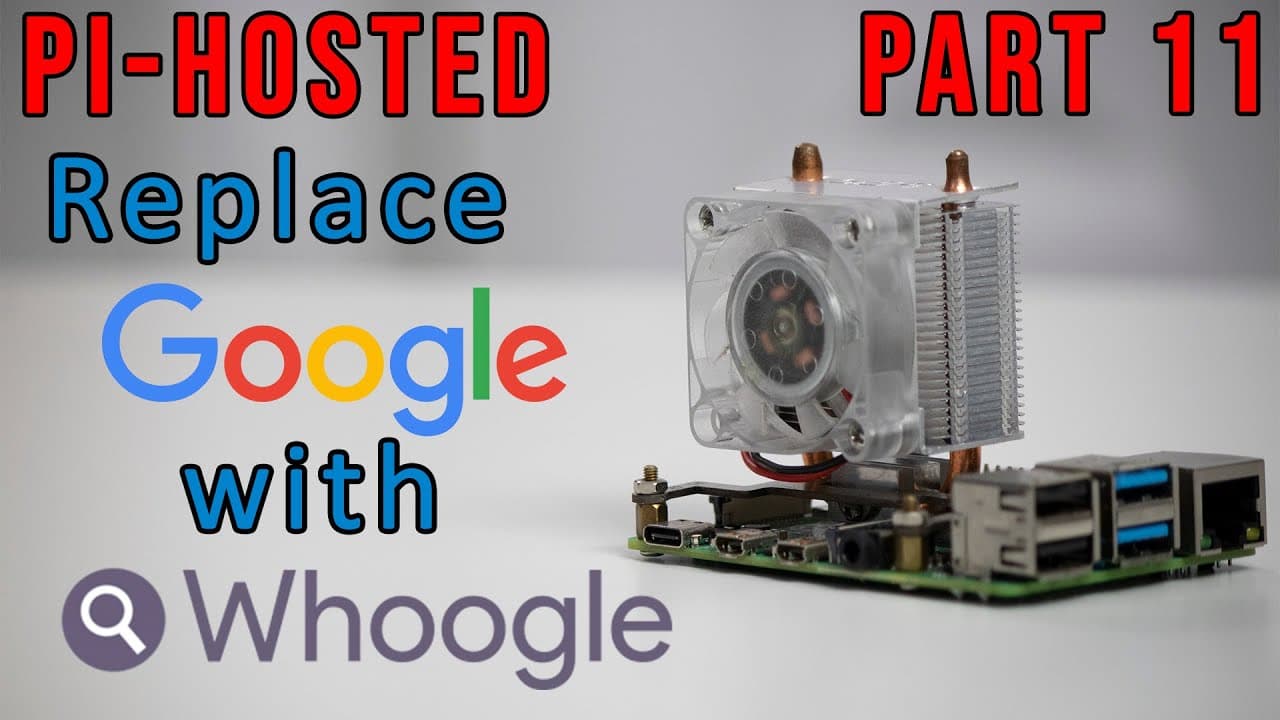
TL;DR
To install Whoogle, a self-hosted, ad-free search engine, set up the necessary environment and deploy the docker container. Whoogle provides a focused search experience by eliminating ads, cookies, and user tracking, allowing you to search without personalized ads while still benefiting from similar functionality as Google.
Transcript
hey guys what's going on it's don here from nova spare tech and welcome back to the channel and today on our pi hostess series we are going to be installing our search engine google in replace of google so let's get started now i'm taking a little detour from our normal content on pi hosted i know i was supposed to do some network smb sharing but i... Read More
Key Insights
- 🫠 Self-hosting a Google search engine can significantly improve privacy by preventing tracking and ad exposure.
- 👨🔬 The switch from a cluttered search interface to a simpler one facilitates better focus and productivity while searching.
- 👤 The repository updates enhance user experience by providing better organization and accessibility for installation scripts.
- 🎵 Collaboration can improve project functionality, as noted by the creator's acknowledgment of help received from an external contributor.
- 👨🔬 Users can benefit from exploring both traditional and privacy-focused searches to tailor results to their unique needs.
- 👻 Implementing customization options allows users to enjoy a personalized experience while using the search engine.
- 😷 The video encourages community engagement, providing viewers a platform to ask questions or share experiences with the software.
Install to Summarize YouTube Videos and Get Transcripts
Explore YouTube Video Summarizer or Get YouTube Transcript Extractor
Questions & Answers
Q: What are the main benefits of using the ad-free Google search engine demonstrated in the video?
The primary benefits include the elimination of ads, tracking, and unnecessary javascript, resulting in a cleaner, faster search experience. Additionally, the self-hosted nature allows for more privacy, as search activities are not tracked or monetized, unlike traditional Google searches which cater results based on user data.
Q: How does this new search engine compare to other privacy-focused alternatives like DuckDuckGo?
While DuckDuckGo provides a privacy-first search experience, this self-hosted Google search engine gives users more control over their search environment, allowing for customization and the ability to seamlessly switch between both engines based on needs, without sacrificing user experience or privacy.
Q: Can you explain the changes made to the repository mentioned in the video?
The repository has undergone changes including relocating scripts to a tools folder for better organization. Additionally, there is now support for 64-bit applications, adapting to the growing demand for such functionality. This setup improves accessibility and maintenance for users leveraging newer hardware.
Q: What configuration options are available with the self-hosted Google search engine?
Users can customize their search engine's appearance through various themes, including a dark mode. Configuration settings also allow for advanced filtering of content, use of TOR for privacy, and the option to open links in new tabs. This level of customization enhances user satisfaction and efficiency.
Summary & Key Takeaways
-
The video demonstrates the installation of an ad-free Google search engine, which eliminates ads, tracking, and cookies, providing a more focused search experience.
-
The content creator highlights the differences between this self-hosted search engine and traditional Google, noting the latter's reliance on user data and ads for recommendations.
-
Viewers are updated on various repository changes, including the move to a tools folder for scripts, the introduction of 64-bit support, and the contribution from a collaborator for improved functionality.
Read in Other Languages (beta)
Share This Summary 📚
Summarize YouTube Videos and Get Video Transcripts with 1-Click
Try YouTube Summary with ChatGPT & Claude or YouTube Transcript Generator
Explore More Summaries from Novaspirit Tech 📚






Summarize YouTube Videos and Get Video Transcripts with 1-Click
Try YouTube Summary with ChatGPT & Claude or YouTube Transcript Generator