Creating, Tracking, and Repurposing Content using Obsidian and LYT
TL;DR
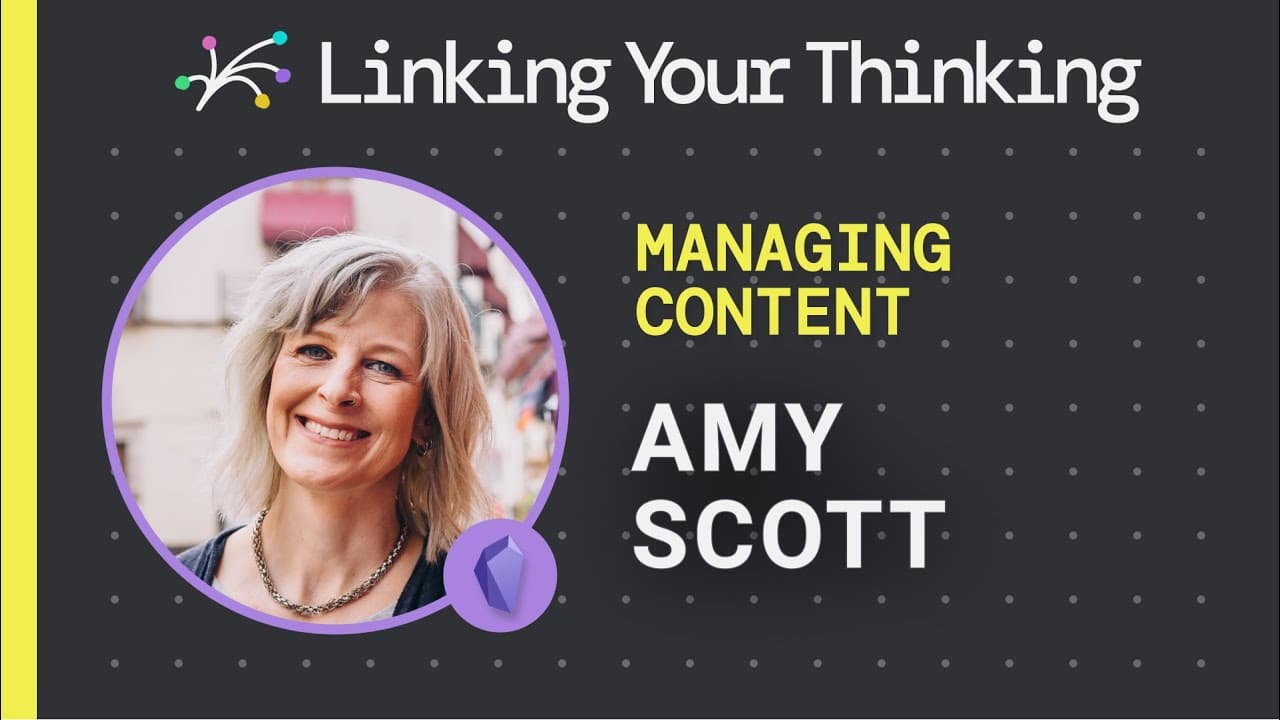
Amy Scott shares how she uses Obsidian to organize and repurpose her extensive content, offering tips on using dataview queries, transclusions, and the Kanban plugin.
Transcript
for anyone who has a lot of content and ideas they want to organize publish and reuse this showcase is for you amy scott offers possible solutions for how to organize it all including interesting and helpful ways to use obsidian with simple dataview queries transclusions and the kanban plugin amy has spent the past 16 years traveling the world and ... Read More
Key Insights
- 🌥️ Obsidian provides a powerful solution for organizing and reusing content, especially for those with a large volume of ideas and materials.
- 💁 Dataview queries in Obsidian enable tagging and categorization, making it easy to find relevant information quickly.
- 👻 Transclusions allow for the creation of a library of content blocks that can be easily reused in different contexts.
- 🤲 The Kanban plugin in Obsidian helps visualize and manage the content creation workflow, ensuring nothing gets overlooked.
- 🪡 Amy's showcases highlight the personal nature of personal knowledge management and how different individuals adapt tools like Obsidian to fit their specific needs.
- ⌛ Reusing and repurposing existing content can save time and effort in content creation.
- ❓ Amy's showcases inspire others to find creative solutions for organizing and managing their own content.
- 🔨 Obsidian's flexibility and customization options make it a valuable tool for content creators.
Install to Summarize YouTube Videos and Get Transcripts
Explore YouTube Video Summarizer or Get YouTube Transcript Extractor
Questions & Answers
Q: How does Amy use Obsidian to organize her extensive content and ideas?
Amy uses dataview queries to tag and categorize her content, making it easier to find and manage. She also explores using transclusions to create a library of content blocks in Obsidian.
Q: How does Amy use the Kanban plugin in Obsidian?
Amy uses the Kanban plugin to visualize her content creation workflow and track where each piece of content is in the pipeline. This helps her stay organized and ensures nothing falls through the cracks.
Q: What challenges does Amy face in managing her content?
Amy has a lot of moving parts in her business, with 10 years of content, podcasts, courses, workshops, and new ideas to keep track of. She needed a solution to organize and reuse her existing content effectively.
Q: How does Amy repurpose her content using Obsidian?
Amy creates separate notes for each course or lesson and uses transclusions to include them in different contexts. This allows her to repurpose content for blog posts, newsletters, or other formats.
Summary & Key Takeaways
-
Amy Scott, the founder of Nomadtopia, has a lot of content and ideas that she wants to organize, publish, and reuse.
-
She uses Obsidian to track and manage her content, including using dataview queries to tag and find relevant information easily.
-
Amy also explores using transclusions to create a library of content blocks and the Kanban plugin to organize her content creation workflow.
Read in Other Languages (beta)
Share This Summary 📚
Summarize YouTube Videos and Get Video Transcripts with 1-Click
Try YouTube Summary with ChatGPT & Claude or YouTube Transcript Generator
Explore More Summaries from Linking Your Thinking with Nick Milo 📚

Summarize YouTube Videos and Get Video Transcripts with 1-Click
Try YouTube Summary with ChatGPT & Claude or YouTube Transcript Generator