Products
Features
YouTube Video Summarizer
Summarize YouTube videos
Web & PDF Highlighter
Highlight web pages & PDFs
Chat with PDF
Ask any PDF questions with AI
Ask AI Clone
Chat with your highlights & memories
Audio Transcriber
Transcribe audio files to text
Glasp Reader
Read and highlight articles
Kindle Highlight Export
Export your Kindle highlights
Idea Hatch
Hatch ideas from your highlights
Integrations
Obsidian Plugin
Notion Integration
Pocket Integration
Instapaper Integration
Medium Integration
Readwise Integration
Snipd Integration
Hypothesis Integration
Apps & Extensions
Chrome Extension
Safari Extension
Edge Add-ons
Firefox Add-ons
iOS App
Android App
Discover
Discover
Ideas
Discover new ideas and insights
Articles
Curated articles and insights
Books
Book recommendations by great minds
Posts
Essays and notes from readers
Quotes
Inspiring quotes collection
Videos
Curated videos and summaries
Explore Glasp
Glasp Newsletter
Weekly insights and updates
Glasp Talk
Interview series with great minds
Glasp Blog
Latest news and articles
Glasp Use Cases
Learn how others use Glasp
Build & Support
Glasp API
Access Glasp's API for developers
MCP Connector
Connect Glasp to Claude & ChatGPT
Community
Glasp Reddit Community
Students
Student discount and benefits
FAQs
Frequently Asked Questions
AboutPricing
DashboardLog inSign up

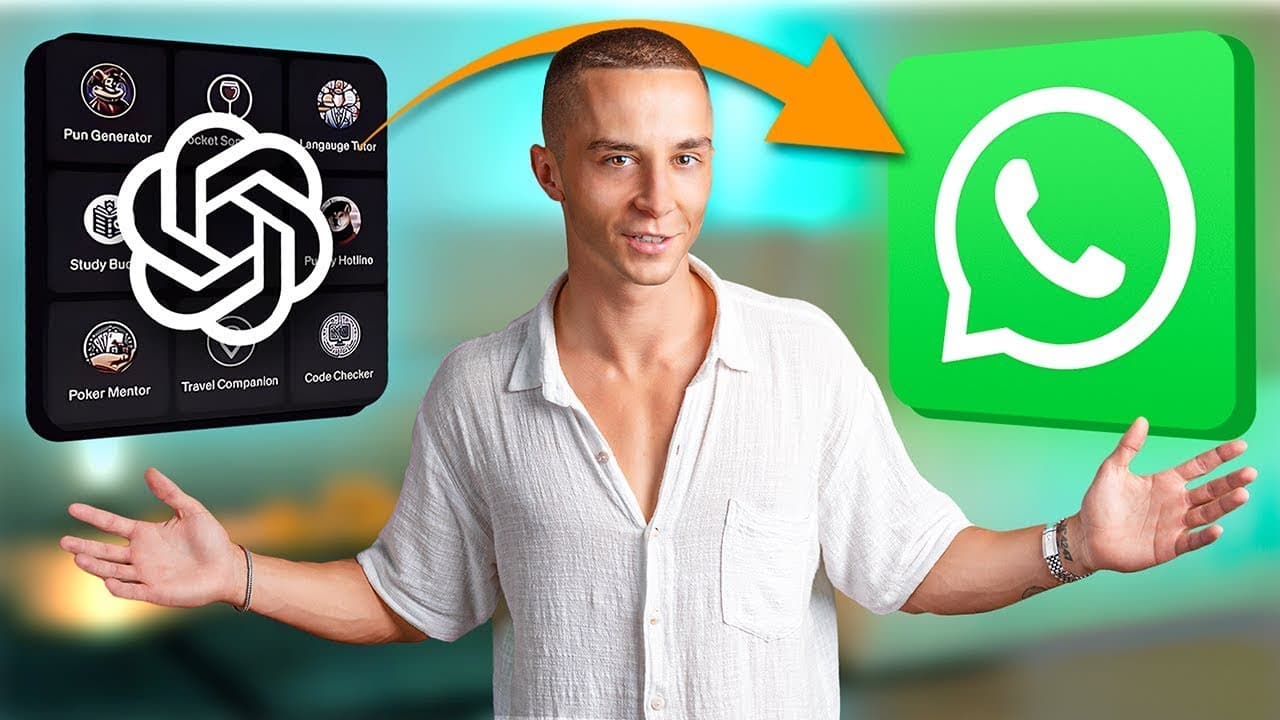
How to Connect Custom GPTs to WhatsApp for Automation
173.2K views
•
November 18, 2023
by
Liam Ottley
YouTube video player
How to Connect Custom GPTs to WhatsApp for Automation

TL;DR

To connect custom GPTs to WhatsApp for business automation, use the Assistant API and Mini Chat to set up a lead generation chatbot. This integration allows for automated customer interactions, such as lead capture and support, significantly enhancing business efficiency.

Transcript

in this video I'll be showing you step by step how to connect your custom gpts to Whatsapp this has been a highly requested video because many of you have created awesome gpts and want to break them out of the chat GPT site and start using them in the real world via things like WhatsApp and get access to its over 2 billion monthly active users by c... Read More

Key Insights

  • 🥺 Connecting custom GPTs to WhatsApp enables automation and lead generation for businesses.
  • 🥺 Setting up a WhatsApp lead generation chatbot involves using tools like Assistant API and Mini Chat.
  • 🤩 The process requires knowledge base documents, a lead capture tool, and API keys for integration.
  • 👤 Agentive is an upcoming tool that simplifies the GPT integration process for users.
  • 🥶 Access to a free resource Hub provides templates and resources for users to get started.
  • 👨‍💼 Joining the AI business accelerator can help users learn more about building powerful GPTs.
  • ❓ Continuous support and updates are available through the creator's Telegram channel.

Install to Summarize YouTube Videos and Get Transcripts

Explore YouTube Video Summarizer or Get YouTube Transcript Extractor

Questions & Answers

Q: What is the purpose of connecting custom GPTs to WhatsApp?

Connecting custom GPTs to WhatsApp allows for business automation and efficient lead generation, tapping into a vast user base.

Q: How can one set up a WhatsApp lead generation chatbot?

By using tools like Assistant API and Mini Chat, users can create a chatbot for lead capture and customer interactions.

Q: What are the key components needed for connecting GPTs to WhatsApp?

Components include knowledge base documents, tools for prompting and lead capture, and an API key for integration.

Q: How can users simplify the process of custom GPT integration?

Users can look forward to Agentive, a tool that simplifies GPT integration without the need for complex custom coding.

Summary & Key Takeaways

  • Connect custom GPTs to WhatsApp for business automation.

  • Set up a WhatsApp lead generation chatbot for client interactions.

  • Use tools like Assistant API and Mini Chat for efficient integration.


Read in Other Languages (beta)

English

Share This Summary 📚

Summarize YouTube Videos and Get Video Transcripts with 1-Click

Download browser extensions on:

Try YouTube Summary with ChatGPT & Claude or YouTube Transcript Generator

Explore More Summaries from Liam Ottley 📚
The REAL Reason Your GPT-3 Fine Tunes Suck (and how to fix them) thumbnail
The REAL Reason Your GPT-3 Fine Tunes Suck (and how to fix them)
Liam Ottley
How to Use AI to Recover Abandoned Carts in E-Commerce thumbnail
How to Use AI to Recover Abandoned Carts in E-Commerce
Liam Ottley
Top 7 Ways to Make Money with AI WITHOUT Coding thumbnail
Top 7 Ways to Make Money with AI WITHOUT Coding
Liam Ottley
How to Profit from the AI Bubble Before It Bursts thumbnail
How to Profit from the AI Bubble Before It Bursts
Liam Ottley
How to Scale an AI Agency to $100K/Month thumbnail
How to Scale an AI Agency to $100K/Month
Liam Ottley
How to Create a Local Chatbot with GPT4All and LangChain thumbnail
How to Create a Local Chatbot with GPT4All and LangChain
Liam Ottley

Summarize YouTube Videos and Get Video Transcripts with 1-Click

Download browser extensions on:

Try YouTube Summary with ChatGPT & Claude or YouTube Transcript Generator

Apps & Extensions

  • Chrome Extension
  • Safari Extension
  • Edge Add-ons
  • Firefox Add-ons
  • iOS App
  • Android App

Key Features

  • YouTube Video Summarizer
  • Web & PDF Summarizer
  • Web & PDF Highlighter
  • Chat with PDF
  • Ask AI Clone
  • Audio Transcriber
  • Glasp Reader
  • Kindle Highlight Export
  • Idea Hatch

Integrations

  • Obsidian Plugin
  • Notion Integration
  • Pocket Integration
  • Instapaper Integration
  • Medium Integration
  • Readwise Integration
  • Snipd Integration
  • Hypothesis Integration

More Features

  • APIs
  • MCP Connector
  • Blog & Post
  • Embed Links
  • Image Highlight
  • Personality Test
  • Quote Shots

Company

  • About us
  • Blog
  • Community
  • FAQs
  • Job Board
  • Newsletter
  • Pricing
Terms

•

Privacy

•

Guidelines

© 2026 Glasp Inc. All rights reserved.