How to Build a Solo AI Creative Agency Stack
TL;DR
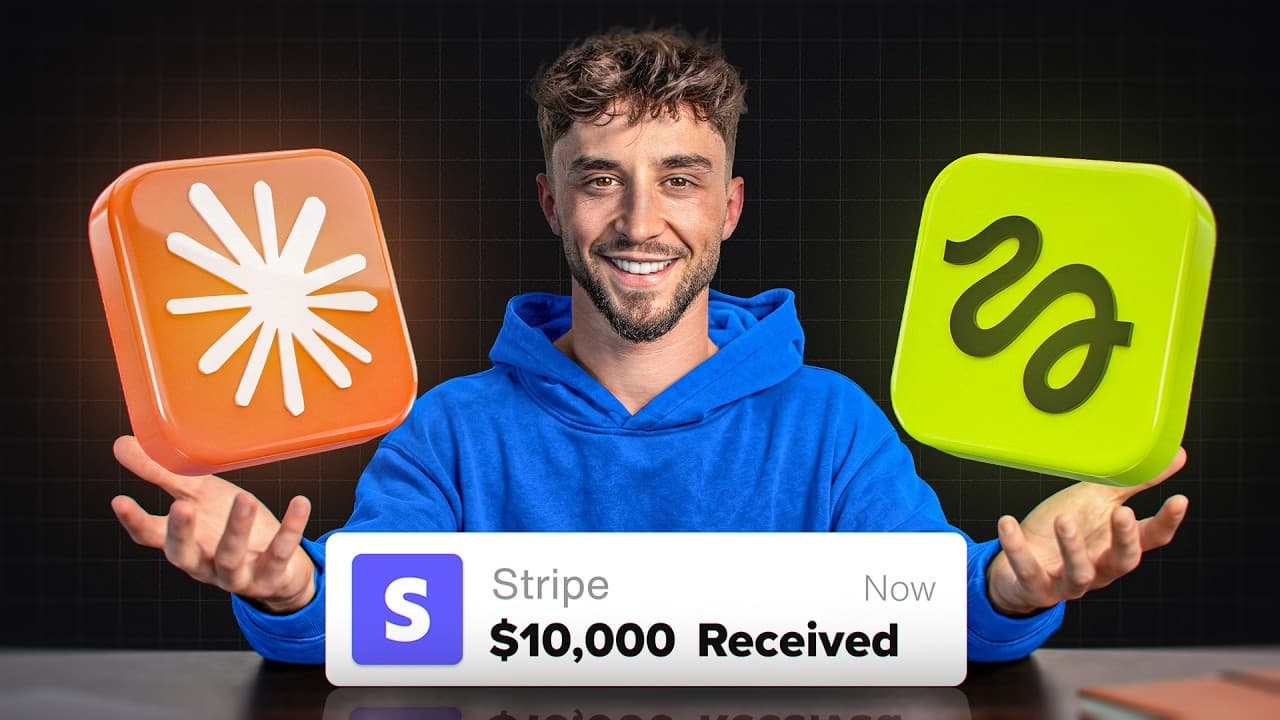
Use Claude to develop briefs, prompts, and copy, then generate campaign images and videos in Higgsfield while tracking clients, assets, and approvals in Notion. Apify can add live competitor signals, turning these tools into an AI operating system for producing product photography, static ads, commercials, and other coordinated campaign materials.
Transcript
What you're watching right now was made by one person in one day using two tools. We're talking a full brand identity, product photography, a dozen static ads, commercials, and a back-end system that runs the whole thing on autopilot. And the stack I'm about to walk you through used to take an entire creative team and 15 to 30 grand per month. But ... Read More
Key Insights
- The creative stack is organized into four layers: Higgsfield for image and video generation, Claude for briefs and prompts, Notion for operational tracking, and Apify for competitive signals. This structure connects creative production with the administrative system needed to manage campaigns and client approvals.
- Claude is the reasoning layer that writes prompts, develops briefs and copy, researches competitors, refines outputs, and orchestrates the pipeline. Giving it a custom skill teaches it to format Higgsfield prompts consistently, reducing the need to explain the same platform-specific requirements during every generation.
- A master product reference is the foundation for consistent campaign assets. The workflow selects one preferred boot image after several iterations, then uses it as the visual source for multiview references, packaging, product photography, advertisements, and video concepts created later in the campaign.
- Reference tagging identifies exactly which attached image a prompt describes. This technique becomes especially important when a generation includes several assets, such as a product image and logo, because explicit tags reduce ambiguity and help prevent credits from being spent on an output based on the wrong reference.
- Batch generation accelerates visual iteration by producing several candidates from one request. The tutorial recommends increasing the batch size to four when exploring a logo or product concept, since comparing multiple outputs can reach the desired creative direction faster than generating every candidate individually.
- Real client projects usually begin with supplied product images, logos, and multiple product views. Synthetic concept generation is presented as an alternative for fictional brands, new product concepts, or situations where source photography is unavailable, rather than as a required step for every client engagement.
- Video testing should begin with deliberate prompts and lower-cost settings. The example uses the full Seedance 2.0 model for a 15-second, 16:9 generation at 720p, allowing the creative direction to be evaluated before additional credits are committed to higher-resolution production.
- A complete AI operating system connects ideas, assets, competitor research, approvals, and campaign production. Its purpose is to move beyond isolated image or video generations and create a repeatable workspace capable of managing a full advertising campaign for either a client or an operator's own business.
Install to Summarize YouTube Videos and Get Transcripts
Explore YouTube Video Summarizer or Get YouTube Transcript Extractor
Questions & Answers
Q: How do you build a solo AI creative agency stack?
Build the operation around four connected layers. Use Higgsfield to generate campaign images and videos, Claude to research competitors and create briefs, prompts, and copy, Notion to track clients, advertisements, assets, and approvals, and Apify to supply live competitive signals. Connecting these layers creates an AI operating system for producing and managing complete campaigns.
Q: What does Claude do in an AI creative agency?
Claude acts as the reasoning and orchestration layer. It can write detailed generation prompts, develop creative briefs and advertising copy, research competitors, refine weak outputs, and coordinate the overall production pipeline. The demonstrated workflow also adds a custom skill that teaches Claude how to format prompts specifically for Higgsfield, reducing repeated instructions and potentially avoiding wasted generation credits.
Q: How can Higgsfield be used to create campaign assets?
Higgsfield generates the visual materials in the demonstrated workflow, including a concept product, a text logo, a multiview reference sheet, branded packaging, product photography, and video commercials. Prompts are drafted in Claude and then entered into Higgsfield with the relevant reference images attached. Selected outputs become references for later assets, supporting a more consistent campaign identity.
Q: How do you keep AI-generated product images consistent?
Select a strong product image as the master reference and reuse it throughout the campaign. Create a multiview reference sheet so the model can see the product from several angles, then attach and explicitly tag the appropriate references in later prompts. The demonstration applies this method to a fictional boot, its logo, its packaging, and the commercial assets derived from them.
Q: Why should reference images be tagged in Higgsfield prompts?
Reference tags tell the model exactly which attached image is being discussed at each point in a prompt. This matters when several images are attached, such as a boot, logo, multiview sheet, and packaging design. Explicit identification reduces the chance that the model will apply an instruction to the wrong asset and consume generation credits on an unusable result.
Q: How do you create a 30-second AI commercial with 15-second generations?
Divide the commercial into two prompts designed to flow into each other. The example uses this method because Seedance 2.0 generates 15 seconds at a time while the intended commercial runs for about 30 seconds. Claude develops the connected prompts from one creative brief, and each section is generated in Higgsfield with the same product references and visual direction.
Q: How can you reduce wasted credits when generating AI ads?
Write a structured prompt before launching a video generation, rather than repeatedly testing vague instructions. A custom Claude skill can encode the formatting Higgsfield expects, while image tags can remove uncertainty about attached references. The demonstration also lowers the test pass to 720p and recommends batch generation when comparing several image or logo concepts efficiently.
Q: What is an AI operating system for creative campaigns?
An AI operating system is the connected workspace that turns separate creative tools into a repeatable campaign process. In the proposed setup, Claude handles reasoning, Higgsfield produces visual assets, Notion records clients and approvals, and Apify adds competitor signals. The system is intended to coordinate full campaigns for clients or an operator's own products instead of generating disconnected ideas.
Summary & Key Takeaways
-
The proposed solo agency stack has four layers. Higgsfield generates images and videos, Claude handles research and creative reasoning, Notion tracks clients and approvals, and Apify supplies competitive signals. Together, these components form an AI operating system designed to manage complete advertising campaigns instead of producing disconnected creative experiments.
-
The practical demonstration creates a fictional streetwear brand called Vault. Claude drafts detailed prompts, while Higgsfield generates a sneaker-boot concept, a text logo, a multiview product sheet, and branded packaging. The selected boot image becomes the master reference used to maintain visual continuity throughout later campaign assets and commercial production.
-
The commercial workflow begins with a creative brief describing a 30-second Y2K and Balenciaga-inspired fashion film without dialogue or a conventional story. A custom Claude skill formats prompts for Higgsfield. Because Seedance 2.0 produces 15-second clips, the commercial is divided into two connected prompts and initially tested at 720p.
Read in Other Languages (beta)
Share This Summary 📚
Summarize YouTube Videos and Get Video Transcripts with 1-Click
Try YouTube Summary with ChatGPT & Claude or YouTube Transcript Generator
Explore More Summaries from Liam Ottley 📚
Summarize YouTube Videos and Get Video Transcripts with 1-Click
Try YouTube Summary with ChatGPT & Claude or YouTube Transcript Generator