What Are the New Features in Ubuntu 22.04 Beta?
TL;DR
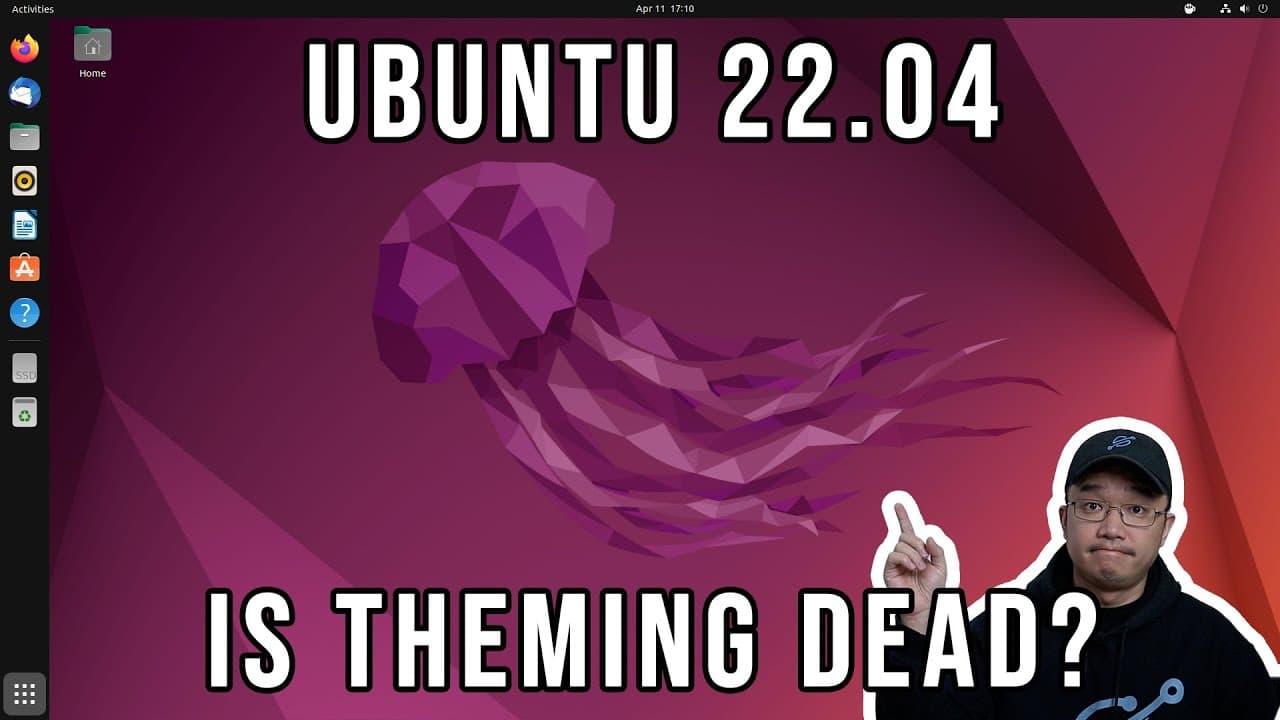
Ubuntu 22.04 beta introduces a visually appealing boot-up screen, a new screenshot application, and enhances user interface elements. The installation process is swift and user-friendly, although some users may face challenges with unsupported extensions and the missing hibernation partition option. It's built on Wayland for improved graphics performance, making it a competitive choice for users.
Transcript
hey guys what's going on it's don here from nova spare tech and welcome back to the channel and today we're going to be checking out ubuntu 2204 jammy jellyfin so let's get started now we're going to be testing ubuntu out on my zima board and if you guys are not familiar with this i will leave a link to the review over here but just for a quick rec... Read More
Key Insights
- 👤 Ubuntu 22.04 beta introduces a visually appealing boot-up screen and refined user interface elements aimed at improving user satisfaction.
- 👤 The installation process remains user-friendly, with efficiency highlighted through quicker installation times compared to past releases.
- 🙂 There are key differences in RAM usage, with a slight increase observed during fresh boot, yet remaining competitive against other operating systems such as Windows.
- 👶 A major new feature includes the redesigned screenshot tool, which enhances functionality and boosts user productivity by simplifying the capture process.
- 👻 Customization options in system settings have been enhanced, allowing for greater personalization, though GTK4 limits available themes and extensions.
- 💦 Users may encounter challenges with unsupported extensions, posing a barrier for those who heavily rely on these tools for work and customization.
- 🏃 Ubuntu 22.04 runs on Wayland instead of X11, indicating improvements in graphics performance and overall system responsiveness.
Install to Summarize YouTube Videos and Get Transcripts
Explore YouTube Video Summarizer or Get YouTube Transcript Extractor
Questions & Answers
Q: What hardware was Ubuntu 22.04 beta tested on?
The Ubuntu 22.04 beta was tested on a Zima board, which features an Intel Celeron 3450 processor, 8GB of RAM, and a 32GB eMMC storage. The external SSD is used for installation, offering additional storage capacity and improved performance for the operating system.
Q: What were the improvements noted in the installation process of Ubuntu 22.04?
The installation process in Ubuntu 22.04 remained similar to previous versions, with a standard interface that comfortably guides users through options such as minimal installation and third-party software. The installation completed quickly in approximately 10 minutes, showcasing efficiency in setting up the operating system.
Q: How does Ubuntu 22.04 compare to previous versions in terms of RAM usage?
On a fresh installation, Ubuntu 22.04 utilizes approximately 1 to 1.1GB of RAM, which is slightly higher than its predecessor, Ubuntu 20.04. While this is an increase, the RAM usage still remains efficient compared to other operating systems like Windows, indicating a balanced resource management approach.
Q: What new features were introduced in the system settings of Ubuntu 22.04?
The new system settings in Ubuntu 22.04 include improved customization options with the ability to switch between light and dark mode, accent color changes impacting folder icons, and a refreshed interface that enhances user experience. These updates reflect a focus on modern UI trends and user personalization.
Q: What was mentioned about unsupported extensions in Ubuntu 22.04?
The review noted that many commonly used GNOME extensions are unsupported in Ubuntu 22.04 due to changes involving GTK4. Users may face challenges in customizing the desktop experience until extension support improves, which is a significant drawback for those relying on these enhancements.
Q: How does the new screenshot application in Ubuntu 22.04 improve user experience?
The new screenshot application allows users to capture images or videos of their screen easily by selecting areas and capturing to the clipboard. This convenient tool reduces the need for third-party applications, streamlining the process of sharing visual content, which was previously cumbersome.
Q: What are the drawbacks of the installer compared to other distributions like Arch Linux?
One notable drawback in Ubuntu's installer is the lack of option to specify hibernation settings, unlike distributions such as Arch Linux and Manjaro. Users must create a dedicated partition of equal size to their RAM for hibernation, a limitation that makes Ubuntu less flexible for certain use-case scenarios.
Q: When is the official release of Ubuntu 22.04 expected?
The official release of Ubuntu 22.04 is scheduled for April 21, which is ten days after the video was recorded. Users who are interested in testing the operating system can try the beta version available through provided links before the full release.
Summary & Key Takeaways
-
The video features a hands-on look at the beta version of Ubuntu 22.04, focusing on its installation process and user interface changes compared to previous versions.
-
Key highlights include the clean boot-up screen, minor updates to system settings, and a new screenshot application, showcasing enhancements in user experience.
-
Despite the upgrades, limitations such as unsupported extensions and the hibernation partition option are discussed, indicating areas for improvement in future releases.
Read in Other Languages (beta)
Share This Summary 📚
Summarize YouTube Videos and Get Video Transcripts with 1-Click
Try YouTube Summary with ChatGPT & Claude or YouTube Transcript Generator
Explore More Summaries from Novaspirit Tech 📚






Summarize YouTube Videos and Get Video Transcripts with 1-Click
Try YouTube Summary with ChatGPT & Claude or YouTube Transcript Generator