Live Streaming Video Equipment Checklist (with bloopers!)
TL;DR
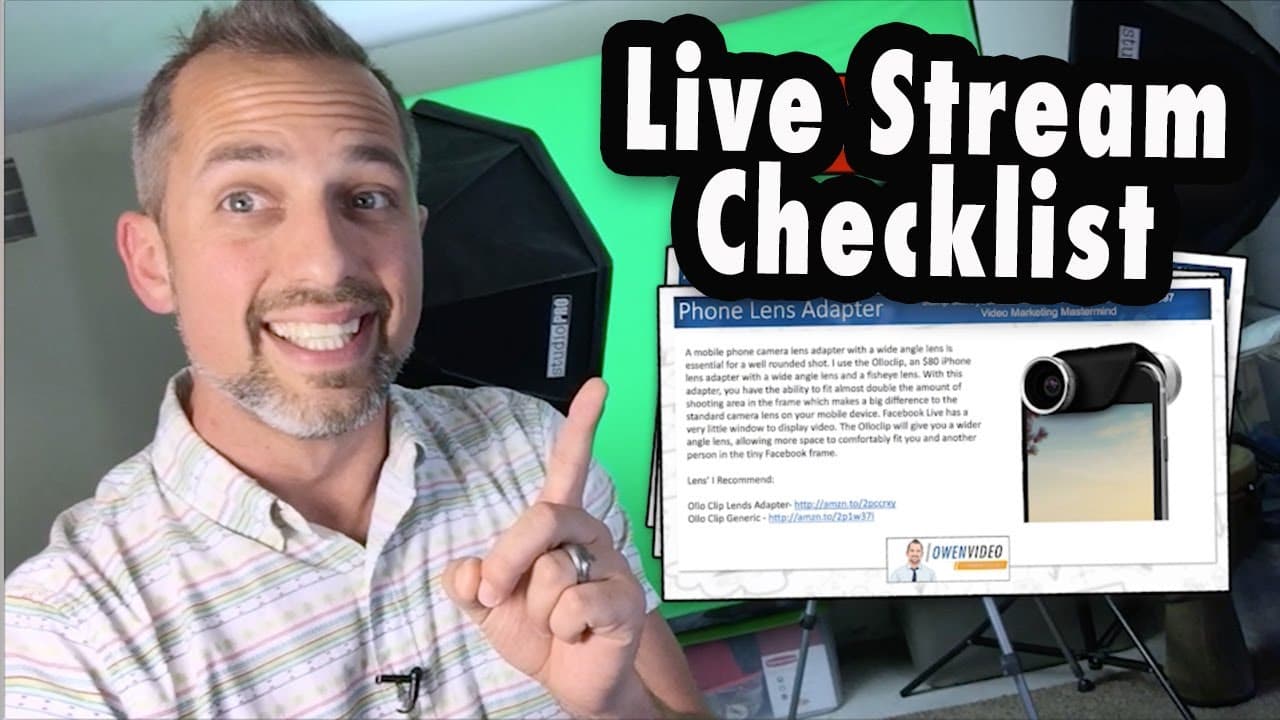
To start live streaming, choose a visually appealing wall or screen backdrop and use the right gear for the level of production you want. A big-screen TV or computer monitors can reinforce your message visually, while a green screen, lights, and cameras can create a more professional-looking show. The creator also offers a 12-page gear checklist with equipment summaries and brand-name and generic Amazon links, so read on to compare the suggested setups.
Transcript
so you want to start live streaming but you don't know where to start let me give you a tip its 2017 and your customers are expecting you to engage with them on the internet using live video so in this short clip I'm going to share with you some tips for making your live video tremendous number one shoot by a cool-looking wall in your house this is... Read More
Key Insights
- 💍 Live videos help businesses and individuals engage with their audience effectively in the digital age of 2017.
- 😃 A visually appealing backdrop, such as a cool-looking wall or a big-screen TV, can enhance the engagement and visual impact of live videos.
- 🙂 Investing in green screens, lights, and cameras allows for the creation of more professional and visually appealing live stream shows.
Install to Summarize YouTube Videos and Get Transcripts
Explore YouTube Video Summarizer or Get YouTube Transcript Extractor
Questions & Answers
Q: What equipment do you need to start live streaming?
The suggested equipment includes a camera, lights, and, for a more professional-looking show, a green screen. Your setup can also use a big-screen TV or computer monitors as a backdrop.
Q: How can you start live streaming with a simple home setup?
Prop your camera up and shoot in front of a cool-looking wall in your house. The speaker presents this as a simple way to create an appealing setting and engage with homeowners, families, moms, and consumers.
Q: How can a business make its live videos look more professional?
A business, brand, or entrepreneur can position the camera in front of a big-screen TV or computer monitors. The screen provides a more professional-looking backdrop and helps reinforce the message visually.
Q: Why use a big-screen TV or computer monitors as a live-stream backdrop?
The speaker says that a screen can reinforce your message visually. It also offers businesses, brands, and entrepreneurs an alternative to filming against a simple wall.
Q: What gear can improve a professional-looking live-stream show?
The transcript recommends investing in a green screen, lights, or cameras. These items are presented as ways to make the show look more professional.
Q: What is included in the Live Stream Gear Checklist?
The checklist is a 12-page PDF covering the gear the creator uses for great-looking live streams. It includes a brief summary of the equipment, explanations of why the creator uses it, and reasons viewers may want to use it too.
Q: Does the Live Stream Gear Checklist support different budgets?
Yes. It includes both brand-name and generic gear links on Amazon so the checklist can be used for live-stream setups at any budget.
Q: Who is the Live Stream Gear Checklist intended for?
It is intended for people streaming to consumers, people streaming to businesses, and those who want to launch their own live-stream show. The checklist is designed to help these users identify the gear used by the creator.
Summary & Key Takeaways
-
Shoot your live videos in front of a cool-looking wall in your house to engage with your audience.
-
Use a big-screen TV or computer monitors as a backdrop to reinforce your message visually.
-
Invest in green screens, lights, and cameras to create a professional-looking live stream show.
Read in Other Languages (beta)
Share This Summary 📚
Summarize YouTube Videos and Get Video Transcripts with 1-Click
Try YouTube Summary with ChatGPT & Claude or YouTube Transcript Generator
Explore More Summaries from Owen Video 📚






Summarize YouTube Videos and Get Video Transcripts with 1-Click
Try YouTube Summary with ChatGPT & Claude or YouTube Transcript Generator