How to Watch Netflix on Raspberry Pi
TL;DR
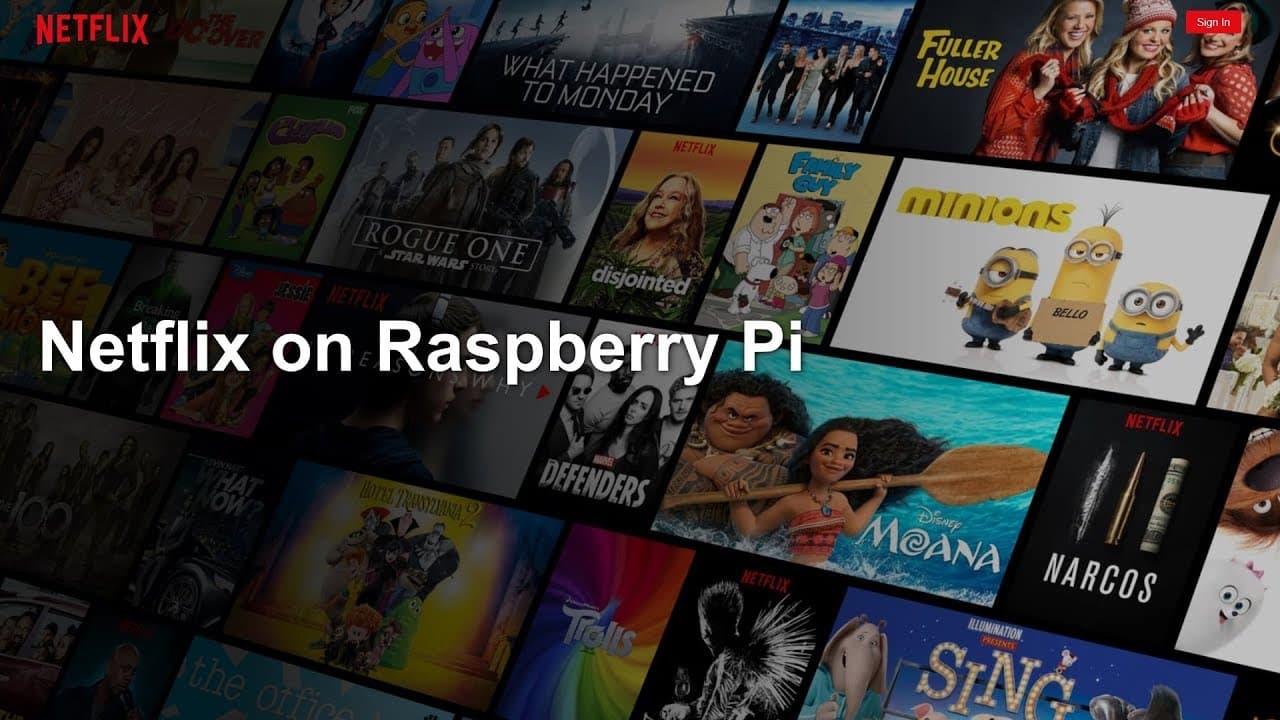
To watch Netflix on Raspberry Pi, install a custom Chromium browser that includes the necessary Widevine plugin, and use a user agent switcher to mimic Chrome OS. Start by downloading the custom build from GitHub, followed by installing the browser via terminal commands. After setup, configure the user agent to access Netflix successfully.
Transcript
hey guys what's going on it's dawn here from Nova spirit Inc and I am back with another tutorial and today we are gonna be getting Netflix to work on our Raspberry Pi so let's get started so you might know that the Raspberry Pi cannot play Netflix by default that's because it doesn't have the necessary plugins for chronium to do so now a lot of peo... Read More
Key Insights
- 🎏 Raspberry Pi requires additional steps to stream Netflix due to missing DRM components like Widevine.
- 👤 A user named Krusty 8 contributed a modified Chromium browser build suitable for Raspberry Pi users seeking to stream Netflix.
- 📁 The installation process involves downloading specific files from GitHub and executing terminal commands to install the necessary plugins.
- 🖐️ Helpful browser extensions like user agent switchers play a critical role in ensuring streaming service compatibility for non-standard devices like the Raspberry Pi.
- 😀 Users should update their operating system and apps regularly to maintain compatibility with new streaming services and features.
- 💬 The tutorial encourages community engagement through comments and social media, reflecting the importance of shared knowledge amongst tech enthusiasts.
- 🤗 The method includes practical tips such as restarting the browser and opening new tabs, showcasing user-friendly steps for viewers.
Install to Summarize YouTube Videos and Get Transcripts
Explore YouTube Video Summarizer or Get YouTube Transcript Extractor
Questions & Answers
Q: Why can't Raspberry Pi play Netflix by default?
Raspberry Pi does not support Netflix out-of-the-box due to the absence of necessary plugins required by the Chromium browser. The missing component, Widevine, is essential for decoding digital rights management (DRM) content like Netflix streams, hence requiring additional steps to enable streaming.
Q: What is Widevine and why is it important for streaming?
Widevine is a digital rights management (DRM) component developed by Google that is crucial for encrypting and securing streaming content. Without Widevine, devices, including Raspberry Pi, cannot decode and display protected media from platforms like Netflix, making it necessary to implement additional plugins to achieve streaming capability.
Q: How do I install the modified Chromium browser?
To install the modified version of Chromium, users need to navigate to the provided GitHub link, download the browser file, and then execute the command "sudo dpkg - PI chromium browser" in the terminal to complete the installation process. This browser includes the necessary Widevine plugin.
Q: What does the user agent switcher do?
A user agent switcher is a browser extension that allows users to change the apparent identity of their device to websites. By pretending to be Chrome OS, it helps Netflix validate the request, avoiding compatibility issues that arise due to the Raspberry Pi being detected as a lesser-known operating system.
Q: Are all versions of Raspbian compatible with this method?
The tutorial emphasizes the importance of having the latest version of Raspbian and its updates to ensure compatibility. While the method may work on older versions, using the latest software often helps avoid unforeseen errors during the installation process.
Q: Can I use other streaming services with this setup?
While the tutorial specifically focuses on setting up Netflix, utilizing a similar approach with a relevant user agent can potentially enable streaming from other services that require DRM. Each service may have different requirements, so further research may be needed for each platform.
Summary & Key Takeaways
-
The tutorial outlines the steps necessary to get Netflix functioning on a Raspberry Pi, as it lacks certain plugins by default.
-
It introduces a custom Chromium browser that includes the needed Widevine plugin, crucial for streaming Netflix content.
-
Users are guided to install a user agent switcher to mimic Chrome OS, enabling compatibility with the Netflix website.
Read in Other Languages (beta)
Share This Summary 📚
Summarize YouTube Videos and Get Video Transcripts with 1-Click
Try YouTube Summary with ChatGPT & Claude or YouTube Transcript Generator
Explore More Summaries from Novaspirit Tech 📚






Summarize YouTube Videos and Get Video Transcripts with 1-Click
Try YouTube Summary with ChatGPT & Claude or YouTube Transcript Generator