How to Optimize LinkedIn Profile for Job Offers
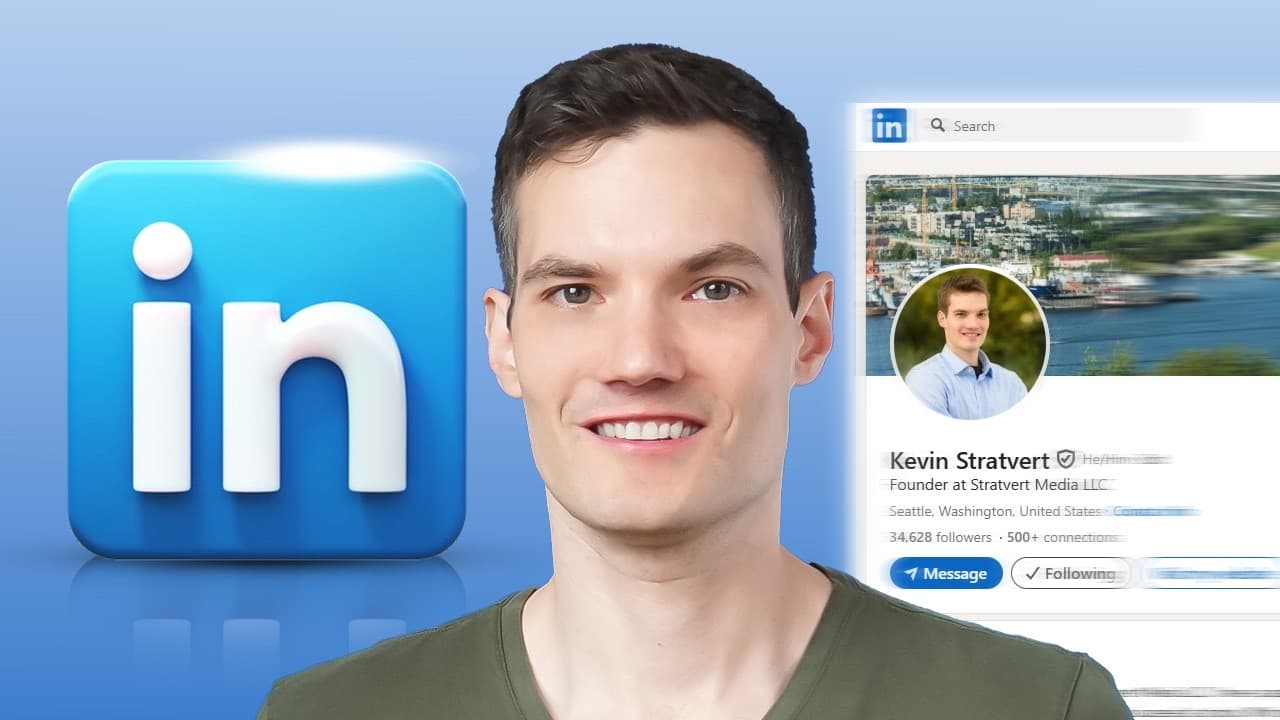
TL;DR
To attract job offers without applying, optimize your LinkedIn profile by using a professional photo, crafting a compelling headline, and writing a detailed summary. Highlight your experience with results-driven bullet points and leverage AI tools for photo enhancement. Posting regular updates and using features like custom URLs and 'Open to Work' can significantly increase your profile's visibility.
Transcript
What if your LinkedIn profile could land your dream job without sending out a single application? Hi, I'm Kevin, and today we'll learn how to make that happen by creating a LinkedIn profile that gets you noticed by recruiters, hiring managers, and potential clients. We'll walk through it all step by step. Let's dive in. Now, if you're anything ... Read More
Key Insights
- A LinkedIn profile is a personal brand and online billboard that promotes you 24/7.
- A professional, approachable profile photo is crucial for a good first impression.
- A customized banner image can showcase your personality and work.
- A powerful headline should describe your role, how you help, and who you help.
- A well-crafted summary can increase profile views by up to 3.9 times.
- Experience sections should highlight achievements with bullet points and outcomes.
- Skills and endorsements boost visibility and serve as social proof of expertise.
- Recommendations from colleagues and clients enhance trustworthiness and credibility.
Install to Summarize YouTube Videos and Get Transcripts
Explore YouTube Video Summarizer or Get YouTube Transcript Extractor
Questions & Answers
Q: How to make a LinkedIn profile stand out?
To make a LinkedIn profile stand out, start with a professional photo and a customized banner image. Use a compelling headline that describes your role and contributions, and craft a summary that tells your story. Highlight your experience with results-driven bullet points, and showcase your skills with endorsements and recommendations. Regularly post updates to engage your network and utilize features like custom URLs and 'Open to Work' to enhance visibility.
Q: What is the importance of a LinkedIn profile photo?
A LinkedIn profile photo is crucial as it forms the first impression for anyone visiting your profile. It should be professional yet approachable, as it represents your personal brand. A clear, well-lit photo with a clean background can make you appear more trustworthy and likable, increasing the chances of attracting recruiters and potential clients.
Q: How to write a compelling LinkedIn headline?
A compelling LinkedIn headline should include your role, how you help, and who you help. It should go beyond just your job title to showcase your value and impact. Use action-oriented language and keywords relevant to your industry to attract attention and make your profile more discoverable in searches.
Q: Why is the summary section important on LinkedIn?
The summary section on LinkedIn is important because it allows you to tell your personal story and highlight your professional journey. A well-crafted summary can increase your profile views significantly and provide context about your skills, passions, and achievements. It should be conversational and reflect your personality, making it more engaging for readers.
Q: What are the benefits of listing skills on LinkedIn?
Listing skills on LinkedIn enhances your profile's visibility and helps you get discovered for relevant opportunities. Skills act as keywords that recruiters search for, and having them endorsed by others serves as social proof of your expertise. You can pin three top skills to highlight what you want to be known for, making your profile more targeted and effective.
Q: How do recommendations improve a LinkedIn profile?
Recommendations improve a LinkedIn profile by providing social proof and credibility. They are testimonials from colleagues, clients, or partners about your work ethic and skills. Recommendations act like five-star reviews, enhancing trustworthiness and making your profile more attractive to potential employers or collaborators.
Q: How can LinkedIn posts enhance your profile?
LinkedIn posts enhance your profile by keeping you engaged with your network and showcasing your expertise and achievements. Regular updates increase your visibility and keep you top-of-mind for connections, potentially leading to new opportunities. Posts can include project highlights, industry insights, or personal achievements, providing valuable content to your audience.
Q: What is the 'Open to Work' feature on LinkedIn?
The 'Open to Work' feature on LinkedIn allows you to signal to recruiters and your network that you are looking for job opportunities. You can specify the types of roles you're interested in, your availability, and whether to share this information with your network or only with recruiters. This feature increases the likelihood of being contacted for relevant job openings.
Summary & Key Takeaways
-
A LinkedIn profile should be treated as a personal brand, with a professional photo and engaging banner image to make a strong first impression. Crafting a compelling headline and summary can significantly increase profile views and attract attention from recruiters.
-
Highlighting your experience with results-driven bullet points and showcasing your skills through endorsements can boost your profile's visibility. Recommendations from colleagues or clients add credibility and trustworthiness to your profile.
-
Regularly posting updates on LinkedIn keeps you top-of-mind in your network and can lead to new opportunities. Utilizing features like custom URLs and the 'Open to Work' option can further enhance your profile's effectiveness in attracting job offers.
Read in Other Languages (beta)
Share This Summary 📚
Summarize YouTube Videos and Get Video Transcripts with 1-Click
Try YouTube Summary with ChatGPT & Claude or YouTube Transcript Generator
Explore More Summaries from Kevin Stratvert 📚





Summarize YouTube Videos and Get Video Transcripts with 1-Click
Try YouTube Summary with ChatGPT & Claude or YouTube Transcript Generator