How to Backup and Shrink Raspberry Pi Images
TL;DR
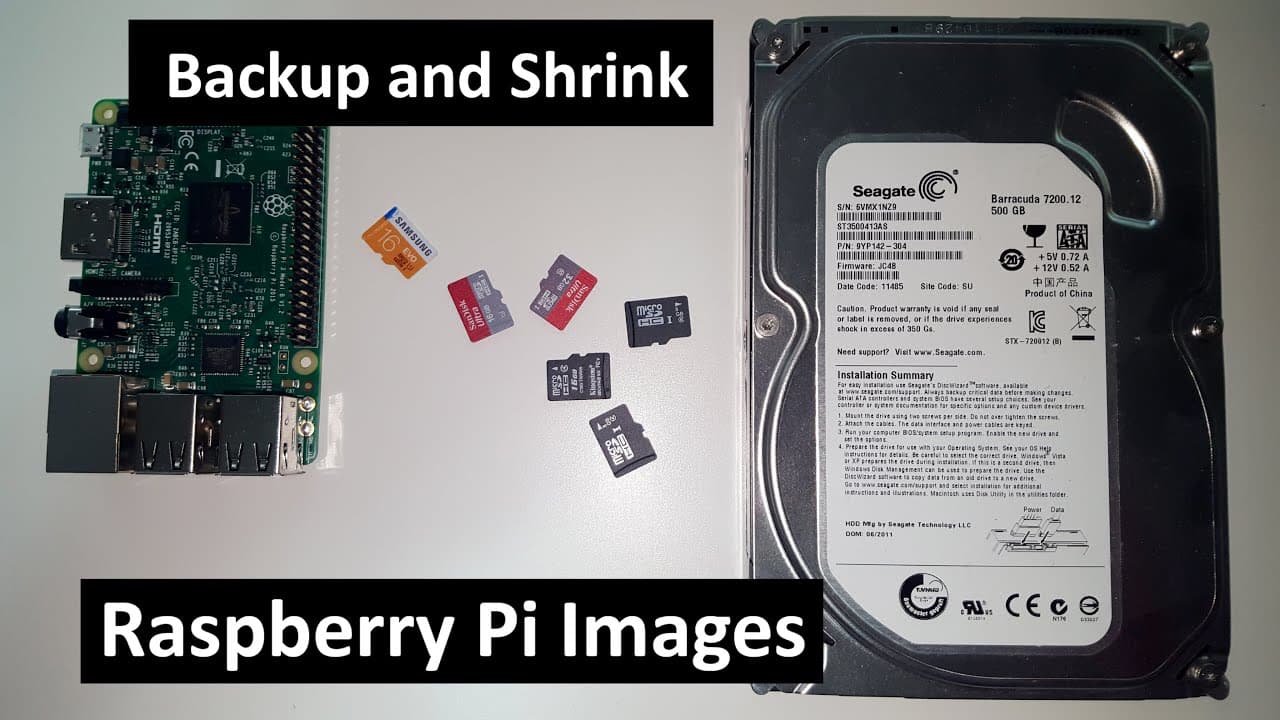
To back up and shrink Raspberry Pi images, use Win32DiskImager to transfer the SD card image to your computer, then set up a virtual machine running Ubuntu. Resize the image using GParted to save space, and create a custom minimal image for quicker boot times, ensuring you always have the necessary setup ready when needed.
Transcript
hey guys what's going on it's down here from the spirit of tech and if you're anything like me to have 9000 projects for your Raspberry Pi and not 9000 SD cards you might want to backup all your images so to your local computer so you could have them for later uses so what we're going to be doing today is backing up and shrinking your raspbian imag... Read More
Key Insights
- ☠️ Raspberry Pi users often manage multiple projects but may lack enough SD cards, making image backups essential.
- 🤩 Win32DiskImager is a key tool for transferring SD card images to local machines, simplifying the backup process.
- 🥹 VirtualBox and Ubuntu provide a versatile environment for resizing and manipulating Raspbian images after backing them up.
- 👾 Resizing images can greatly reduce storage usage, especially for users with limited hard disk space.
- 👤 Customizing Raspbian images by removing unneeded applications can create a streamlined and effective setup for specific user needs.
- 👾 Ensuring extra space on virtual drives prevents complications during the image handling process.
- 👤 The backup and customization process described can be beneficial for both novice and experienced Raspberry Pi users seeking greater efficiency.
Install to Summarize YouTube Videos and Get Transcripts
Explore YouTube Video Summarizer or Get YouTube Transcript Extractor
Questions & Answers
Q: What is the purpose of backing up Raspbian images?
Backing up Raspbian images allows Raspberry Pi users to preserve their configurations and projects. Without sufficient SD cards for all projects, users can create backups of their images, ensuring they can restore their setups later or transfer them to a new SD card, saving time and effort in system setup.
Q: Which software is primarily used for image backup in this guide?
The primary software mentioned for backing up Raspbian images is Win32DiskImager. This tool allows the user to read an image from an SD card and save it to a specified location on a hard drive effectively.
Q: How can users resize their Raspbian image files after backup?
Users can resize their Raspbian image files using a VirtualBox Ubuntu setup. The process involves creating a loop device and utilizing tools like gparted to adjust the filesystem size, ultimately shrinking the image to save storage space on their local machines.
Q: What do you need to have installed to perform the backup?
To perform the backup, users should have any Linux environment installed, such as on a Raspberry Pi, or use a virtual machine with Ubuntu. Additionally, if using Windows, they need Win32DiskImager and software to help with the image manipulation process, like gparted.
Q: Why is it recommended to have a larger virtual hard drive than the SD card's size?
It's recommended to have a virtual hard drive size larger than the SD card to accommodate the entire Raspbian image and any necessary space for resizing operations. This extra space ensures that all data can be handled without risk of overflow during backup or image manipulation.
Q: What are some advanced steps mentioned in the content for customizing Raspbian images?
Advanced steps include stripping the image of unnecessary software, configuring network settings, and adapting specific applications to create a lightweight version, termed "Raspbian light," which ensures faster boot times while keeping only essential functionalities for the user's needs.
Summary & Key Takeaways
-
The content provides a step-by-step guide on how to back up Raspbian images from an SD card to a local computer using Win32DiskImager.
-
It demonstrates how to set up a virtual machine on Windows to facilitate the backup process, using Ubuntu to manage the image.
-
The guide includes instructions on resizing the image file to save space and preparing a custom, minimal Raspbian image for quicker system boot times.
Read in Other Languages (beta)
Share This Summary 📚
Summarize YouTube Videos and Get Video Transcripts with 1-Click
Try YouTube Summary with ChatGPT & Claude or YouTube Transcript Generator
Explore More Summaries from Novaspirit Tech 📚






Summarize YouTube Videos and Get Video Transcripts with 1-Click
Try YouTube Summary with ChatGPT & Claude or YouTube Transcript Generator