How to Set Up a Raspberry Pi VPN Router for Privacy
TL;DR
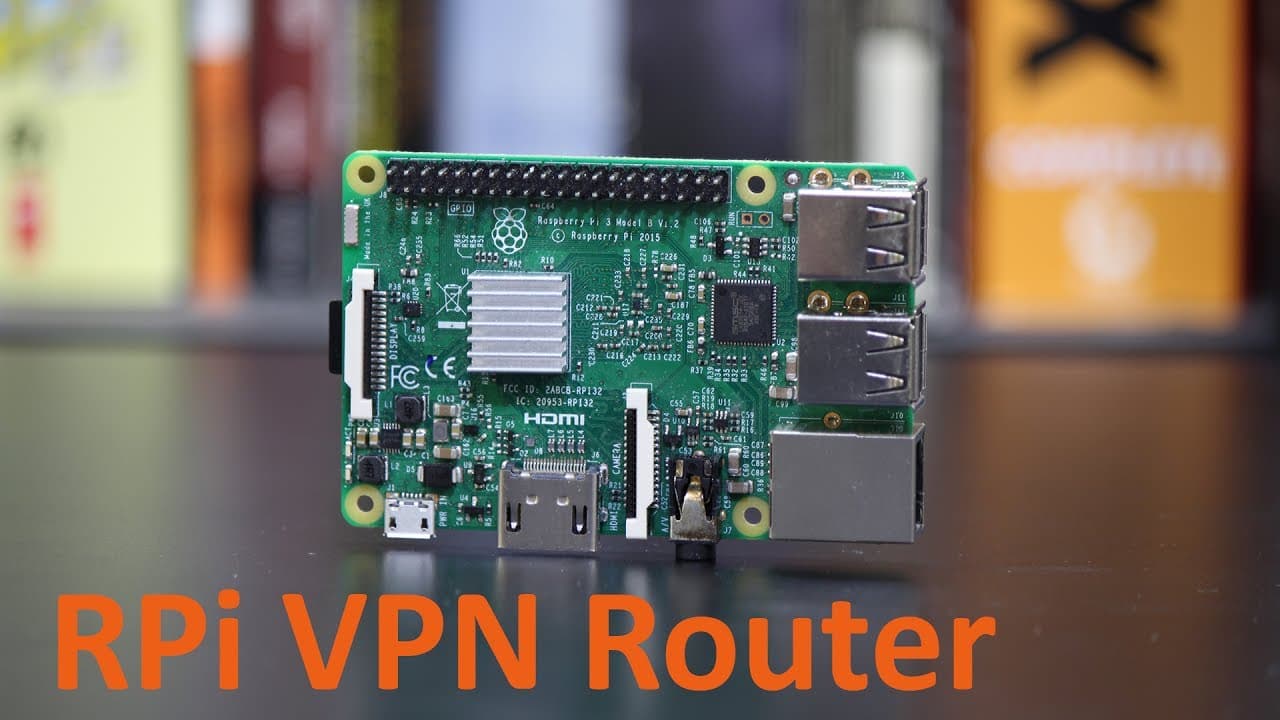
To set up a Raspberry Pi as a VPN router, install OpenVPN and configure it with a static IP. This allows multiple devices to connect using a single VPN account, enhancing online privacy by encrypting traffic and protecting against ISP monitoring. The process is straightforward, requiring minimal technical skills for effective use.
Transcript
Hey guys, what is going on? It's Don here from NovaSpiritTech and today I got a really cool episode for you guys We are going to be making a Raspberry Pi VPN router so let's get started Alright, so for those of you who don't know what a VPN is I'm going to give you the reader's digest version so basically It's Encrypted traffic between your compute... Read More
Key Insights
- 👤 Using a VPN secures your internet activity against ISP surveillance, making it crucial for privacy-conscious users.
- 👪 Raspberry Pi serves as an efficient and cost-effective solution for creating a VPN router, significantly lowering the number of required individual VPN accounts for family devices.
- 😫 Simple installation and configuration processes make Raspberry Pi accessible for users with minimal tech knowledge to set up secure networks.
- ♓ Importance of creating a static IP setup for the Raspberry Pi to maintain a consistent gateway for connected devices.
- 👤 Awareness that the Raspberry Pi's hardware may limit performance, advising users to know the device's specifications before high-demand uses.
- 💦 The setup can work with various VPN providers, emphasizing adaptability for users with existing VPN services.
- 👤 Users must enable IP packet forwarding to facilitate network communication between the Raspberry Pi and connected devices.
Install to Summarize YouTube Videos and Get Transcripts
Explore YouTube Video Summarizer or Get YouTube Transcript Extractor
Questions & Answers
Q: What is the purpose of using a VPN on a home network?
A VPN, or Virtual Private Network, encrypts your internet traffic, which protects your online activity from being monitored by ISPs or malicious actors. By creating a VPN router using a Raspberry Pi, multiple devices can be connected securely without needing separate VPN accounts, preserving privacy across your household.
Q: Why is a Raspberry Pi preferred for setting up a VPN router?
A Raspberry Pi is a low-powered, cost-effective device that is easily configured to serve as a VPN router. It can be positioned near your main router and allows users to connect multiple devices to a single VPN account, saving money and providing enhanced privacy without requiring advanced technical skills.
Q: What are the limitations of using a Raspberry Pi as a VPN router?
The primary limitation is processing power. A Raspberry Pi can manage multiple connections, but performance may be impacted if too many devices are connected simultaneously, especially during high traffic or data-intensive activities. Users may experience slower speeds and should consider upgrading their hardware if needed.
Q: How do I install OpenVPN on the Raspberry Pi?
Install OpenVPN by executing the command "sudo apt-get install openvpn" after ensuring your Raspberry Pi is updated with "sudo apt-get update" and "sudo apt-get upgrade." After installation, configuration files need to be set up for your VPN provider and necessary certificates copied into the OpenVPN directory.
Summary & Key Takeaways
-
This guide shows how to build a VPN router using Raspberry Pi, allowing multiple devices to share one VPN account for privacy.
-
It covers the necessity of using a VPN to encrypt internet traffic and protect against ISP monitoring, especially when using multiple devices at home.
-
Detailed steps are provided for setting up the Raspberry Pi, including necessary software installations, configuration for static IP, and VPN settings that ensure secure browsing.
Read in Other Languages (beta)
Share This Summary 📚
Summarize YouTube Videos and Get Video Transcripts with 1-Click
Try YouTube Summary with ChatGPT & Claude or YouTube Transcript Generator
Explore More Summaries from Novaspirit Tech 📚






Summarize YouTube Videos and Get Video Transcripts with 1-Click
Try YouTube Summary with ChatGPT & Claude or YouTube Transcript Generator