How Does Microsoft HoloLens Work?
TL;DR
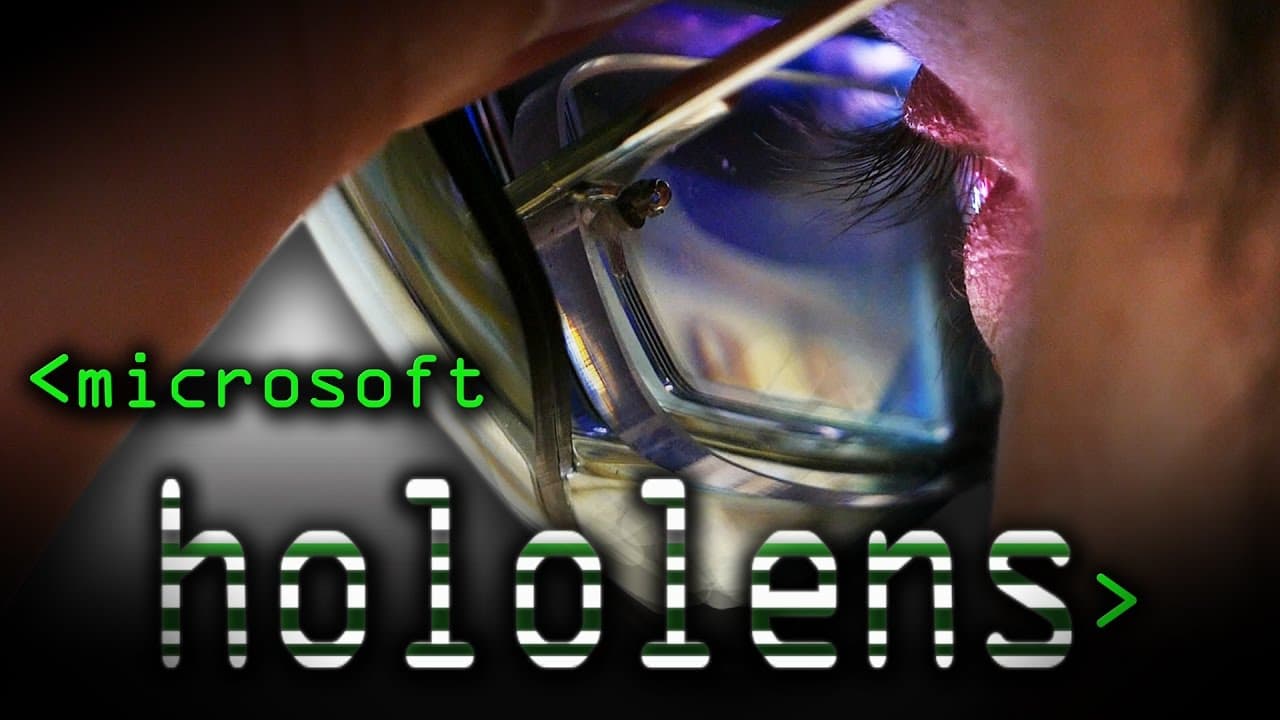
Microsoft HoloLens uses advanced sensors to create a real-time 3D map of the environment, enabling users to interact with holograms placed within their surroundings. By utilising depth perception, it effectively detects occlusions, enhancing the immersive experience. Although its field of view is narrow, the device supports intuitive gesture recognition for seamless interaction with virtual content.
Transcript
clap Ah, there we are. So we have diagnostic information here, but we can also get a 3D view of what the Hololens actually sees. So this is the point cloud and or rather mesh that it's creating in real-time. As you can see that's the room was standing in. There's the table. That's the point of view of the Hololens in real time. First-person view.... Read More
Key Insights
- 🫵 HoloLens provides a real-time 3D view and mapping of the environment, enabling interactive hologram placement and occlusion detection.
- 😒 The device uses depth cameras and sensors to create a mesh of the environment, allowing for accurate tracking and interaction.
- 🤟 HoloLens relies on gestures and voice commands for interaction, providing a smooth and reliable user experience.
- 🫵 The field of view of HoloLens is relatively narrow, limiting the area in which augmented content can be displayed.
- 💇 HoloLens trades off between speed and performance, cutting corners to maintain a smooth experience.
- ☄️ The device has limitations when it comes to see-through surfaces and clatter on tables.
- 👤 Users can use HoloLens in various applications such as desktop use, entertainment, and gaming.
Install to Summarize YouTube Videos and Get Transcripts
Explore YouTube Video Summarizer or Get YouTube Transcript Extractor
Questions & Answers
Q: How does HoloLens create a 3D view of the environment?
HoloLens uses depth cameras and sensors to create a real-time mesh of the environment, allowing for a 3D view.
Q: Can HoloLens detect and track objects in the environment?
Yes, HoloLens can detect and track objects, creating an understanding of the environment to enable hologram placement and occlusion detection.
Q: What gestures and voice commands can be used with HoloLens?
HoloLens recognizes gestures such as the bloom gesture and the click gesture, providing basic interaction capabilities. Voice commands can also be used to interact with the device.
Q: What is the field of view of HoloLens?
The field of view of HoloLens is relatively narrow, with augmented content visible in a small angle in the center of the user's vision.
Summary & Key Takeaways
-
HoloLens creates a real-time 3D mesh of the environment, allowing users to see a first-person view of what the device is seeing.
-
It can detect and track objects in the environment, enabling hologram placement and occlusion detection.
-
The device uses gestures and voice commands for interaction, providing a smooth and reliable user experience.
Read in Other Languages (beta)
Share This Summary 📚
Summarize YouTube Videos and Get Video Transcripts with 1-Click
Try YouTube Summary with ChatGPT & Claude or YouTube Transcript Generator
Explore More Summaries from Computerphile 📚




Summarize YouTube Videos and Get Video Transcripts with 1-Click
Try YouTube Summary with ChatGPT & Claude or YouTube Transcript Generator