What Is KASM and How Does It Enable Secure Remote Workspaces?
TL;DR
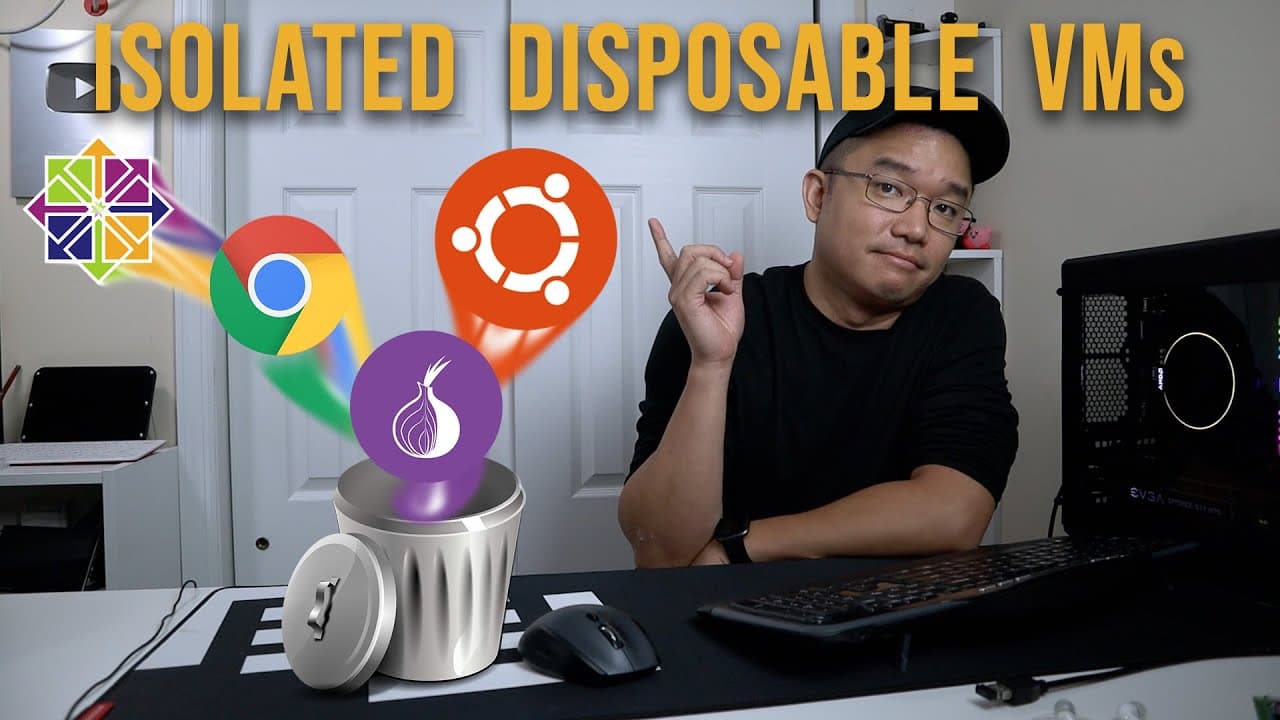
KASM provides isolated, disposable remote workspaces that users can access through their web browser, utilizing Docker technology. Ideal for corporate and educational environments, it allows multiple users to run powerful applications without needing dedicated hardware, while offering secure browsing and file transfer capabilities. This makes KASM an efficient solution for enhancing security in various online activities.
Transcript
hey guys what's going on it's Don here from Nova Spirit Tech and welcome back to our Channel and today I got this really cool software to show you guys which is isolated remote workspaces by Chasm so let's get started so technically I would consider this as a virtual machine but I use that term very Loosely because this is actually a Docker and con... Read More
Key Insights
- 🎰 Chasm provides an innovative solution for creating isolated remote workspaces using lightweight Docker containers instead of traditional virtual machines.
- 🪡 The platform is particularly advantageous for educational and corporate settings, enabling cost-effective access to software without the need for extensive hardware.
- 👤 Users can restore a workspace effortlessly, ensuring that digital activities can be conducted without residual effects from potential threats or mistakes.
- 👻 Chasm allows file transfer capabilities between the remote workspace and local devices, enhancing usability and ensuring smooth workflow for users working with various applications.
- 👤 Its compatibility with popular operating systems broadens the reach of the software, making it accessible to a wide range of users and use cases.
- 👨🔬 The ability to utilize the workspaces for secure browsing enhances user privacy, making it particularly appealing for individuals engaged in network security research.
- 👻 Chasm supports the integration of functionalities like webcam and microphone access, allowing users to engage in video conferencing directly from their remote workspace.
Install to Summarize YouTube Videos and Get Transcripts
Explore YouTube Video Summarizer or Get YouTube Transcript Extractor
Questions & Answers
Q: What is the main purpose of Chasm's isolated remote workspaces?
The primary goal of Chasm's isolated remote workspaces is to provide users with a safer environment for online activities, especially when dealing with suspicious links or applications. This technology allows users to operate within isolated containers that can be quickly redeployed without affecting the main system, ensuring that potential issues are contained.
Q: How is Chasm different from traditional virtual machines?
Unlike traditional virtual machines that emulate full desktops, Chasm operates on a container-based setup using Docker. This allows for lightweight deployments, faster boot times, and less resource consumption. Users can access specific applications directly in their browser without waiting for entire systems to load, making it a more efficient solution for remote workspaces.
Q: What are the advantages of using these workspaces in educational settings?
In educational environments, Chasm allows institutions to provide access to high-performance applications without requiring investment in multiple physical machines. Students can use thin clients or minimal hardware to log in and access powerful applications like Blender or VS Code, making tech resources more affordable and accessible.
Q: Can users customize their remote workspace experience with Chasm?
Yes, users can tailor their experience by deploying different applications within their isolated workspaces. The platform also allows file transfers between the remote workspace and local machines, enabling the use of various browsers and applications to suit individual needs.
Q: How does Chasm ensure user security when accessing the internet?
Chasm promotes user security by allowing users to navigate the internet through isolated environments. Users can open potentially harmful links in a Chasm workspace, where any risks are contained. The session can then be deleted or redeployed without affecting the primary system, thus safeguarding data integrity.
Q: What kind of setups can Chasm be installed on?
Chasm can be installed on various setups, including standard desktop computers, virtual machines, or personal servers. It supports popular operating systems like Ubuntu, Fedora, or CentOS, ensuring flexibility for users in choosing a suitable base for the installation.
Q: Is Chasm's software open source, and what does that mean for users?
Yes, Chasm is open source, allowing users the option to self-host their environments on personal servers. This grants users greater control over their installations, customization options, and the ability to maintain their desired security measures without relying on external hosting services.
Q: How fast can users expect Chasm to deploy workspaces?
Chasm boasts impressive deployment times, with the ability to launch a desktop environment in about ten seconds. This rapid setup enhances productivity and makes it easy for users to start working without unnecessary delays.
Summary & Key Takeaways
-
Chasm provides a software solution that creates disposable, isolated remote workspaces, streamable directly through web browsers, leveraging Docker and container technology.
-
Tailored for corporate environments and educational institutions, it simplifies resource management by enabling multiple users to access powerful applications without the need for full desktops.
-
Users can effortlessly set up, deploy, and restore their workspaces, ensuring security while performing potentially risky online activities, such as visiting suspicious websites.
Read in Other Languages (beta)
Share This Summary 📚
Summarize YouTube Videos and Get Video Transcripts with 1-Click
Try YouTube Summary with ChatGPT & Claude or YouTube Transcript Generator
Explore More Summaries from Novaspirit Tech 📚






Summarize YouTube Videos and Get Video Transcripts with 1-Click
Try YouTube Summary with ChatGPT & Claude or YouTube Transcript Generator