How to Remove Unwanted Objects from Photos in Canva
TL;DR
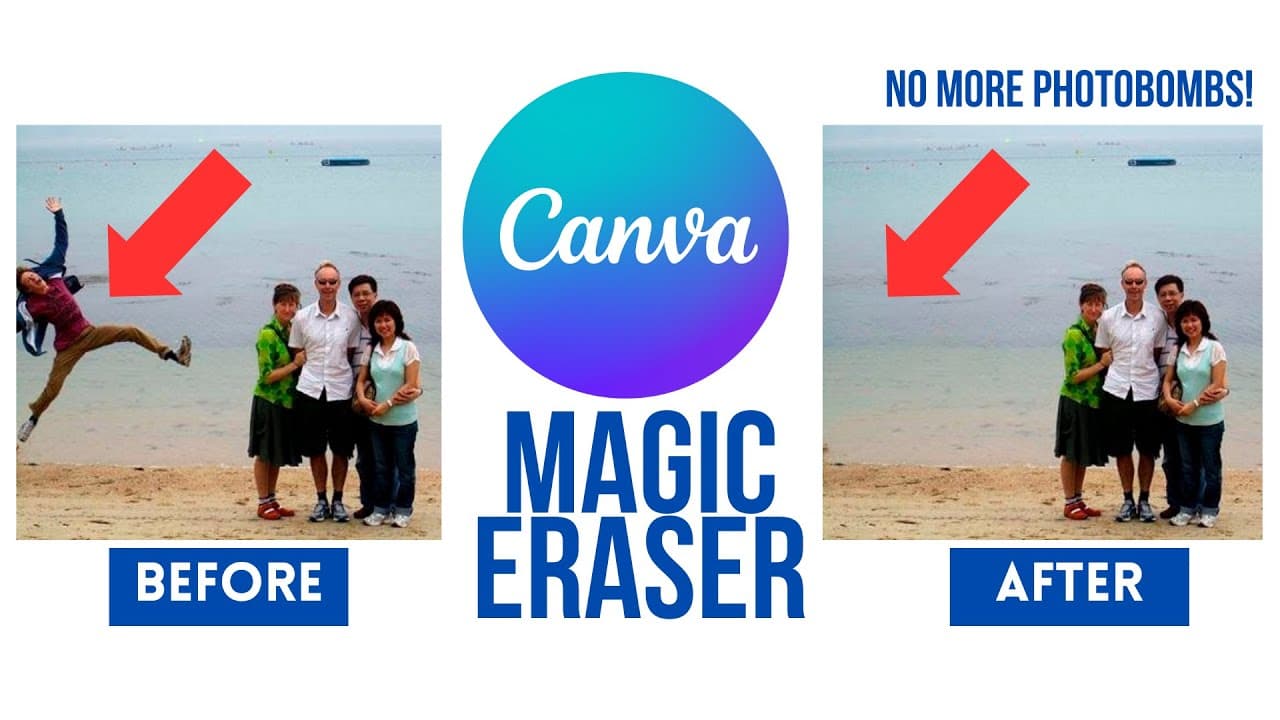
To remove unwanted objects from photos in Canva, use the Magic Eraser tool, which allows you to seamlessly erase distractions while preserving the background. Simply select the brush size, highlight the areas you want to remove, and let the AI do the work. This feature enhances your images efficiently and helps achieve your desired aesthetic.
Transcript
so let me show you another photo and that's this photo that I uploaded I found this one on the internet this nice family went to the beach tried to take a beautiful family photo and unfortunately there was a photo bomber who came in and ruined it so I don't want to remove the background here but what I do want to remove is just this unwanted part o... Read More
Key Insights
- 👻 Canva's Magic Eraser feature allows users to easily remove unwanted objects from photos, saving them time and effort.
- 😒 The tool uses AI to accurately detect and remove objects, while preserving the background of the photo.
- 👤 Users can touch up their photos and create images that meet their desired aesthetic.
- 🧘 The Magic Eraser feature can remove multiple objects at once, making it efficient for editing photos with multiple unwanted elements.
- 🍵 It is capable of handling complex backgrounds and producing seamless results.
Install to Summarize YouTube Videos and Get Transcripts
Explore YouTube Video Summarizer or Get YouTube Transcript Extractor
Questions & Answers
Q: How does Canva's Magic Eraser feature work?
Canva's Magic Eraser feature uses AI to detect and remove unwanted objects from photos. Users can simply select the object they want to remove and the tool will erase it while keeping the background intact.
Q: Can the Magic Eraser feature remove multiple objects at once?
Yes, the Magic Eraser feature can remove multiple objects in a photo. Users can brush over the unwanted objects and the tool will erase them simultaneously.
Q: Does the Magic Eraser feature work well with complex backgrounds?
Canva's Magic Eraser feature is designed to preserve the background of the photo while removing unwanted objects. It is capable of handling complex backgrounds and producing excellent results.
Q: Can the Magic Eraser feature remove reflections from photos?
Yes, the Magic Eraser feature can remove reflections from photos. Users can simply brush over the reflection and the tool will erase it, leaving a clean image.
Summary & Key Takeaways
-
Canva's Magic Eraser feature can remove unwanted objects from photos with just a few simple steps.
-
The AI-powered tool is able to seamlessly erase unwanted individuals or objects while preserving the background.
-
Users can easily touch up their photos and create images that look exactly how they want them to.
Read in Other Languages (beta)
Share This Summary 📚
Summarize YouTube Videos and Get Video Transcripts with 1-Click
Try YouTube Summary with ChatGPT & Claude or YouTube Transcript Generator
Explore More Summaries from EdTech Hustle 📚




![Keynote: Remove The Background of Any Photo [Using Instant Alpha] thumbnail](/_next/image?url=https%3A%2F%2Fi.ytimg.com%2Fvi%2F0Ji-uTffzJE%2Fhqdefault.jpg&w=750&q=75)

Summarize YouTube Videos and Get Video Transcripts with 1-Click
Try YouTube Summary with ChatGPT & Claude or YouTube Transcript Generator