What Are the Best Free File Management Apps for Mac?
TL;DR
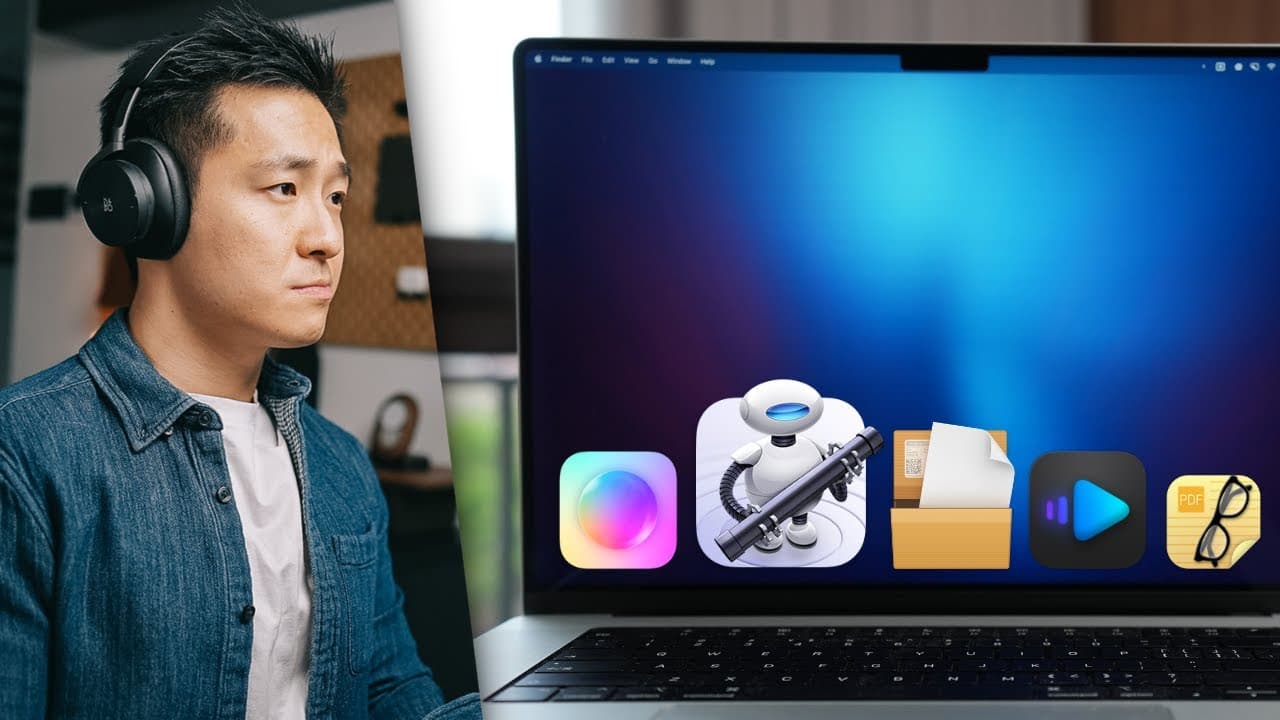
The best free file management apps for Mac include IINA for video playback, System Color Picker for color selection, Skim for PDF reading, and Automator for task automation. Other notable apps are Downie for video downloading and Google Drive for easy file access. These tools enhance organization and productivity on your Mac.
Transcript
i fear no man but that thing it scares me okay that was a slight exaggeration because the default archive utility tool on your mac does a good job 80 of the time but recently i tried to download a firmware update from sony one of the largest companies in the world and when i tried to extract the zip file i ran into this error and that's why it's al... Read More
Key Insights
- 😀 Free Mac apps discussed: video player, color picker, menu bar organizer, PDF reader, screen saver, downloader, Google Drive, and Automator.
- 😀 Tips for optimizing these apps: customization options, shortcuts, and efficient usage.
- 🇲🇰 Utilize Automator for task automation and productivity enhancement on a Mac.
- 😀 Explore free alternatives for paid apps mentioned in the video like Downey and Bartender.
Install to Summarize YouTube Videos and Get Transcripts
Explore YouTube Video Summarizer or Get YouTube Transcript Extractor
Questions & Answers
Q: What are some essential free Mac apps for file management?
Essential free Mac apps include a video player, system color picker, PDF reader, menu bar organizer, screen saver, downloader, Google Drive, and Automator.
Q: How does the video player discussed in the video differ from VLC?
The video player discussed in the video is more user-friendly, with smoother fast-forwarding, picture-in-picture mode, intuitive settings, and easy access to features like aspect ratio changes and subtitle customization.
Q: What is the purpose of the system color picker app?
The system color picker app allows users to easily select and copy colors from various sources, making it useful for design work, presentations, and everyday tasks.
Q: How can Automator software be utilized on a Mac?
Automator can automate tasks on a Mac, such as moving downloaded files to specific folders based on rules set by the user. It offers a way to streamline workflows and increase productivity.
Summary & Key Takeaways
-
Introduction to essential free Mac apps for file and media management.
-
Detailed overview of video player, system color picker, menu bar organizer, PDF reader, screen saver, downloader, Google Drive, and Automator.
-
Tips and tricks for using these apps effectively and enhancing Mac productivity.
Read in Other Languages (beta)
Share This Summary 📚
Summarize YouTube Videos and Get Video Transcripts with 1-Click
Try YouTube Summary with ChatGPT & Claude or YouTube Transcript Generator
Explore More Summaries from Jeff Su 📚






Summarize YouTube Videos and Get Video Transcripts with 1-Click
Try YouTube Summary with ChatGPT & Claude or YouTube Transcript Generator