How Can I Create a YouTube Video in Under 30 Minutes?
TL;DR
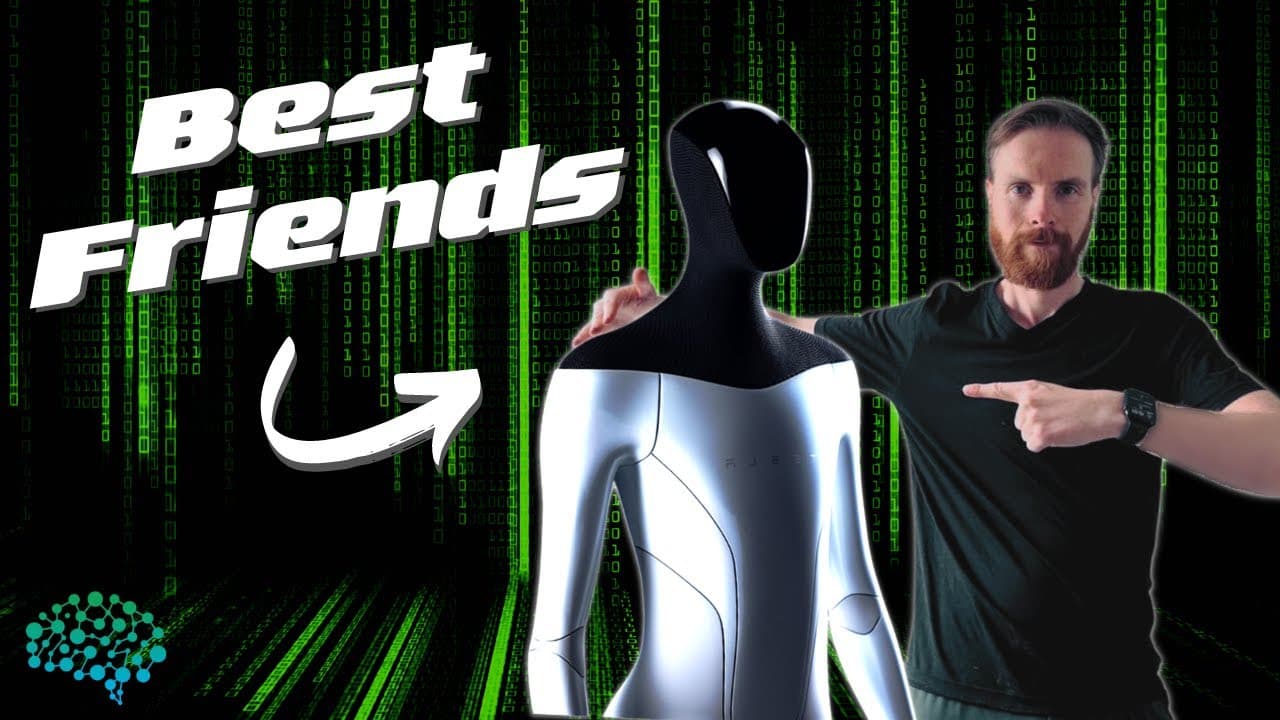
You can create a YouTube video in under 30 minutes by using AI tools for planning, scripting, and editing. Leverage OpenAI's GPT-3 for generating titles and descriptions, Microsoft Azure for voiceovers, and Adobe Rush for video editing. Even with some technical hiccups, the process can be efficient and productive.
Transcript
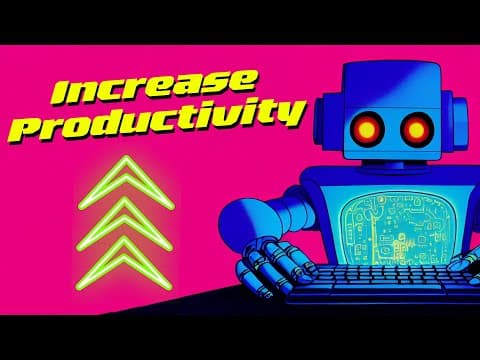
productivity productivity productivity and productivity productivity productivity productivity productivity productivity okay okay okay i get the point i get the point you want me to be productive so if i'm gonna do that i'm gonna need some help from an ai to make the maximum productivity so today i'm gonna try to make or build a youtube video as f... Read More
Key Insights
- 🎮 The content creator leverages AI tools to expedite the video creation process and maximize productivity.
- 😒 The use of OpenAI's GPT3 engine significantly assists in generating the video concept, saving time and effort in brainstorming ideas.
- 😯 Microsoft Azure's AI speech service provides a quick and efficient solution for voiceover generation, eliminating the need for manual recording.
- 🎨 Despite some technical difficulties with the Dolly Mega Engine, alternative tools like Canva are readily available for thumbnail design.
- 👻 Adobe Rush allows for seamless video editing, enabling the content creator to combine various elements for a polished final product.
- ⌛ The content creator successfully completes the video within the target time frame, demonstrating the effectiveness of AI in content creation.
- 🐕🦺 Continuous improvement of AI tools and services can further enhance the efficiency and speed of video production processes.
Install to Summarize YouTube Videos and Get Transcripts
Explore YouTube Video Summarizer or Get YouTube Transcript Extractor
Questions & Answers
Q: What tools does the content creator use to plan the video concept?
The content creator uses OpenAI's GPT3 engine to generate the topic, script, title, description, thumbnail idea, b-roll footage, and music styles.
Q: How does the content creator create the voiceover for the video?
The content creator utilizes Microsoft Azure's AI speech service to generate an AI voiceover, which is then edited using Audacity for better sound quality.
Q: What software is used for video editing?
Adobe Rush is used for video editing, wherein the content creator combines the b-roll footage, voiceover, and music, and adjusts the volume levels.
Q: Does the content creator encounter any difficulties during the process?
Yes, the content creator faces issues with the Dolly Mega Engine and experiences server lag, making it challenging to access the desired thumbnail idea.
Q: How does the content creator overcome the issue with the Dolly Mega Engine?
As the Dolly Mega Engine fails to work, the content creator decides to create a different thumbnail using Canva and changes it quickly to avoid further delays.
Summary & Key Takeaways
-
The content creator plans the video concept, including the topic, script, title, description, thumbnail, b-roll footage, and music, with the help of OpenAI's GPT3 engine.
-
Various AI tools such as Microsoft Azure and Adobe Rush are used for voiceover, video editing, and thumbnail design.
-
Despite some issues with the Dolly Mega Engine and waiting for server responses, the content creator successfully completes the video and uploads it to YouTube.
Read in Other Languages (beta)
Share This Summary 📚
Summarize YouTube Videos and Get Video Transcripts with 1-Click
Try YouTube Summary with ChatGPT & Claude or YouTube Transcript Generator
Explore More Summaries from All About AI 📚

Summarize YouTube Videos and Get Video Transcripts with 1-Click
Try YouTube Summary with ChatGPT & Claude or YouTube Transcript Generator