How to Give a Scientific Presentation Successfully
TL;DR
To give a successful scientific presentation, focus on structuring concise content tailored to your audience's level of understanding. Use simple slide designs with large, clear text, and practice your delivery to avoid technical issues. Engage your audience by maintaining eye contact, varying your pitch, and encouraging questions throughout the presentation.
Transcript
hi it's James Clark here this is a PowerPoint presentation looking at how to share your scientific research essentially it's some advice about presenting your data how to lay out your slides arm and how to arrange your content so it's about 25 30 minutes long and I hope it helps when preparing for your research project presentations so to start wit... Read More
Key Insights
- 👨🔬 Effective scientific research presentations require concise and engaging content that is organized based on the audience's level of understanding.
- 🚚 Preparation and practicing the presentation are essential to ensure smooth delivery and avoid technical issues.
- 😒 Slide design should prioritize simplicity, with clear and large text, consistent formatting, and minimal use of technical terms.
- 😃 Engaging the audience involves maintaining eye contact, varying pitch and volume, and encouraging questions and discussions.
Install to Summarize YouTube Videos and Get Transcripts
Explore YouTube Video Summarizer or Get YouTube Transcript Extractor
Questions & Answers
Q: How can I make my scientific research presentation concise and engaging?
To make your presentation concise, focus on including only relevant data and summarizing key findings. Engage the audience by being provocative and asking questions that encourage discussion. Encourage audience understanding and assess comprehension throughout the presentation.
Q: How should I prepare for unexpected issues during a presentation?
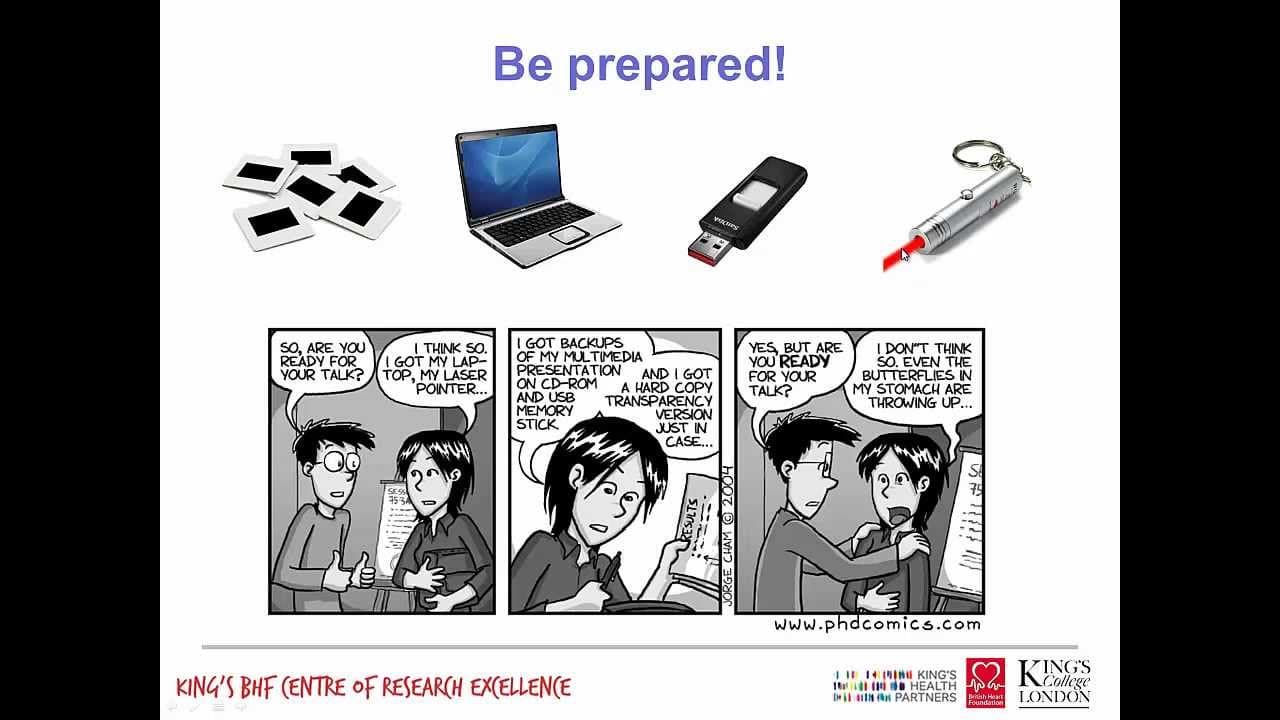
Be prepared for technical issues by bringing a backup of your presentation on a memory stick. Also, bring a spare laser pointer to ensure you have the necessary tools. Practice speaking clearly and articulately to ensure you can be heard and understood.
Q: What are some tips for effective slide design?
Keep slides simple with clear, concise text and use a font size of 28-32 points. Avoid overcrowding slides with too much information, limit the use of technical terms, and use keywords instead. Stick to a consistent color scheme and avoid flashy animations and 3D effects.
Q: How can I engage the audience during my presentation?
Maintain eye contact with the audience and smile to energize and involve them. Vary your pitch and volume to keep the presentation interesting and use pauses to give the audience time to digest information. Encourage questions and discussions throughout to assess audience understanding.
Summary & Key Takeaways
-
The presentation focuses on structuring a good presentation, including considerations for audience, actions, and arguments.
-
It provides advice on preparing content, such as selecting appropriate data to include and enticing audience engagement.
-
Tips for delivering an effective presentation are discussed, including maintaining eye contact, speaking clearly, and varying pitch and volume.
Read in Other Languages (beta)
Share This Summary 📚
Summarize YouTube Videos and Get Video Transcripts with 1-Click
Try YouTube Summary with ChatGPT & Claude or YouTube Transcript Generator
Explore More Summaries from Dory Video 📚






Summarize YouTube Videos and Get Video Transcripts with 1-Click
Try YouTube Summary with ChatGPT & Claude or YouTube Transcript Generator