How to Share USB Devices Over Network with Raspberry Pi?
TL;DR
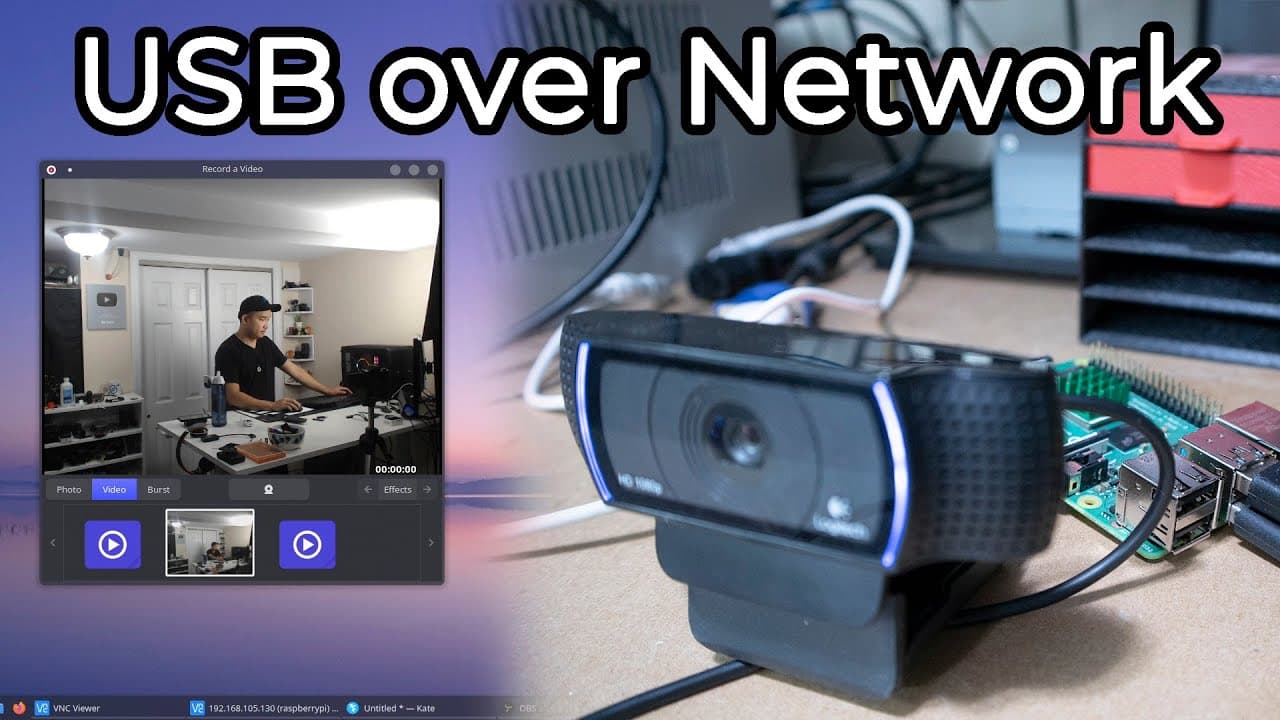
You can share USB devices over a network using a Raspberry Pi by installing the USB/IP software and enabling the appropriate modules on your Linux machines. This allows you to access devices like webcams and dongles remotely, simplifying the management of peripherals without physical transport, although caution is advised due to potential stability issues.
Transcript
hey guys what's going on it's don here from novaspirittech and welcome back to the channel and today i got a pretty interesting one for you guys which is sharing usb over the network with usb ip on a raspberry pi 4 so let's get started before i begin i do want to say that i was planning this video for quite some time now i actually wanted to do thi... Read More
Key Insights
- 🛟 Raspberry Pi serves as an efficient server to share USB devices over a network, helping avoid the hassle of transporting peripherals.
- 👻 The USB/IP software allows the connection of multiple types of devices, expanding functionality from webcams to dongles.
- ❓ A proper installation of USB/IP requires insight into Linux commands and system configurations to ensure smooth operation.
- 👤 The process offers a practical solution for users with limited USB ports or those frequently switching between devices.
- 💄 USB sharing can streamline creative workflows, particularly for tasks involving software like DaVinci Resolve, making it a valuable tool for professionals.
- 👤 Users should be aware of stability issues that may occur when devices remain locked on the Raspberry Pi, requiring system restarts.
- 😘 The approach serves as a low-cost alternative to expensive commercial software offerings for device sharing.
Install to Summarize YouTube Videos and Get Transcripts
Explore YouTube Video Summarizer or Get YouTube Transcript Extractor
Questions & Answers
Q: What is the primary purpose of the video?
The video aims to teach viewers how to share USB devices over a network using a Raspberry Pi. It addresses the challenges of carrying USB dongles between devices and offers a free, open-source solution to facilitate easier access to essential hardware over a local network without physical limits.
Q: Can this USB sharing method work with different operating systems?
Yes, the USB sharing method can operate between different systems, including Windows and Linux. The Raspberry Pi can act as the server, while a Windows computer can function as a client, allowing seamless access to shared USB devices across the network without compatibility issues.
Q: What steps are required to set up USB/IP on Raspberry Pi?
To set up USB/IP, the user must install the USB/IP software on the Raspberry Pi using the command sudo apt install usb-ip. After installation, the USB/IP host module needs to be activated with sudo modprobe usbip_host, and the device should be connected and configured properly before running the daemon.
Q: Are there any risks associated with using USB/IP for storage devices?
The video emphasizes caution when using USB/IP to share storage devices due to potential data corruption risks. The presenter advises viewers to use this method primarily for devices like webcams, which are less prone to data loss, while suggesting thorough testing before relying on it for storage access.
Summary & Key Takeaways
-
The video demonstrates how to share USB devices, like a dongle or webcam, over a network using a Raspberry Pi as a server, minimizing the need to carry devices between multiple computers.
-
It involves installing software such as USB/IP on Raspberry Pi and enabling the VHCIDI HCD module on Linux machines for connecting to the shared devices.
-
While effective for various applications, the method may pose risks like data corruption when sharing devices, making testing and caution necessary before extensive use.
Read in Other Languages (beta)
Share This Summary 📚
Summarize YouTube Videos and Get Video Transcripts with 1-Click
Try YouTube Summary with ChatGPT & Claude or YouTube Transcript Generator
Explore More Summaries from Novaspirit Tech 📚






Summarize YouTube Videos and Get Video Transcripts with 1-Click
Try YouTube Summary with ChatGPT & Claude or YouTube Transcript Generator