How to Install Proxmox on Raspberry Pi 4 Using PiMox
TL;DR
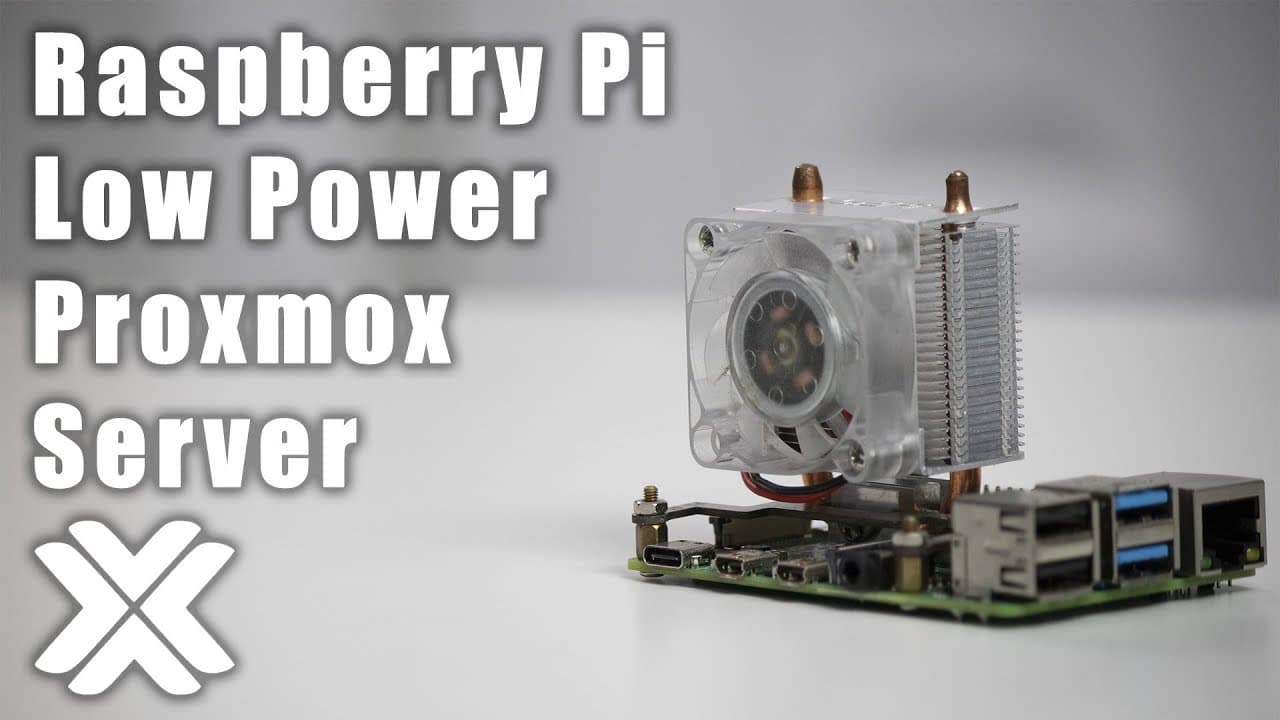
To install Proxmox on a Raspberry Pi 4, configure your device with SSH, then use a USB SSD or SD card to load the Raspberry Pi OS. Modify the source code for compatibility with the Raspberry Pi kernel, and follow the installation prompts to set up Proxmox. Be mindful of performance limitations and consider using lightweight operating systems for better VM responsiveness.
Transcript
hey guys what's going on it's don here from nova spare tech and welcome back to the channel and i got a super exciting episode for you guys which is installing proxmox onto our little raspberry pi so let's get started so you guys know that i've been downsizing my server so if you haven't seen that video it's right over here where i am starting to d... Read More
Key Insights
- 🙂 Proxmox enables efficient virtualization management on various hardware platforms, including light devices like the Raspberry Pi.
- 👨💻 Successful installation involves SSH configuration and minor code modifications to align with Raspberry Pi's kernel updates.
- 👾 Performance tuning, such as enhancing swap space and selecting lightweight operating systems, is crucial for optimal VM responsiveness.
- 🏃 Users can run different operating systems using VMs on Proxmox but should choose compatible and lightweight distributions to ensure better performance.
- 🪜 Though Proxmox adds functionality to Raspberry Pi, expect limitations due to its ARM architecture and resource constraints.
- 💗 The community is growing around Proxmox on non-traditional hardware, emphasizing its potential beyond conventional server setups.
- 👥 Users are encouraged to keep abreast of updates from the Proxmox team for enhanced compatibility and new features.
Install to Summarize YouTube Videos and Get Transcripts
Explore YouTube Video Summarizer or Get YouTube Transcript Extractor
Questions & Answers
Q: What is Proxmox and why would someone want to install it on a Raspberry Pi?
Proxmox is an open-source platform for virtualization management, allowing users to run multiple virtual machines on a single hardware setup. Installing it on a Raspberry Pi makes it accessible for hobbyists and users looking to create low-cost, lightweight virtualization solutions. The Raspberry Pi can serve as an entry-level server for learning and testing purposes.
Q: What are the steps required to install Proxmox on a Raspberry Pi?
First, you need to prepare a Raspberry Pi with an ARM-based operating system, typically the Raspberry Pi OS Lite. After ensuring SSH is enabled, you’ll modify the source code to avoid compatibility issues with the latest Raspberry Pi kernel. Then, commands can be run through SSH to install Proxmox, ensuring you assign appropriate resources such as network settings and passwords.
Q: Why is it recommended to use an SSD rather than an SD card for installation?
Using an SSD over an SD card is recommended due to performance differences; SSDs provide faster read/write speeds, resulting in quicker boot times and better overall system responsiveness. SD cards, particularly lower quality ones, can become a bottleneck, leading to sluggish performance or stability issues when running a virtual machine setup.
Q: What issues might users face when running Proxmox on a Raspberry Pi?
Users may experience limitations due to the Pi’s hardware, including performance constraints such as insufficient CPU resources for demanding VMs or slow disk access via SD cards. Some features like snapshotting might not work properly due to compatibility problems, and users are advised to explore alternative approaches or optimizations to mitigate these issues.
Summary & Key Takeaways
-
Proxmox is a virtual machine server similar to ESXi, now installable on Raspberry Pi using ARM-based operating systems.
-
The installation process requires configuring a Raspberry Pi with SSH, using a USB SSD or SD card, and involves modifying the source code for compatibility.
-
Users will need to manage VMs, including potential limitations due to the hardware capabilities of the Raspberry Pi, alongside tips for optimizing performance.
Read in Other Languages (beta)
Share This Summary 📚
Summarize YouTube Videos and Get Video Transcripts with 1-Click
Try YouTube Summary with ChatGPT & Claude or YouTube Transcript Generator
Explore More Summaries from Novaspirit Tech 📚






Summarize YouTube Videos and Get Video Transcripts with 1-Click
Try YouTube Summary with ChatGPT & Claude or YouTube Transcript Generator