How to Use Free AI Apps on Your Smartphone
TL;DR
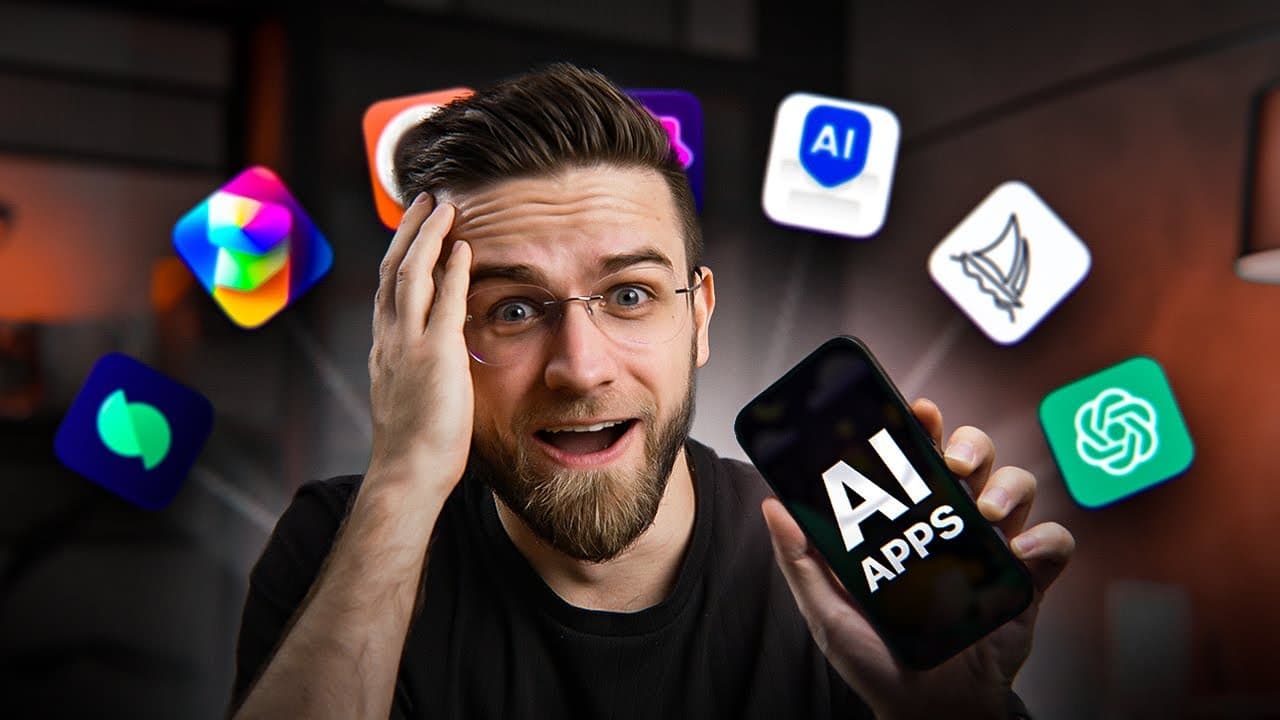
AI apps on the phone let you generate images, chat, and manage tasks. The video demonstrates DaVinci for image prompts, Genie keyboard for AI help on the go, Blossom for plant care, and Chad GBT style tools with image recognition and voice.
Transcript
we've tested dozens if not hundreds of AI tools but all of them were web based which kind of left all phone users on the curb and in this video we're going to fix that we found some really great AI tools that you can use right on your phone some of them you already know and some will be totally new but it surely will be interesting the first app we... Read More
Key Insights
- DaVinci is presented as a flexible on device image generator that accepts prompts without requiring a fixed style, offering visual variety across three generated options.
- Genie functions as a mobile AI assistant integrated with a keyboard, enabling on the fly text improvement, completion, and content generation across multiple apps with one tap.
- Blossom provides plan identification and care guidance for plants, including a health tab and AI bot for troubleshooting plant issues on mobile.
- Chad GBT on mobile offers image recognition and voice dictated queries, producing coherent responses and enabling natural conversations similar to desktop experiences.
- The video emphasizes simplicity and intuitive use, showing prompts, surprises, and random prompts to explore different visual outputs quickly.
- Styles and prompts are shown to significantly affect results, with the presenter noting some prompts yield better matches for tattoo style or landscape outputs.
- Voice and image input features are highlighted as core advantages of mobile AI apps, reducing the friction of uploading to a computer.
- The content includes a caveat to be mindful of scams and to use trusted AI apps for reliable outputs.
Install to Summarize YouTube Videos and Get Transcripts
Explore YouTube Video Summarizer or Get YouTube Transcript Extractor
Questions & Answers
Q: What is the main benefit of using DaVinci on a smartphone, according to the video?
DaVinci is described as a flexible mobile image generator that does not force users into a single style. It accepts simple prompts, can generate multiple image options, and provides quick feedback as images render. This combination makes it easy to experiment with different ideas directly on a phone and iterate rapidly.
Q: How does the Genie keyboard enhance on device AI capabilities?
Genie integrates with the iPhone keyboard to provide AI assisted text generation and completion across any app. Users can type a prompt and click improve to generate longer, polished content like instructions or emails. This enables fast drafting without leaving the current app or switching contexts.
Q: What plant care features does Blossom offer in the video?
Blossom identifies plants from photos, provides care guidance such as watering and fertilization schedules, and includes a plan health tab for diagnosing problems. It also offers an AI bot for tailored troubleshooting based on described symptoms, helping users save dying plants with actionable steps.
Q: What is shown about Chad GBT’s mobile capabilities?
The video showcases Chad GBT on mobile with image recognition, allowing users to identify objects by camera and then ask follow up questions. It also demonstrates voice based interactions where the user can speak prompts and receive natural sounding responses, enhancing hands free usage.
Q: How is random prompting used to explore AI output in the video?
The presenter presses the surprise me button to generate random prompts. This serves to test the app’s versatility and to create outputs that users might not think of, showing the breadth of styles and subjects the tools can handle and helping users discover unexpected but appealing results.
Q: What cautionary note is given about using AI apps in the video?
The video advises viewers to watch until the end to avoid scams and to use the best AI apps. This framing suggests a preference for trusted, well reviewed tools and careful scrutiny of apps’ claims, especially when installing and granting permissions on a smartphone.
Q: What is shown about image style influence on results?
The presenter highlights that choosing the right style and crafting prompts is crucial for output quality. Different prompts and styles yield noticeably different visuals, illustrating how prompt engineering directly affects the final image likeness and applicability for tasks like tattoo art or futuristic scenes.
Q: Which apps are highlighted for on the go image and text tasks besides DaVinci and Genie?
Besides DaVinci and Genie, Blossom is highlighted for plant care, Chad GBT for image recognition and chat, and the broader category of mobile AI tools for productivity and creativity. The video emphasizes how these on device options enable quick image generation, text completion, and smart assistance without a desktop.
Summary & Key Takeaways
-
The video surveys mobile AI tools that work directly on smartphones, emphasizing ease of use and real time feedback during image generation and prompt editing. It compares several apps, notes which features are free, and highlights practical workflows like turning photos into artwork or captions.
-
It demonstrates how keyboard integration and on device AI assistants enable quick text completion, content creation, and research tasks without switching to a desktop. The reviewer also points out the importance of choosing prompts and styles to improve output quality.
-
The content concludes with practical plant care AI through Blossom and image recognition capabilities in Chat GBT style apps, showing how mobile AI can cover creative, productivity, and personal assistant use cases in everyday life.
Read in Other Languages (beta)
Share This Summary 📚
Summarize YouTube Videos and Get Video Transcripts with 1-Click
Try YouTube Summary with ChatGPT & Claude or YouTube Transcript Generator
Explore More Summaries from AI Master 📚


Summarize YouTube Videos and Get Video Transcripts with 1-Click
Try YouTube Summary with ChatGPT & Claude or YouTube Transcript Generator