Top 10 Tips for Effective Project Management Spreadsheets
TL;DR
Improve your project management spreadsheets with ten essential tips. Focus on clarity, organization, and accessibility to enhance collaboration and reduce errors. Ensure your spreadsheets are user-friendly and easy to navigate for all team members.
Transcript
if you've ever managed a project you've probably received in your opinion stupid questions from colleagues they could have easily found the answer to in your shared project spreadsheet if you are one of those colleagues you probably ask those definitely not stupid questions because the spreadsheet was badly organized and difficult to navigate in th... Read More
Key Insights
- 😤 Clear explanations of tab contents help ensure understanding, especially for new team members.
- ❓ Highlighting important deadlines and using data validation reduce errors and improve efficiency.
- 👨💻 Structuring the spreadsheet with visual separators and color codes improves navigation.
- 🍓 Protecting raw data and having a readme first tab enhances data security and clarity.
Install to Summarize YouTube Videos and Get Transcripts
Explore YouTube Video Summarizer or Get YouTube Transcript Extractor
Questions & Answers
Q: Why is it important to include explanations of tab contents in project management spreadsheets?
Including explanations ensures that anyone who views the spreadsheet, including new hires, can quickly understand what information is contained within each tab without having to reach out to the project manager.
Q: How can I ensure that users land on a specific tab when accessing a shared spreadsheet?
By copying and pasting the unique URL of the desired tab, you can assign specific access to that tab when sharing the spreadsheet. This prevents users from landing on the first tab and potentially missing important information.
Q: How can I prevent errors or typos in specific columns of a shared spreadsheet?
Data validation can be used to limit the input possibilities in a specific column. By defining a list of acceptable values or options, users are prevented from making errors or typos when filling out the spreadsheet.
Q: How can I protect the raw data in a project management spreadsheet?
It is recommended to have a separate section or tab for raw data and protect it so that only the core working group can make edits. This ensures the integrity of the data and prevents accidental changes.
Key Insights:
- Clear explanations of tab contents help ensure understanding, especially for new team members.
- Highlighting important deadlines and using data validation reduce errors and improve efficiency.
- Structuring the spreadsheet with visual separators and color codes improves navigation.
- Protecting raw data and having a readme first tab enhances data security and clarity.
- Hyperlinking the spreadsheet in communications and team meeting notes promotes easy access.
Summary & Key Takeaways
-
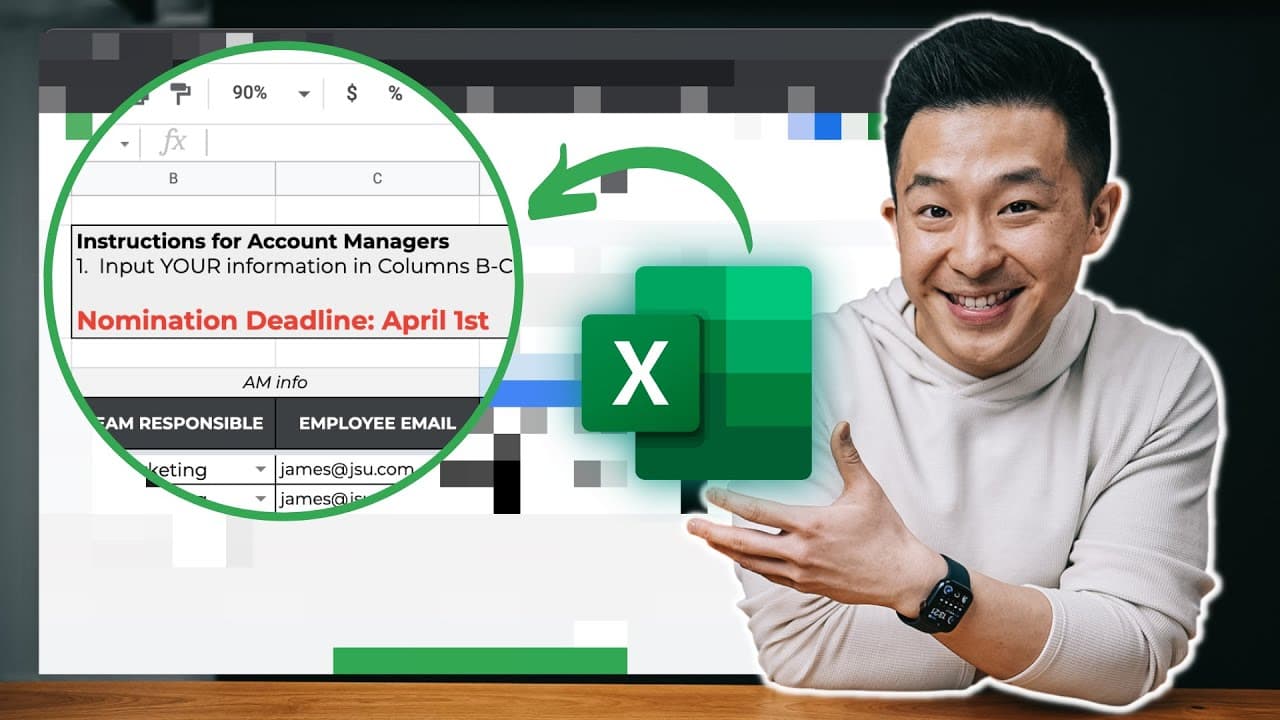
Always include a clear explanation of the tab's contents in the top left corner to ensure understanding.
-
Make important deadlines obvious and easy to find to prevent missed actions.
-
Hyperlink to specific tabs to ensure users land on the correct information.
-
Include explanations rows and example rows for clarity in filling out tables.
Read in Other Languages (beta)
Share This Summary 📚
Summarize YouTube Videos and Get Video Transcripts with 1-Click
Try YouTube Summary with ChatGPT & Claude or YouTube Transcript Generator
Explore More Summaries from Jeff Su 📚






Summarize YouTube Videos and Get Video Transcripts with 1-Click
Try YouTube Summary with ChatGPT & Claude or YouTube Transcript Generator