How to Choose the Right Digital Notes App
TL;DR
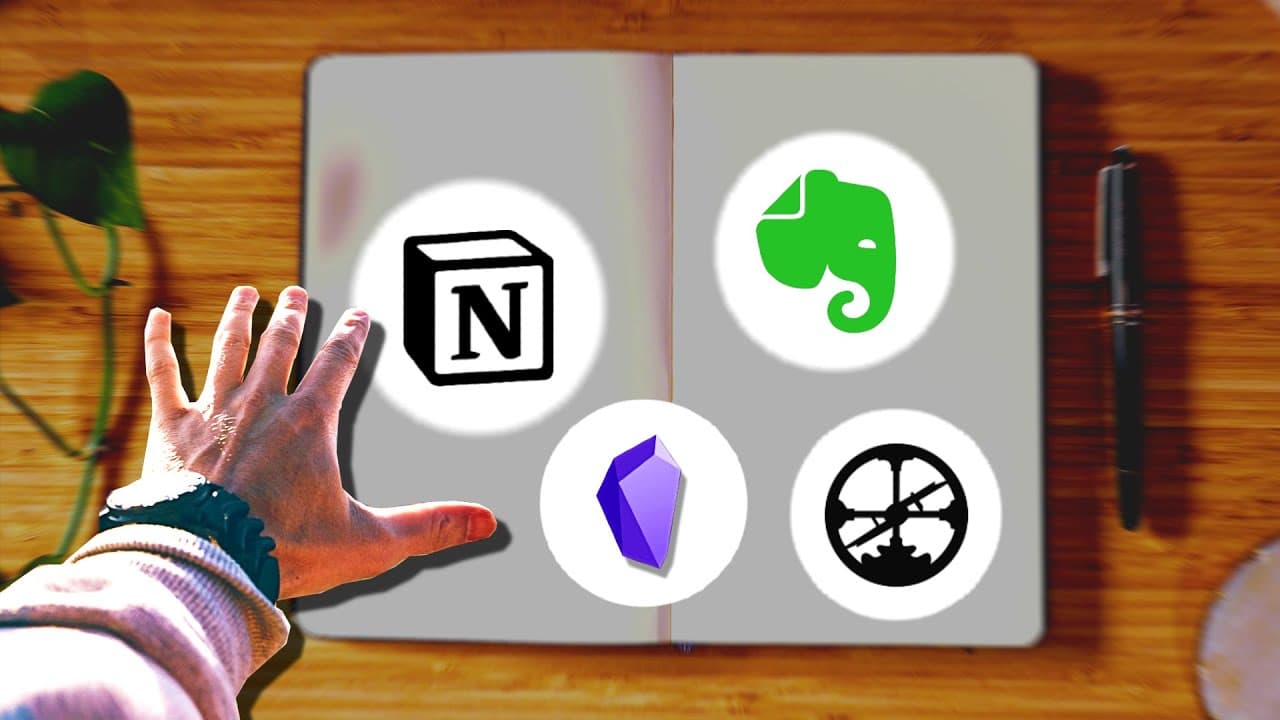
To select the ideal digital notes app, assess your personal goals and note-taking style first. Next, consider the app’s community and culture, then choose one that aligns with your needs. Notable options include Notion for architects, Roam Research and Obsidian for gardeners, and Evernote for librarians, while students can benefit from simpler apps like Apple Notes and Google Keep.
Transcript
how can you pick a digital notes app that will increase your productivity reduce your stress and your worry help you keep track of your most important priorities in life after working with thousands of students and writing building a second brain my book about creating digital notes that actually enhance your life i've actually discovered there are... Read More
Key Insights
- 😀 Choosing the right digital notes app involves considering your goals, note-taking style, app culture, and necessary features.
- 🛀 The three note-taking archetypes are architects, gardeners, and librarians, each with distinct approaches to note-taking.
- ❓ Notion is a top choice for architects, providing customization and practical organization features.
- 👻 Roam Research and Obsidian are recommended for gardeners, allowing creative exploration and making connections between knowledge.
- 💁 Evernote serves librarians well, offering efficient information collection, retrieval, and sharing.
- 😀 Students usually have a shorter-term orientation and benefit from simpler apps like Apple Notes, Google Keep, Notability, and Simplenote.
- 👤 Each recommended app has a strong community of users who can support and guide new users.
Install to Summarize YouTube Videos and Get Transcripts
Explore YouTube Video Summarizer or Get YouTube Transcript Extractor
Questions & Answers
Q: How should I choose a digital notes app that suits my needs?
Start by considering your goals and note-taking needs, then evaluate the app's culture and community alignment. Finally, choose a tool with the necessary features for your work.
Q: What are the three note-taking archetypes?
The three archetypes are architects, who seek structure and customization; gardeners, who focus on creativity and exploration; and librarians, who collect and organize information.
Q: Which note-taking app is recommended for architects?
Notion is a popular app for architects because it allows for personal dashboards, tagging, categorization, and dynamic sorting of information.
Q: What are some recommended apps for students?
Apple Notes, Google Keep, Notability, and Simplenote are great options for students looking for quick, easy, and practical note-taking.
Key Insights:
- Choosing the right digital notes app involves considering your goals, note-taking style, app culture, and necessary features.
- The three note-taking archetypes are architects, gardeners, and librarians, each with distinct approaches to note-taking.
- Notion is a top choice for architects, providing customization and practical organization features.
- Roam Research and Obsidian are recommended for gardeners, allowing creative exploration and making connections between knowledge.
- Evernote serves librarians well, offering efficient information collection, retrieval, and sharing.
- Students usually have a shorter-term orientation and benefit from simpler apps like Apple Notes, Google Keep, Notability, and Simplenote.
- Each recommended app has a strong community of users who can support and guide new users.
- Students, who may not fit within the archetypes, have their own requirements, such as easy and quick note-taking options.
Summary & Key Takeaways
-
To pick the right digital notes app, consider your goals, note-taking needs, app culture, and features that enable your work.
-
There are three note-taking archetypes: architects seek structure and customization, gardeners focus on creativity and exploration, and librarians collect and organize information.
-
Notable note-taking apps for architects are Notion, for gardeners are Roam Research and Obsidian, and for librarians is Evernote. Students can use Apple Notes, Google Keep, Notability, or Simplenote for quick and easy note-taking.
Read in Other Languages (beta)
Share This Summary 📚
Summarize YouTube Videos and Get Video Transcripts with 1-Click
Try YouTube Summary with ChatGPT & Claude or YouTube Transcript Generator
Explore More Summaries from Tiago Forte 📚

Summarize YouTube Videos and Get Video Transcripts with 1-Click
Try YouTube Summary with ChatGPT & Claude or YouTube Transcript Generator