What Are the New Tiling Features in Pop OS 20.04?
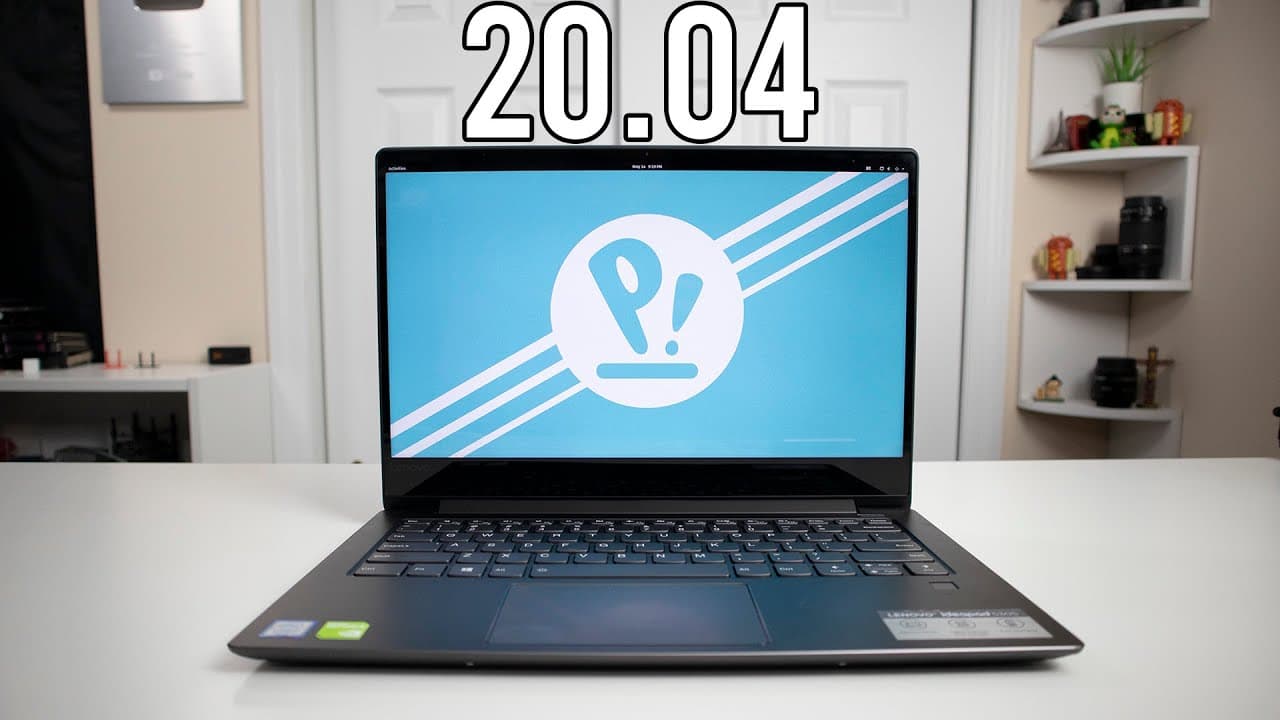
TL;DR
Pop OS 20.04 introduces a streamlined tiling window feature that enhances productivity for single monitor users by allowing more efficient window management. Users can now easily switch between dedicated and integrated graphics, although some stability issues were noted during testing, which may require further refinement.
Transcript
hey guys what's going on it's down here from Nova spirit eka and welcome back to the channel and today we are gonna be checking out pop OS 20.4 and one of the bigger features which is their tiling windows now I didn't spoil myself so I didn't even watch anybody else's review I know what stuff came out on here and I do want to test it out with you g... Read More
Key Insights
- 😚 Pop OS 20.4 offers a streamlined tiling window feature that caters to better productivity for single screen users.
- 👤 Users can now switch between dedicated and integrated graphics easily, enhancing the experience for laptop users.
- 👤 The default themes remain largely unchanged, but users can adapt the appearance through different wallpapers and themes.
- 🈸 The new application menu integrated with the Windows key provides an accessible way to navigate on-screen applications.
- 🌚 Despite some attractive new features, users may face stability issues that could affect daily usage.
- 👶 The presenter encourages audience interaction via Twitch streaming sessions dedicated to troubleshooting and exploring new features.
- 😄 The ease of handling multiple open windows with the tiling feature significantly enhances efficiency in project management.
Install to Summarize YouTube Videos and Get Transcripts
Explore YouTube Video Summarizer or Get YouTube Transcript Extractor
Questions & Answers
Q: What significant feature of Pop OS 20.4 is highlighted in the video?
The most significant feature discussed in the video is the new tiling windows functionality. This allows users to manage their windows more efficiently on a single screen, enhancing productivity by allowing for smooth navigation and organization of open applications. Users can utilize shortcuts to adjust window layouts and sizes intuitively.
Q: How does the presenter feel about the new tiling window feature?
The presenter expresses enthusiasm for the tiling window feature, noting that he enjoys using such functionality as it improves workflow, especially in single monitor setups. He points out that although the feature is not without bugs, it presents a significant upgrade to the window management experience in Pop OS.
Q: Were there any issues encountered during the testing of Pop OS 20.4?
Yes, the presenter encountered stability issues, specifically a complete GUI crash while testing the new features. This crash required a reboot to recover the operating system’s functionality, indicating potential areas for improvement before fully committing to using Pop OS 20.4.
Q: What should users be aware of regarding the new settings in Pop OS?
Users should note that while some settings have been updated in Pop OS 20.4, certain features—like fractional scaling—are not yet included. The presenter highlights the importance of checking available settings to optimize personal configurations, particularly regarding battery modes for laptop users.
Summary & Key Takeaways
-
The video provides an overview of the new features in Pop OS 20.4, specifically highlighting the tiling windows functionality, which aids in better window management and organization.
-
The presenter discusses his experience with the operating system, mentioning aesthetic updates, improved settings, and specific functionalities that enhance the user experience, especially for laptop users.
-
Issues with stability, particularly a GUI crash during testing, are noted, emphasizing the need for further improvement before full adoption of the system.
Read in Other Languages (beta)
Share This Summary 📚
Summarize YouTube Videos and Get Video Transcripts with 1-Click
Try YouTube Summary with ChatGPT & Claude or YouTube Transcript Generator
Explore More Summaries from Novaspirit Tech 📚






Summarize YouTube Videos and Get Video Transcripts with 1-Click
Try YouTube Summary with ChatGPT & Claude or YouTube Transcript Generator