How to Use Quick Mu for Easy Virtual Machine Management
TL;DR
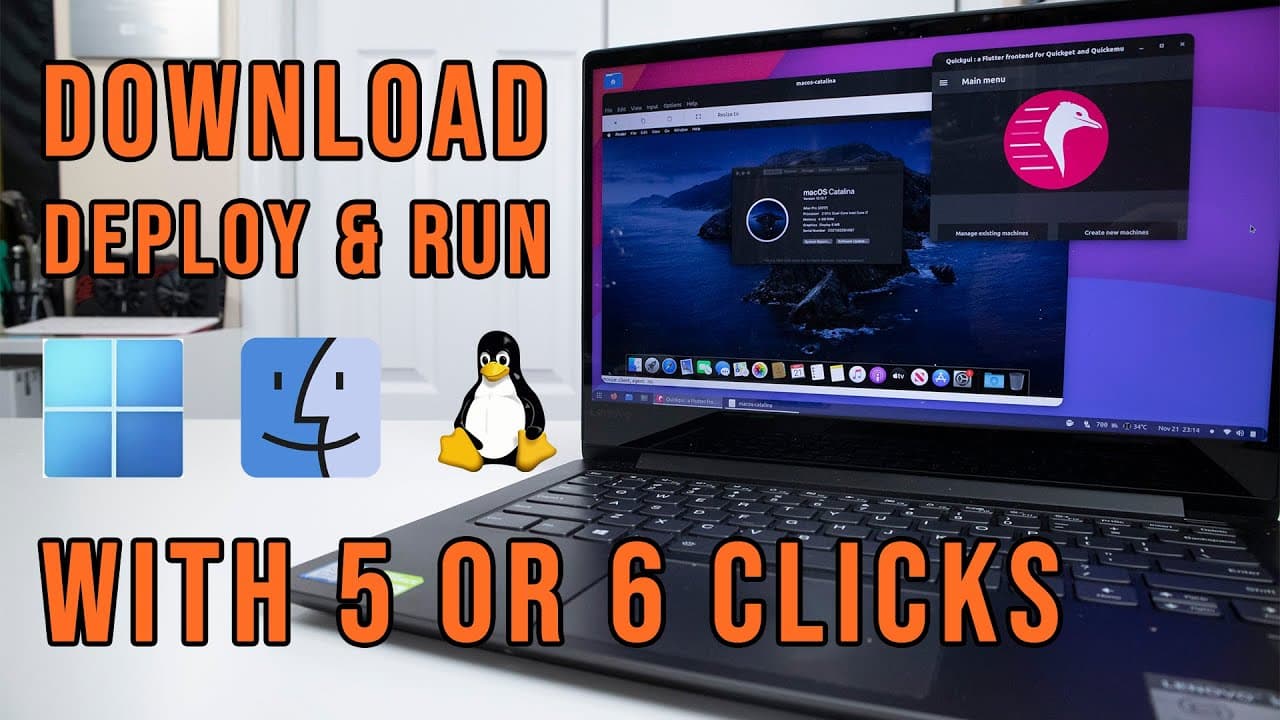
Quick Mu is a user-friendly GUI for quickly downloading and deploying virtual machines on Linux, supporting operating systems like Windows, macOS, and various Linux distros. It automates the installation process by fetching necessary files, allowing users to create and manage VMs effortlessly with just a few clicks.
Transcript
hey guys what is going on it's don here from novaspare tech and welcome back to the channel and today i got a super exciting project to show you guys which is something called quick mu and it's like a one stop shop to download deploy and launch vms on your linux machine so let's get started i do have a couple of videos which i'll leave a link on th... Read More
Key Insights
- 🫥 Quick Mu acts as a comprehensive platform for managing virtual machines, significantly reducing the complexity of the usual command-line approach to using QEMU.
- 🙂 It offers both light and dark mode options for user preference, enhancing visual comfort during usage.
- 👨🔬 The software can automatically download operating system images, saving users from the hassle of searching for ISO files online.
- 👤 Users have the option to modify configuration settings through a user-friendly interface, yet advanced configurations are still accessible via command line as needed.
- 👤 Quick Mu prioritizes performance and ease of use, appealing to both novice and experienced Linux users.
- 🏃 The ability to run multiple VMs simultaneously makes Quick Mu ideal for tasks like software testing and development.
- 👤 Users can adjust display settings and performance options based on their machine's capabilities, allowing for optimized resource use.
Install to Summarize YouTube Videos and Get Transcripts
Explore YouTube Video Summarizer or Get YouTube Transcript Extractor
Questions & Answers
Q: What is Quick Mu and how does it work?
Quick Mu is an application that simplifies the management of virtual machines (VMs) on Linux. It utilizes QEMU as a backend but introduces a graphical interface that enhances usability. Users can easily download different operating system VMs, configure settings, and launch them without extensive command line knowledge, all within a few clicks.
Q: What types of operating systems can be deployed using Quick Mu?
Quick Mu supports a diverse range of operating systems for deployment, including various Linux distributions, Windows (up to the latest versions), and macOS. Users can select their preferred version from a list, download it directly through the application, and create the necessary virtual machine configurations efficiently.
Q: How can users install Quick Mu on their Linux machines?
To install Quick Mu, users need to add a repository or PPA to their terminal and run a command to install the software. This process is straightforward, and users can also install the GUI component of Quick Mu to enhance the experience. Basic installation commands involve adding the repository and using 'sudo apt install' commands.
Q: Is a graphical user interface necessary for using Quick Mu?
While Quick Mu can be used without the graphical interface by utilizing the command-line version, the GUI significantly improves the user experience. It simplifies the process of managing virtual machines and allows users to perform functions like downloading, deploying, and configuring VMs with ease, making it the preferred option for most users.
Summary & Key Takeaways
-
Quick Mu is a graphical user interface designed to streamline the process of downloading and deploying virtual machines on Linux, making it user-friendly compared to traditional command-line tools.
-
It supports a variety of operating systems including Windows, macOS, and Linux, allowing users to create and manage virtual machines with minimal effort through a few clicks.
-
The software simplifies the installation process by downloading necessary files automatically, enabling quick setup and deployment for testing or development purposes.
Read in Other Languages (beta)
Share This Summary 📚
Summarize YouTube Videos and Get Video Transcripts with 1-Click
Try YouTube Summary with ChatGPT & Claude or YouTube Transcript Generator
Explore More Summaries from Novaspirit Tech 📚






Summarize YouTube Videos and Get Video Transcripts with 1-Click
Try YouTube Summary with ChatGPT & Claude or YouTube Transcript Generator