How to use ChatGPT Search to replace Google
TL;DR
ChatGPT now includes real time web search inside the chat, returning up to date results with cited sources. It can show weather, stocks, maps, and local info directly in the reply, but it does not yet match all Google search capabilities and is limited by availability and location data.
Transcript
chat GPT has finally released chat GPT search a brand new search engine that takes place right inside of chat GPT it pulls in relevant links upto-date information and chat GPT has had web access before this is not the first time they're introducing web access but this new chat GPT search which I'll show you in this video I have it on my account rig... Read More
Key Insights
- ChatGPT now supports real time web search within the chat, delivering up to date information and sources alongside answers.
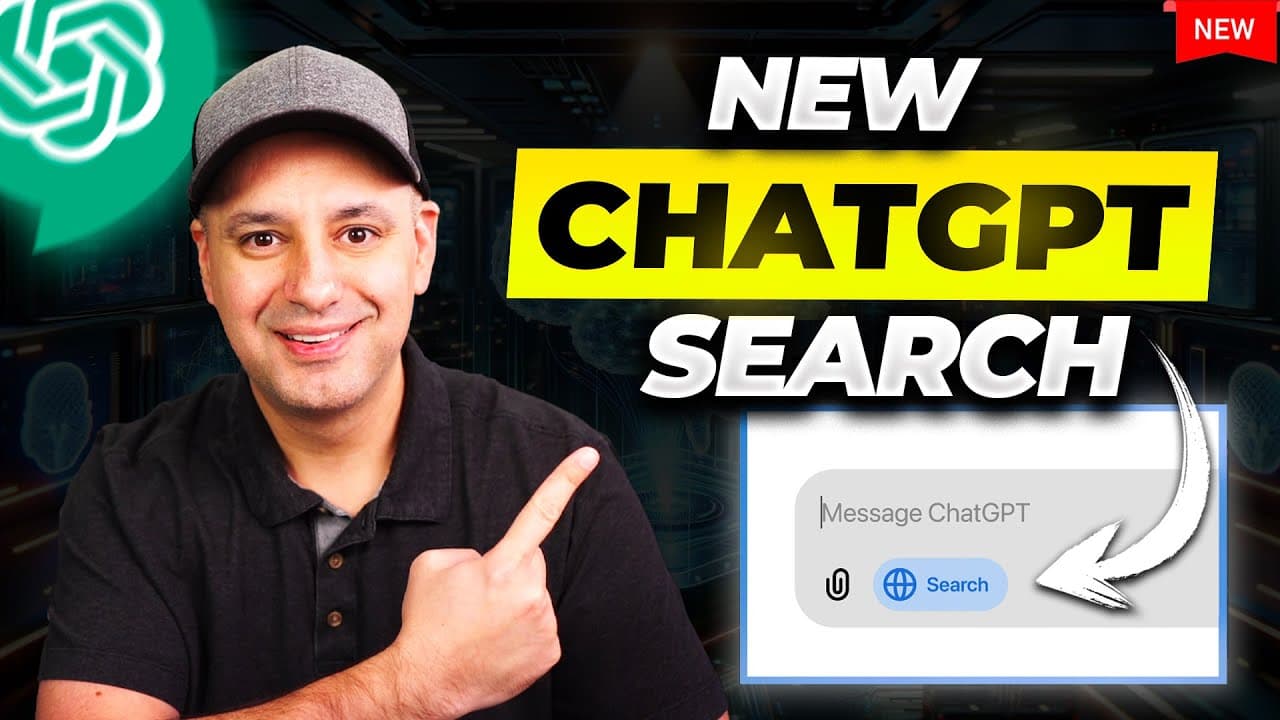
- The web search mode is activated through a blue on/off icon labeled search the web, and results include a concise summary plus clickable sources.
- The feature pulls information from multiple sources and links to those sources, allowing users to open original articles directly from the chat.
- Availability is limited to ChatGPT Plus and Teams users, with a waitlist and later expansion to free users.
- The tool can handle a variety of queries including weather, stock quotes, sports, and maps, sometimes displaying maps and calendar style views.
- For some queries like deals or location based searches, the system may require user input such as ZIP code or precise location to improve results.
- The search function is positioned as a competitor to Google search, offering similar capabilities in a chat friendly format with added context in responses.
- There are acknowledged gaps such as not always knowing exact user location or offering all travel booking features that Google provides.
Install to Summarize YouTube Videos and Get Transcripts
Explore YouTube Video Summarizer or Get YouTube Transcript Extractor
Questions & Answers
Q: A real search query question about the video (e.g. 'How to...', 'What is...', 'Why does...', 'When should...'). Question 1
How does ChatGPT Search differ from traditional search engines in practice, and what kinds of results can users expect to see in the chat response? The answer covers how the feature presents immediate summaries with source links, the types of queries it supports, and the way it integrates with other OpenAI tools. It also explains limitations like accuracy and latency, and how sources are surfaced for verification.
Q: Question 2
What kinds of information can ChatGPT Search retrieve, according to the video transcript? This includes weather, stock quotes, sports, news, and maps, as well as nearby places and travel deals. The response describes how the system formats the results, including visual elements like maps and charts when applicable, and how it cites multiple sources.
Q: Question 3
Who has access to ChatGPT Search and what is the rollout plan described in the video? The answer notes that it is available to ChatGPT Plus and Teams users at launch, with a waitlist for early access and an eventual plan to roll out to free users later, highlighting accessibility differences.
Q: Question 4
How does ChatGPT Search present sources, and why is that important for users? The explanation emphasizes that sources appear under each section of the answer, can be clicked to open in a new tab, and provide traceable references, which helps users verify information and read more deeply.
Q: Question 5
Can ChatGPT Search handle location specific queries effectively, and what are its limitations? The answer discusses how the tool can recognize general location contexts but may require user input like ZIP codes for precise results, and notes limitations in fully replacing location aware search engines.
Q: Question 6
What is the user experience like when switching to search mode in ChatGPT, and what visual cues indicate this mode? The response describes the blue on/off icon labeled search the web, the transition to search mode, and how prompts generate results with citations rather than raw links, offering a more conversational yet sourced output.
Q: Question 7
How does ChatGPT Search handle dynamic information such as stock prices or weather, and does it include historical data or charts? The answer explains that live data is pulled for up to date results, with capabilities like stock charts and recent weather, while also noting possible variability in data freshness and the need to consult sources for deeper analysis.
Q: Question 8
What does the video imply about the competitive landscape between ChatGPT Search and Google search, and how should users interpret this tool in that context? The response covers the positioning as a direct competitor for certain queries, the convenience of the chat interface, the current gaps relative to Google, and how users might combine both tools for comprehensive searching.
Summary & Key Takeaways
-
ChatGPT Search integrates live web results into chat responses with sources, providing immediate, cited information across topics like weather, stocks, and maps.
-
The feature is currently limited to ChatGPT Plus and Teams users, with a waitlist and eventual rollout to free users, affecting accessibility and comparative reach against traditional search engines.
-
The tool emphasizes convenience of a chat interface for quick answers, yet still relies on external sources and has gaps in certain functionalities such as precise location services and travel deals.
Read in Other Languages (beta)
Share This Summary 📚
Summarize YouTube Videos and Get Video Transcripts with 1-Click
Try YouTube Summary with ChatGPT & Claude or YouTube Transcript Generator
Explore More Summaries from Skill Leap AI 📚






Summarize YouTube Videos and Get Video Transcripts with 1-Click
Try YouTube Summary with ChatGPT & Claude or YouTube Transcript Generator