What Are the Latest Open-Source AI Tools?
TL;DR
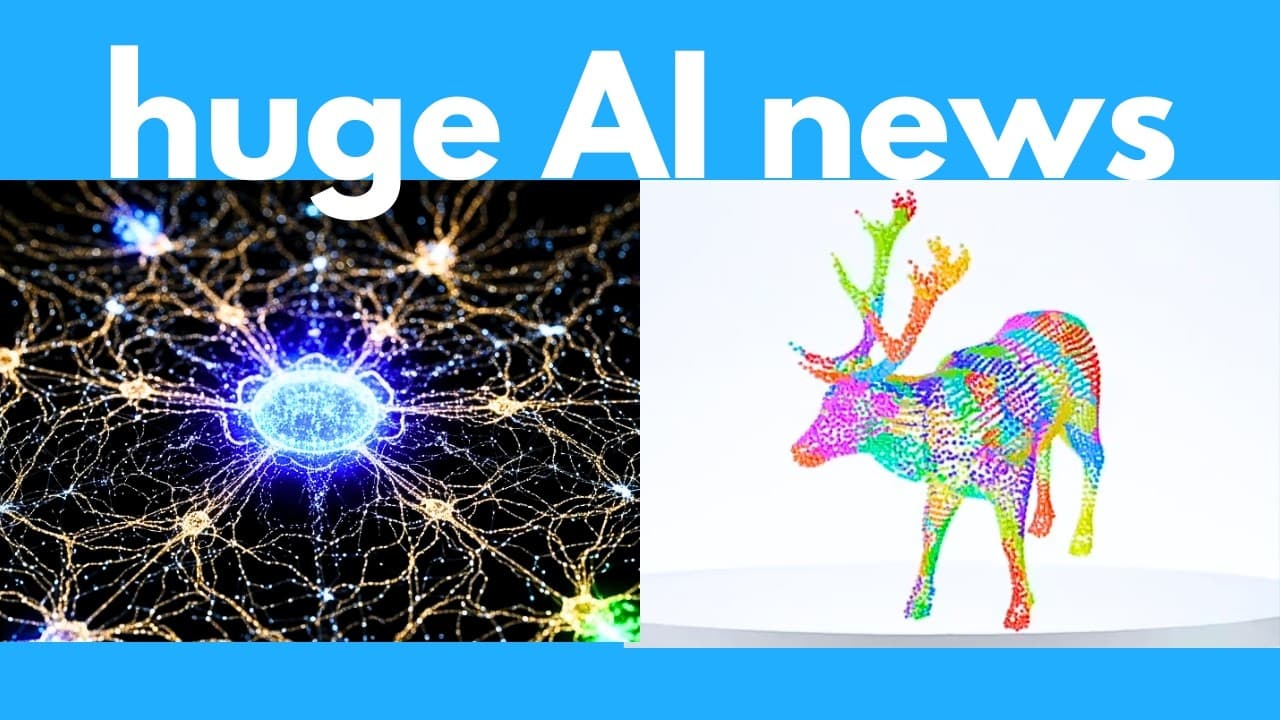
ShowUI-Aloha learns computer workflows from human demonstrations, while ShowUI-pi adds smooth mouse control for actions such as drawing and dragging clips. The wider roundup covers real-time audio enhancement, controllable image-to-video generation, video-to-3D reconstruction, fast image tools, music generation, character rigging, text-to-speech, and prompt-responsive video generation, with several projects offering public code or local installation instructions.
Transcript
AI never sleeps and this week has been absolutely insane. We have a new open-source music generator. This can create entire songs just from a text prompt and some lyrics. This AI agent learns how to use a computer by watching a human do a task and then it can do similar tasks on its own. We have a new realtime video generator. You can add prompts o... Read More
Key Insights
- ShowUI-Aloha is an AI agent that learns computer tasks from recordings of human demonstrations. It tracks clicks, drags, typing, scrolling, and other events, converts the workflow into code, and uses the resulting sequence to perform similar tasks autonomously.
- ShowUI-Aloha uses a staged architecture consisting of recording, parsing, learning, trajectory creation, acting, and execution. The resulting teach trajectory specifies the actions that should occur sequentially, enabling demonstrations such as booking flights, transposing spreadsheet matrices, and editing PowerPoint backgrounds in batches.
- NovaSR is a 50-kilobyte audio enhancement model that can upscale recordings at speeds exceeding 3,500 times real time. The examples show speech and music becoming crisper and clearer, and the project provides open-source code plus a free Hugging Face space for online testing.
- VerseCrafter is an image-to-video system that provides explicit control over camera paths and object motion. It combines depth estimation from Mo with object detection from SAM 2, creates a 3D point cloud, and uses edited trajectories to guide video generation.
- UniSH is a system for reconstructing a person and surrounding scene in 3D from video. It estimates camera placement, human shape, pose, and position across the footage, even in examples involving shaky cameras and complicated movement, and its code supports offline use.
- ShowUI-pi is an interface-control agent designed to generate smooth mouse movement. This capability supports actions that conventional computer agents find difficult, including drawing text in Microsoft Paint, solving slider captchas, and dragging media clips around a video editor.
- The featured 3D systems serve different creative workflows. VerseCrafter begins with one image and generates controlled motion through a manipulable point cloud, while UniSH begins with video and reconstructs the scene, camera, and moving person for viewing from different angles.
- Several featured projects can be run locally because their repositories include installation or usage instructions. ShowUI-Aloha still requires an API key from a large language model provider, while NovaSR, VerseCrafter, and UniSH are presented with public repositories or downloadable code.
Install to Summarize YouTube Videos and Get Transcripts
Explore YouTube Video Summarizer or Get YouTube Transcript Extractor
Questions & Answers
Q: How does ShowUI-Aloha learn computer tasks?
ShowUI-Aloha learns from a recording of a human completing a task on a computer. A recorder captures events such as clicks, drags, typing, and scrolling, then those events are parsed and merged into code. A learner interprets the workflow and creates a teach trajectory containing the required action sequence. Actor and executor components then use that trajectory to perform a similar task autonomously.
Q: What tasks can ShowUI-Aloha automate after a demonstration?
ShowUI-Aloha is demonstrated automating several graphical interface workflows after receiving human-guided examples. After observing flight booking, it can search on Google and book a flight. It can also transpose a matrix in Excel and perform batch background editing in PowerPoint. These examples illustrate how recorded demonstrations can teach the agent sequences involving navigation, clicking, typing, dragging, and other interface actions.
Q: Can ShowUI-Aloha run locally on a computer?
ShowUI-Aloha has a GitHub repository containing instructions for downloading and running the system locally. However, local installation does not make the entire workflow independent of outside model services. The transcript specifically notes that an API key from a large language model provider is required to use it. Its released materials include the components needed to process demonstrations and execute learned interface workflows.
Q: What is NovaSR and how fast does it enhance audio?
NovaSR is a lightweight model designed to improve audio quality in real time by upsampling recordings. It is described as only 50 kilobytes and capable of processing audio at more than 3,500 times real time. The presented speech and music examples sound crisper and clearer after processing. The project is open source, includes local setup instructions, and offers a free Hugging Face space for online testing.
Q: How does VerseCrafter control movement in generated videos?
VerseCrafter starts with a single input image and constructs a 3D point cloud of the scene. Mo estimates image depth, while SAM 2 detects separate objects. A user can manipulate the resulting scene in Blender, specifying camera paths and moving objects independently. Those trajectories pass through a geo adapter for precise control, then a Wan transformer generates a video following the requested camera and object movements.
Q: What can the VerseCrafter Blender add-on do?
The VerseCrafter repository includes a Blender add-on that lets users directly import the generated 3D point cloud and edit scene objects. Within that environment, users can define how the camera travels through the scene and reposition individual objects or people. These edited trajectories then guide video generation, allowing camera movement and subject motion to be combined instead of leaving both entirely to an uncontrolled generation process.
Q: What does UniSH reconstruct from an input video?
UniSH reconstructs a 3D representation of a scene containing a person from video footage. It estimates the scene geometry, camera location, human shape, pose, and position throughout the sequence. The resulting reconstruction can be viewed from different angles by zooming or rotating the scene. Demonstrations include footage with shaky camera motion and complicated human movement, and the released code includes instructions for offline installation and use.
Q: Why is smooth mouse movement important for ShowUI-pi?
Smooth mouse movement allows ShowUI-pi to handle interface actions that require continuous motion instead of isolated clicks or typed input. The demonstrations include drawing text in Microsoft Paint, moving clips inside a video editor, dragging interface elements, and solving slider captchas. The transcript contrasts this with existing computer-use agents, which can click and type but often struggle to produce accurate, continuous dragging motions.
Summary & Key Takeaways
-
ShowUI-Aloha converts recordings of human computer use into structured workflows that an agent can learn and execute. Its pipeline records interface events, parses them into code, creates a sequential teaching trajectory, and passes those actions to actor and executor components. Demonstrations include flight booking, spreadsheet operations, and batch PowerPoint background editing.
-
The roundup highlights compact, real-time media models. NovaSR is a 50-kilobyte audio model reported to process audio at more than 3,500 times real time, while Pocket TTS is presented as a tiny text-to-speech generator that can run in real time on a CPU. Several featured projects provide code or online demonstrations.
-
VerseCrafter turns a single image into a controllable video by estimating depth, detecting objects, constructing a 3D point cloud, and accepting camera and object trajectories. UniSH reconstructs people, camera placement, and scenes from video, while ShowUI-pi specializes in smooth mouse movements needed for drawing, slider interactions, and timeline editing.
Read in Other Languages (beta)
Share This Summary 📚
Summarize YouTube Videos and Get Video Transcripts with 1-Click
Try YouTube Summary with ChatGPT & Claude or YouTube Transcript Generator
Explore More Summaries from AI Search 📚



Summarize YouTube Videos and Get Video Transcripts with 1-Click
Try YouTube Summary with ChatGPT & Claude or YouTube Transcript Generator