How to Learn n8n by Building 3 Automations
TL;DR
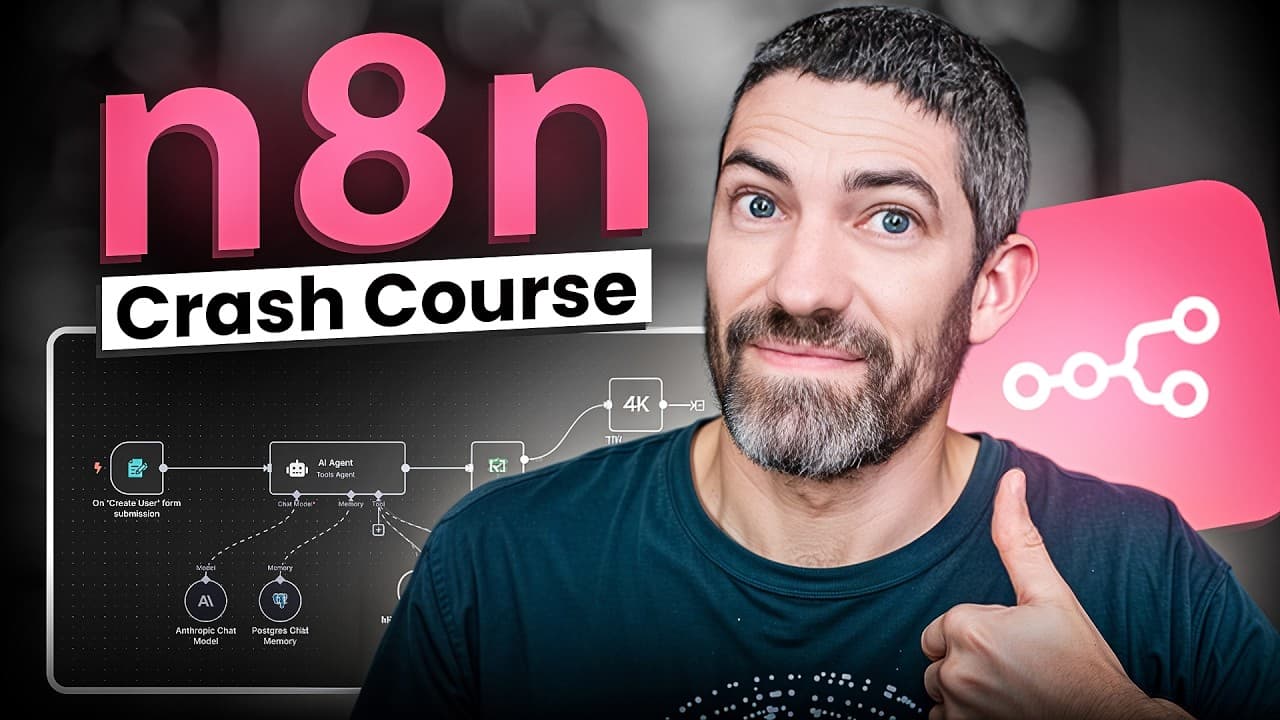
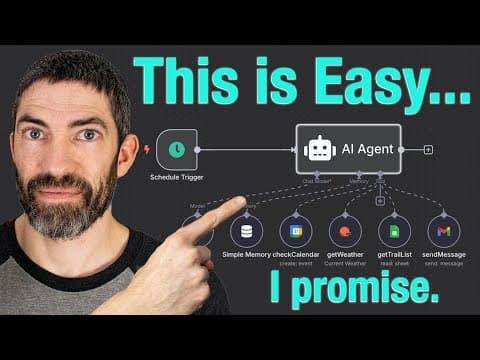
Every n8n workflow starts with a trigger node, then chains action nodes where the left panel is input data, the middle is settings, and the right is output passed to the next node. The video builds three projects in order: a scheduled weather email, a sponsorship intake workflow with Google Sheets and conditional logic, and a customizable AI assistant using the AI Agent node.
Transcript
Naden looks complicated at first, but it's much easier than you think. In this video, I'll show you how to master the 80% you'll actually use. We'll do that by building three automations from simple to advanced. We start basic, then build all the way up to a full AI personal assistant, an AI agent that can manage your calendar, email, and documents... Read More
Key Insights
- Automations and agents differ in flexibility: automations are fixed and follow a set sequence from A to B to C, while agents are dynamic and can reason, make decisions, and choose which actions to take based on context.
- Every n8n workflow starts with a trigger node, something to initiate the workflow. The schedule trigger runs at a set interval, configured through dropdowns for interval type, days between triggers, and the specific hour and minute.
- All non-trigger nodes share the same three-panel structure: the left side shows input data coming from the previous node, the middle holds the node settings, and the right side shows the output data heading to the next node.
- Credentials only need to be connected once per tool, then they are saved for any future workflow that uses that tool. Open Weather uses an API key copied from its site, while Gmail uses a sign in with Google approval flow.
- Dynamic values are added without writing code by dragging data fields from the left input panel directly into a text field. The dropped value appears as JSON, and n8n previews the resolved text right below it.
- Node output can be viewed in three formats: schema, table, and JSON. Depending on the situation, some are more useful or easier to read than others when inspecting what a node returned.
- The executions tab shows all previous runs of a workflow and whether each succeeded or failed. A copy to editor button restores a previous version so you can work from it again.
- The append n8n attribution option should be switched off in the Gmail node, otherwise every email gets the tagline sent using n8n added at the bottom.
Install to Summarize YouTube Videos and Get Transcripts
Explore YouTube Video Summarizer or Get YouTube Transcript Extractor
Questions & Answers
Q: What is n8n used for?
n8n is a node-based automation platform used across many areas. Personal productivity covers assistants that handle email, calendar, and documents. Marketing and business covers social media posting, CRM management, customer onboarding, and full sales processes. E-commerce covers syncing product data, processing orders, and customer support. Data and reporting pulls from multiple sources, cleans data, and generates reports. Home and lifestyle connects smart home devices and location or time based routines. AI integrations hook up language models, image tools, or custom APIs for summarization, content creation, and complex agents.
Q: How do you build a daily weather email automation in n8n?
Start with a blank workflow and click the plus button to add a schedule trigger, setting the interval to days, one day between triggers, and hour 6 with minutes at zero. Connect an Open Weather node using the return current weather data action, entering an API key from openweather.org and choosing units and a zip code. Then connect a Gmail node with the send a message action, fill in the recipient, subject, and message, and drag fields like temp and name from the input panel into the message body.
Q: What is the difference between an automation and an AI agent in n8n?
Automations are fixed. They follow a set sequence, moving from A to B to C in the same order every time regardless of what data arrives. Agents are dynamic. They can reason, make decisions, and choose which actions to take based on context, so the path through the available tools is not predetermined. n8n makes building AI agents surprisingly intuitive, which is one reason for its popularity, and the video builds both types so the contrast is visible in practice.
Q: How much does n8n cost?
There are a few different ways to set up n8n. The easiest is the cloud version: sign up on n8n's site, and after the free trial it is $20 a month. The other option is self-hosting. n8n is source available rather than technically open source, though that distinction does not matter much for this purpose. The key idea is that self-hosting gives you more options, more control, and lower costs than the paid cloud plan.
Q: How do you add dynamic data to a field in n8n without coding?
The left panel of any node shows the data fields coming in from the previous node. To make a field change based on that incoming data, click and drag the value you want, such as temp under main or name for the location, and drop it directly into the text field. It appears as JSON, but n8n shows a live preview of what the text will actually read as directly below the field, so you can confirm the result without understanding the JSON syntax.
Q: How do you connect credentials in n8n?
Credentials are connected at the top of each node's settings, and you only need to do it once per tool. After that, the saved credentials are available in any future workflow that uses that tool. Some are easier than others. For Open Weather, create an account at openweather.org, click API keys on the main page, copy the key, and paste it into the access token field in n8n, then save. For Gmail, click sign in with Google, choose your account, and approve it.
Q: How do you check whether an n8n workflow ran successfully?
There are two ways shown. Inside a node, the test step button runs that single node so you can confirm it works before continuing. On the canvas, the test workflow button runs everything start to finish, and the nodes turn green as they complete. For history, switch from the editor tab to the executions tab, which lists all previous runs of the workflow and whether each one succeeded or failed, including individual node tests.
Q: What are the self-hosting options for n8n?
There are two main ways to self-host n8n. One is a local install with Docker, which is more technical and involves lots of configurations. The video skips that route because only a small percentage of viewers will want it and covering it would roughly double the video's length. The other option referenced is hosting through a provider, with Hostinger linked in the description alongside a promo code. Self-hosting overall gives more options, more control, and lower costs than the cloud version.
Summary & Key Takeaways
-
n8n is a node-based automation platform where workflows begin with a trigger such as a schedule trigger, then connect action nodes from hundreds of pre-made integrations. The teaching approach is to build three projects from simple to advanced so the setup, node types, and features make sense in context rather than as abstract theory.
-
The first build runs every day at 6 a.m., pulls current weather from Open Weather by zip code, and emails it through Gmail. Credentials are set once per tool and reused in future workflows. Dynamic values are inserted by dragging fields like temp and name from the left input panel into the email message.
-
Account setup offers a cloud version, free trial then $20 a month, or self-hosting, which gives more options, more control, and lower costs. Self-hosting via a local Docker install is more technical with many configurations, so the video skips it. Canvas tools include the tidy broom, zoom to fit, and an executions tab.
Read in Other Languages (beta)
Share This Summary 📚
Summarize YouTube Videos and Get Video Transcripts with 1-Click
Try YouTube Summary with ChatGPT & Claude or YouTube Transcript Generator
Explore More Summaries from Futurepedia 📚


Summarize YouTube Videos and Get Video Transcripts with 1-Click
Try YouTube Summary with ChatGPT & Claude or YouTube Transcript Generator