How to use ChatGPT Dots as a project manager
TL;DR
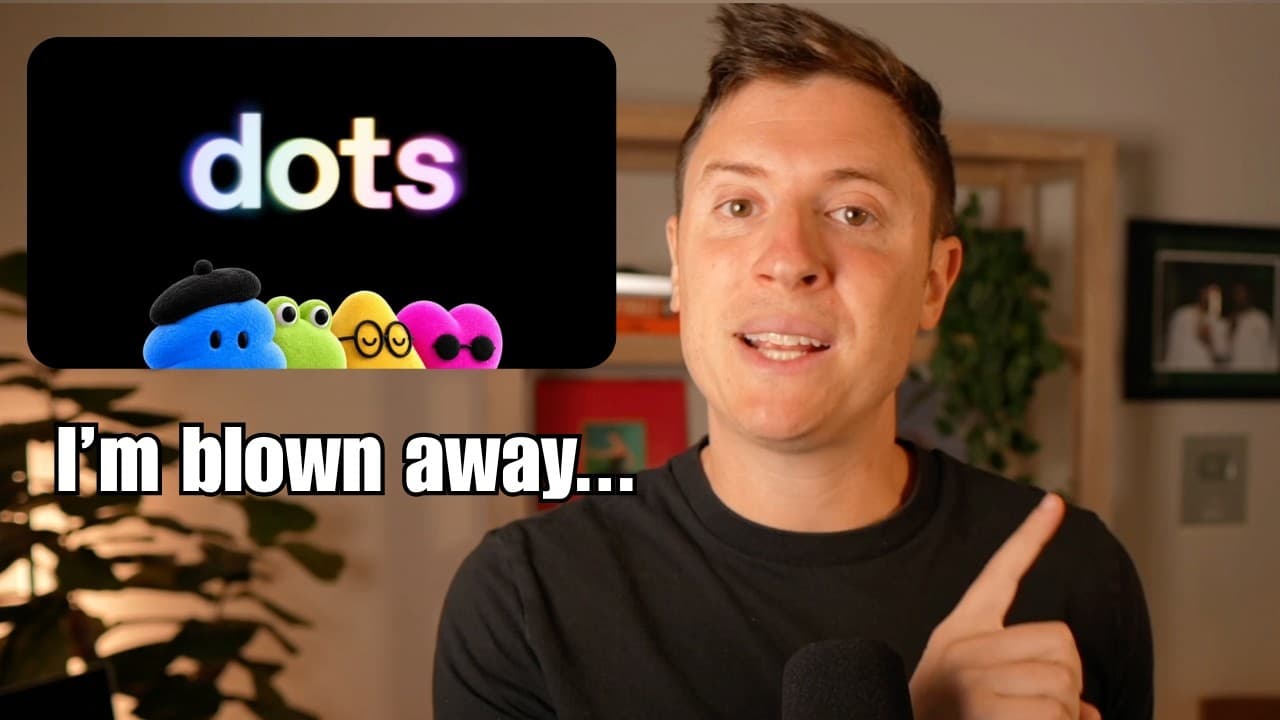
ChatGPT Dots excels when used as a project manager that orchestrates tools within the harness rather than acting as a simple assistant. It leverages the desktop app, spaces, and codeex threads to manage goals, track progress, and push projects forward with a structured workflow. When used correctly, productivity climbs higher than with other agents.
Transcript
Chat GPT Dots is an amazing AI agent, possibly the best out there, but only if you use it the right way. When used correctly, it has boosted my productivity more than any other AI agent out there. But when used the wrong way, it has been a broken, unreliable mess. In this video, I'll cover everything chat GBT dots. what it is, what makes it differe... Read More
Key Insights
- Dots is positioned as a project manager using the ChatGPT harness, not just an assistant, to maximize productivity by coordinating tools and threads.
- The strongest advantage of Dots comes from the harness features like codecs, memory, voice, and spaces, which enable a higher level of integration and workflow automation.
- A project manager workflow requires setting a clear goal and end state, then directing the agent to nurse a thread, push milestones, and maintain momentum toward the vision.
- Spaces act as a real time collaboration space that records milestones, test results, bugs, and roadmaps, creating an artifact that tracks progress across the project.
- Codeex threads allow the agent to write and test code within a project, enabling end to end development and iteration in a single workflow.
- The video provides a free, open source project manager skill that users can import to enable the project management workflow without needing extra data.
- The narrator acknowledges that this approach is advanced and may not suit everyone, but it is powerful for power users building complex projects.
- Compared to other agents, Dots offers an integrated, continuous loop with goals, monitoring, and testing, which enhances reliability and outcomes.
Install to Summarize YouTube Videos and Get Transcripts
Explore YouTube Video Summarizer or Get YouTube Transcript Extractor
Questions & Answers
Q: How can I start using ChatGPT Dots as a project manager for a new project?
To begin, define a clear goal and the end state you want to achieve. Then prompt Dots to act as your project manager, linking to an existing thread or starting a new one. Set milestones, acceptance criteria, and a space that updates with each milestone. This creates a continuous loop where the agent manages tasks, tests code, and reports progress.
Q: What makes the ChatGPT Dots harness better than other AI agents?
The harness combines best in class features like codecs, memory, voice, and cloud computing with the desktop app. These capabilities allow Dots to control tools across devices, access plugins, and keep a centralized space updated with real time milestones, test results, and change logs, resulting in higher productivity.
Q: What is the project manager workflow described in the video?
The workflow begins with setting a goal and end state, then assigning Dots as a project manager who nurtures a specific thread. It uses spaces to log progress, pushes the project forward with milestones, and tests each step along the way to ensure the final product meets the vision.
Q: How do spaces enhance project management in ChatGPT Dots?
Spaces provide a collaborative, document like space inside ChatGPT where milestones, test results, roadmaps, and bugs are recorded in real time. They allow you to see change logs, artifacts, and testing outcomes, enabling a transparent and auditable development process.
Q: What are codeex threads and why are they important in this workflow?
Codeex threads enable the agent to write and test code within a project thread. They keep the development work organized and allow the agent to iterate, test, and refine code while staying linked to the project goals and milestones, improving reliability and speed.
Q: Is this approach suitable for beginners or only power users?
The approach is advanced and best suited for power users who are comfortable with multi thread workflows, spaces, and project management skill setup. Beginners may still benefit, but they should start with simpler tasks and gradually adopt the project manager workflow as they gain familiarity.
Q: What role do multiple devices play in this setup?
Dots can operate across all devices with ChatGPT, allowing tasks to be coordinated wherever you work. This cross device capability means updates, code, and testing results flow through the same project space, enabling seamless collaboration and continuity.
Q: What is the free resource mentioned for enabling this workflow?
The video offers a free open source project manager skill that you can import into your Dot. This skill provides the structures and prompts needed to implement the project manager workflow, making it easier to deploy the approach without building everything from scratch.
Summary & Key Takeaways
-
Dots is an AI agent integrated into the ChatGPT harness that can manage complex projects by coordinating tools and threads. The narrator argues the key is treating Dots as a project manager, not a personal assistant, to maximize productivity.
-
The setup involves defining a clear goal and end state, then using a dedicated project manager workflow to guide the agent. Spaces provide live progress tracking, change logs, and acceptance criteria.
-
The video compares Dots to other agents like Grockbot and Muse, highlighting strengths such as best in class voice, coding, and cloud capabilities. It also provides a free open source project manager skill for automation.
Read in Other Languages (beta)
Share This Summary 📚
Summarize YouTube Videos and Get Video Transcripts with 1-Click
Try YouTube Summary with ChatGPT & Claude or YouTube Transcript Generator
Explore More Summaries from Alex Finn 📚

Summarize YouTube Videos and Get Video Transcripts with 1-Click
Try YouTube Summary with ChatGPT & Claude or YouTube Transcript Generator