How to Use Net Boot XYZ for PXE Booting in Proxmox
TL;DR
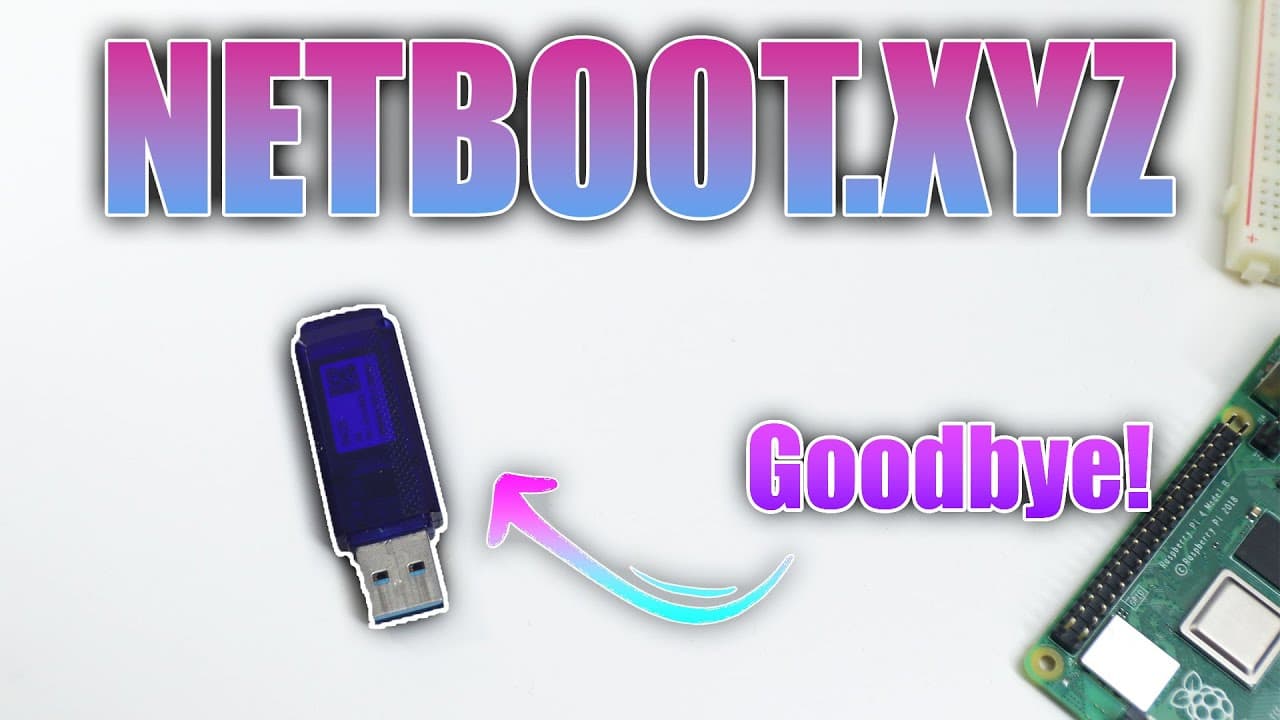
Net Boot XYZ simplifies PXE booting by allowing users to install and manage multiple operating systems locally in a Proxmox environment. This setup eliminates the need for USB drives, utilizing Docker for efficient storage and configuration while addressing the challenges of image availability and network settings.
Transcript
all right so it's finally time for us to install net boot XYZ on our proxmox environment and get network boot working so let's begin now pixie boot is something that I always wanted in my environment but I always had trouble installing it up until I saw this video from techno Tim for net boot XYZ which makes pixie boot extremely easy to use now I'm... Read More
Key Insights
- 👻 Net Boot XYZ simplifies the network booting process significantly, allowing users to easily manage and access multiple operating systems and utilities.
- 💨 The local installation option is advantageous for users with slower internet connections, facilitating faster image loads during the boot process.
- 😚 The PXE booting method is particularly beneficial for IT professionals testing various OS versions without the hassle of carrying multiple USB drives.
- 🏃 Users need to ensure their network configuration and Docker setup are correctly established to successfully run Net Boot XYZ in a Proxmox environment.
- 🏃 The tool provides flexibility in running various diagnostics without physical media, making it an efficient solution for system recovery tasks.
- 🧑🦽 Despite its advantages, users should be aware of the limitations regarding the available operating system images and the need for manual addition of certain images.
- 😄 Docker's use in this context highlights modern virtualization practices while ensuring ease of management and deployment of applications in isolated environments.
Install to Summarize YouTube Videos and Get Transcripts
Explore YouTube Video Summarizer or Get YouTube Transcript Extractor
Questions & Answers
Q: What is Net Boot XYZ, and how does it enhance PXE booting?
Net Boot XYZ is a tool that simplifies the process of PXE (Preboot Execution Environment) booting. It streamlines network booting by allowing users to load multiple operating systems and utilities over the network. This reduces the need for physical media like USB drives and enhances the ability to quickly test different environments directly from a network.
Q: Why is using local storage preferred over internet download for boot images?
Using local storage for boot images is preferred because it significantly reduces boot times and dependency on internet connectivity. When operating over a local network with local assets, the system can load images much faster. In contrast, downloading every time from the internet can be time-consuming, particularly for users with slow connections.
Q: How did the author troubleshoot the network booting process?
The author used various troubleshooting methods, including checking Docker container configurations and ensuring the open WRT router settings were correct. They edited configurations to ensure proper routing and DNS settings, while testing different operating systems to confirm successful boots through the network.
Q: What limitations exist with Net Boot XYZ regarding supported images?
One key limitation is that Net Boot XYZ does not support every operating system image. If the desired latest version, such as Ubuntu 24, is not included in its list, users must either create a custom PXE boot setup or use physical media like USB drives to boot those operating systems.
Q: Can Net Boot XYZ run utilities other than operating systems?
Yes, Net Boot XYZ can boot various utilities apart from operating systems, such as Clonezilla for backups, Debian Rescue for troubleshooting, and Ultimate Boot CD for system recovery tasks. This flexibility makes it a valuable tool for users who perform comprehensive system diagnostics and repairs.
Q: What is the significance of Docker in the installation process?
Docker plays a crucial role in the installation of Net Boot XYZ by providing a containerized environment that isolates the application from the host system. This makes it easier to manage dependencies, run different versions, and maintain a cleaner installation without affecting the overall stability of the host operating system.
Q: What is the process for adding new OS images to Net Boot XYZ?
To add new OS images, the user must download the desired images and configure them in the Net Boot XYZ settings. This involves editing configuration files to point to local storage paths instead of the default online repositories, thus allowing the images to be accessed during the boot process.
Q: Are there alternative methods for users who prefer not to use Net Boot XYZ?
Yes, users who prefer not to use Net Boot XYZ can utilize traditional PXE boot setups or boot directly from USB drives. Creating custom PXE setups allows for more control over available images but may require more technical expertise compared to the streamlined approach offered by Net Boot XYZ.
Summary & Key Takeaways
-
The content outlines the process of installing and configuring Net Boot XYZ in a Proxmox environment, focusing on using local storage for images rather than relying solely on internet downloads.
-
It provides a demonstration of booting different operating systems like Debian, Elementary OS, and Windows 11 through network PXE booting, emphasizing efficiency and ease of use for testing multiple OS installations.
-
The setup involves configuring Docker containers, ensuring proper network settings, and linking local assets, while also addressing limitations, such as the unavailability of some OS images.
Read in Other Languages (beta)
Share This Summary 📚
Summarize YouTube Videos and Get Video Transcripts with 1-Click
Try YouTube Summary with ChatGPT & Claude or YouTube Transcript Generator
Explore More Summaries from Novaspirit Tech 📚






Summarize YouTube Videos and Get Video Transcripts with 1-Click
Try YouTube Summary with ChatGPT & Claude or YouTube Transcript Generator