How to Self-Host a Git Repository Using Gitea
TL;DR
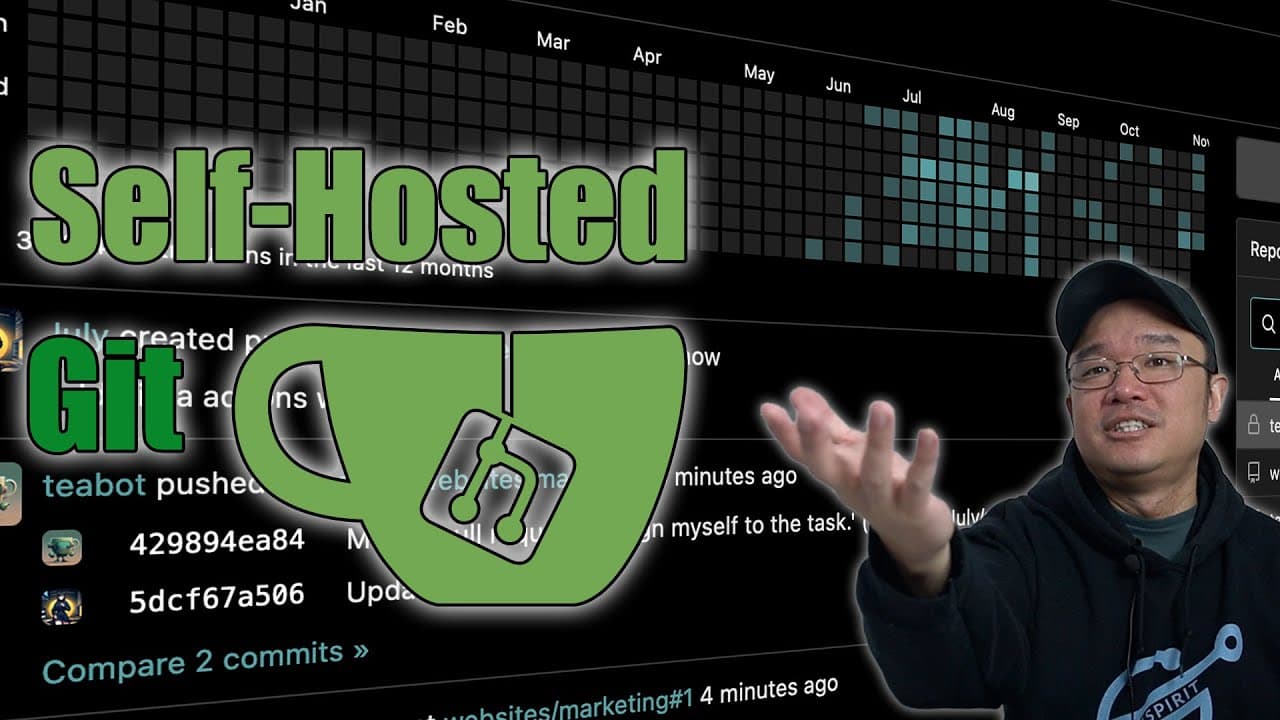
To self-host a Git repository using Gitea, install it on Docker and configure it to manage your projects privately. This setup allows for secure version control and supports learning CI/CD practices in a local environment, making it accessible even on low-resource devices like Raspberry Pi.
Transcript
hey guys what's going on it's Don here from Nova Spirit Tech and welcome back to the channel and one of the things I highly recommend installing in your Docker setup right now is get te so let's check it out now this gives you ability to run your own GitHub basically so you could actually have Version Control on your own projects but I mainly use t... Read More
Key Insights
- 👻 Gitea is an ideal solution for developers wanting a self-hosted Git environment that secures their code privately.
- 👨💻 Utilizing Gitea can enhance understanding and application of version control, CI/CD tools, and overall coding efficiency.
- 👻 Docker allows for easy deployment of Gitea, making it accessible on devices with limited resources like Raspberry Pi.
- 🙃 The integration with IDEs like Visual Studio Code streamlines workflows, allowing for quick code edits and version management.
- 👨💻 Gitea promotes organized coding practices by facilitating commit history tracking and change management.
- 🕴️ Users have the flexibility to choose database types to suit their usage needs, affecting overall performance and scalability.
- 👨💻 The speaker’s personal projects demonstrate real-world applications of Gitea, illustrating its practical benefits for coders.
Install to Summarize YouTube Videos and Get Transcripts
Explore YouTube Video Summarizer or Get YouTube Transcript Extractor
Questions & Answers
Q: What is Gitea, and how does it benefit users?
Gitea is a self-hosted Git service that allows users to manage their Git repositories privately and efficiently. It serves as a personal alternative to GitHub where users can upload, edit, and maintain their code without making it public. This setup is especially beneficial for developers looking to have absolute control over their projects, as well as for those who value privacy and wish to avoid third-party platforms.
Q: What are the requirements for running Gitea using Docker?
To run Gitea, you'll need a system capable of running Docker, which can be a traditional server, a Raspberry Pi, or even a virtual machine that supports Docker. The resource requirements are low and largely depend on the scale of your code repositories. A basic Docker setup and familiarity with terminal commands are essential for installation and configuration.
Q: How does the speaker utilize Gitea for code management?
The speaker uses Gitea to host all their code projects in one location, ensuring easy access from multiple computers. They appreciate Gitea's version control features that help prevent code loss while enabling commit history tracking. The ability to use it with VS Code adds convenience, allowing direct cloning and editing of repositories.
Q: What is the significance of CI/CD in Gitea according to the content?
Continuous Integration and Continuous Deployment (CI/CD) practices are significant within Gitea because they facilitate automated testing and deployment processes for code. The speaker highlights their interest in learning about Runners and Actions in Gitea, which can automate workflows efficiently. This learning opportunity allows developers to practice coding and deployment on their terms without affecting public repositories.
Q: Can Gitea be used in conjunction with other tools?
Yes, Gitea can be integrated with various development tools. The speaker mentions using Gitea with Visual Studio Code, enabling users to clone repositories and commit changes directly from the IDE. Furthermore, this integration helps streamline the workflow between coding and version control, making it a versatile tool for developers.
Q: What advantages does self-hosting with Gitea offer over cloud services?
Self-hosting Gitea offers enhanced privacy, control, and customization of your code repositories compared to cloud services. Users can manage their own server configurations, ensuring their data isn’t shared with third-party hosts. This is particularly appealing for developers concerned about data security and who prefer to have their projects isolated from public platforms.
Q: What setup options does the speaker recommend for Gitea?
The speaker mentions using Gitea with SQLite for personal use, which is lightweight and suitable when only a single user is accessing the projects. They contrast this with using MariaDB for larger scale applications, suggesting users assess their needs based on the expected number of contributors to the projects.
Summary & Key Takeaways
-
The content discusses how to self-host a Git server using Gitea on Docker, making version control private and accessible.
-
The speaker outlines their experience with Gitea, highlighting its ease of setup, resource efficiency, and ability to support CI/CD learning within a local environment.
-
Examples of projects stored on Gitea emphasize its functionality for personal code storage and version management, showcasing practical usage scenarios.
Read in Other Languages (beta)
Share This Summary 📚
Summarize YouTube Videos and Get Video Transcripts with 1-Click
Try YouTube Summary with ChatGPT & Claude or YouTube Transcript Generator
Explore More Summaries from Novaspirit Tech 📚






Summarize YouTube Videos and Get Video Transcripts with 1-Click
Try YouTube Summary with ChatGPT & Claude or YouTube Transcript Generator