How to Install Linux on a Buffalo LinkStation
TL;DR
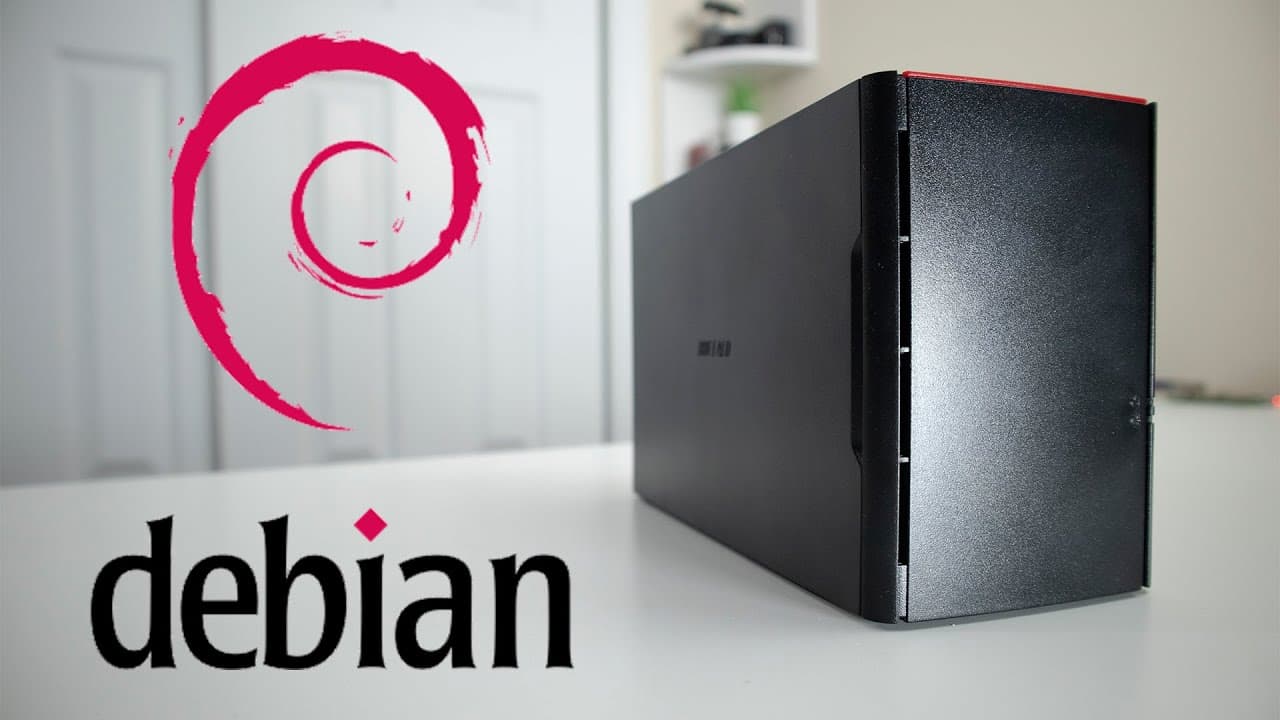
To install Linux on a Buffalo LinkStation, start by preparing the device for file transfers and modifying the bootloader. Use a Debian image and SSH into the device for installation, following specific partition configurations. This upgrade enhances functionality, performance, and allows for software flexibility, such as VPN support.
Transcript
hey guys what's going on it's dawn here from Nova Spirit Tech and today we are gonna be installing Linux into our Buffalo link station to to 0de so let's get started I want to thank my car center for sponsoring this video and if you do need computer parts or any maker parts you could actually go to that store or visit their online retail store now ... Read More
Key Insights
- 🥶 Linux installation significantly enhances the utility of older devices like the Buffalo Link Station, allowing for greater software flexibility.
- ❓ Sufficient preparation and timely backups are crucial to ensure a smooth installation process, as well as providing fallback options.
- 🐎 The transition from stock firmware to Linux can yield noticeable speed improvements, although hardware may still impose limitations on performance.
- 👤 Using tools like Webmin can simplify administration for users unfamiliar with command-line interfaces, enhancing user experience post-installation.
- ❓ Community support via wikis and GitHub can be invaluable during the installation process, providing resources and advice tailored for specific devices.
- 👤 To achieve optimal performance, users may need to explore additional configurations and modules after initial installation.
- 🪛 The presenter emphasizes the importance of keeping drive functionality in check by monitoring partitions and backups during the installation phase.
Install to Summarize YouTube Videos and Get Transcripts
Explore YouTube Video Summarizer or Get YouTube Transcript Extractor
Questions & Answers
Q: What are the main benefits of installing Linux on the Buffalo Link Station?
Installing Linux offers several advantages, such as enhanced functionality, improved software support, and the ability to run applications like VPNs and torrent clients. This transition allows the user to utilize their device more effectively by enabling features not available in the original firmware, thus improving overall performance and usability.
Q: How did the presenter acquire their Buffalo Link Station, and what is its hardware capability?
The presenter purchased the Buffalo Link Station during a Black Friday sale in 2018 for $69. The device features a dual-bay Gigabit Ethernet, a cooling fan, and can store significant amounts of data, thus making it a valuable hardware setup for various storage and network applications.
Q: What precautions does the presenter recommend before starting the installation process?
The presenter suggests ensuring that you can revert to the stock firmware in case you decide to sell the device or prefer the original software. Backing up the system and important files is crucial, as any missteps during the installation could lead to data loss or rendering the device inoperable.
Q: What tools and resources are recommended for the installation process?
Essential tools mentioned include ACP Commander and a Python script for setting up a web server to facilitate file transfers. The presenter also advises checking the installation wiki for the Buffalo device for up-to-date instructions, along with relevant GitHub links for accessing the necessary Debian installer images.
Q: What were the testing results after installing Linux on the device?
After installing Linux, the testing revealed a slight improvement in speed compared to the original firmware. However, the performance still did not reach the full potential of Gigabit LAN speeds, indicating possible hardware limitations or inefficiencies in the original firmware.
Q: How can users manage their system post-installation?
The presenter highlights the installation of Webmin for GUI access to manage the system without repeatedly logging in through SSH. This tool simplifies administrative tasks, allowing users to configure and maintain their Debian setup efficiently.
Summary & Key Takeaways
-
The video is a step-by-step tutorial on installing Linux on a Buffalo Link Station, highlighting its hardware features and limitations with the original software.
-
Viewers are guided through the installation process, including pre-requisites, file transfers, and setting up the bootloader, with references to backup options and links to useful resources.
-
The presenter shares insights on performance improvements using Linux, including testing speeds compared to the original firmware, and mentions the need for future configurations with additional modules.
Read in Other Languages (beta)
Share This Summary 📚
Summarize YouTube Videos and Get Video Transcripts with 1-Click
Try YouTube Summary with ChatGPT & Claude or YouTube Transcript Generator
Explore More Summaries from Novaspirit Tech 📚






Summarize YouTube Videos and Get Video Transcripts with 1-Click
Try YouTube Summary with ChatGPT & Claude or YouTube Transcript Generator