How to Use Microsoft Copilot Studio to Build AI Agents
TL;DR
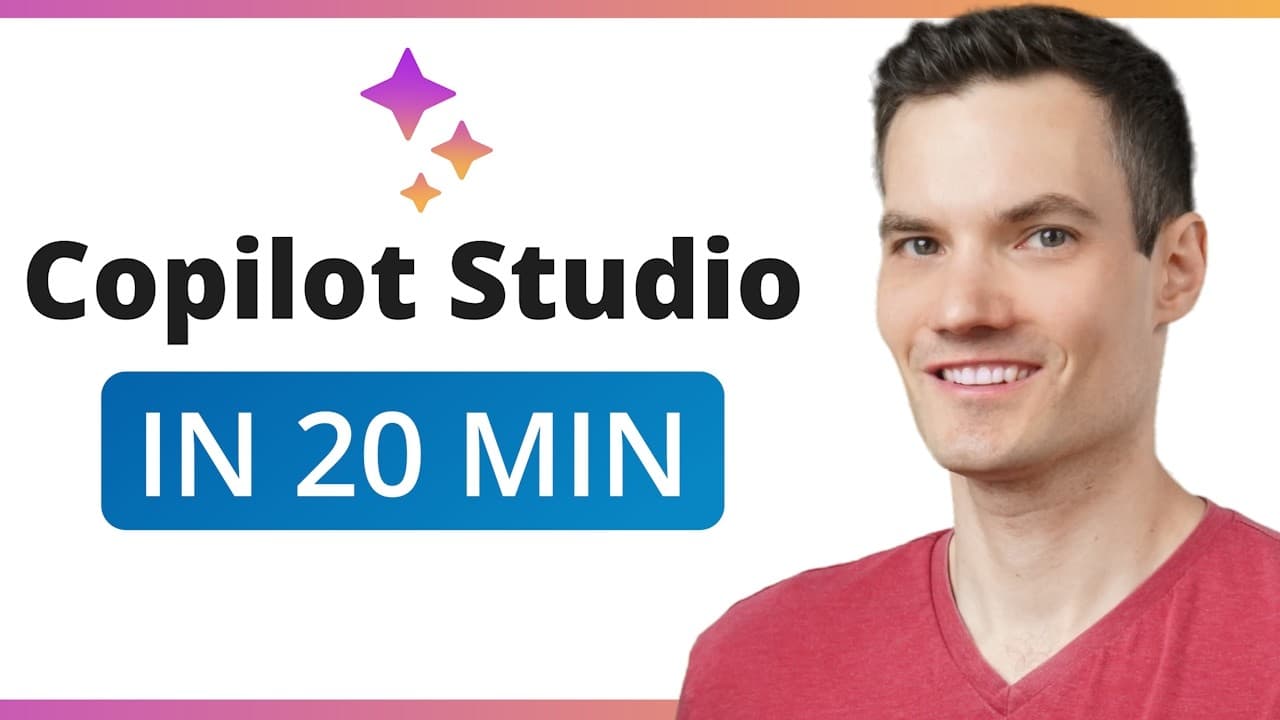
You can build an AI agent in Microsoft Copilot Studio by describing its purpose, setting clear instructions, adding trusted knowledge, testing its responses, and publishing it, all without writing code. The tutorial builds Chipbot, a customer service agent for the Kevin Cookie Company, and shows how to control its tone, sources, fallback behavior, citations, and sharing. Read on for the exact setup and verification steps.
Transcript
Hi everyone, Kevin here. Today, we're going to learn how to use Microsoft Copilot Studio. With Copilot Studio, you can build your very own AI agents that answer questions using your own documents, automate repetitive tasks, and even respond to emails, all on their own. And the best part, you don't have to write a single line of code. You just u... Read More
Key Insights
- Copilot Studio is a no-code environment for creating AI agents that answer questions from supplied knowledge, automate repetitive work, and perform tasks through natural-language configuration.
- Copilot agents are task-specific systems designed for particular kinds of work, while ChatGPT is characterized in the tutorial as a general-purpose AI that answers many different types of questions.
- Clear instructions are the foundation of reliable agent behavior because they establish tone, response length, permitted sources, and fallback guidance for situations where the available knowledge does not contain an answer.
- The Knowledge section is where an agent receives its factual grounding from sources such as Excel sheets, Word documents, PowerPoint files, PDFs, websites, SharePoint, Teams, and emails.
- Directly uploaded files do not update automatically when their contents change, so a revised version must be uploaded, while websites and SharePoint files can provide the agent with updated information automatically.
- Optional capabilities can extend an agent with features such as a code interpreter or image generator, but they can remain disabled when the agent only needs to answer customer questions.
- Testing is essential before publishing because it shows whether the agent retrieves accurate information, follows its assigned style, uses humor appropriately, and provides citations linking answers to original source documents.
- Publishing makes the completed agent live, while sharing settings determine whether it remains available only to its creator, reaches selected organizational users, or becomes accessible to everyone in the organization.
Install to Summarize YouTube Videos and Get Transcripts
Explore YouTube Video Summarizer or Get YouTube Transcript Extractor
Questions & Answers
Q: How do you create an AI agent in Microsoft Copilot Studio?
Sign in with a Microsoft work or school account, select Chat, open All Agents, and choose Create Agent. Describe the agent’s purpose in natural language, including the questions it should answer and the documents or sources it should use. Copilot Studio creates an initial agent that you can configure, test, and publish.
Q: What account do you need to use Microsoft Copilot Studio?
The demonstrated Microsoft 365 experience requires a Microsoft work or school account. Personal Microsoft accounts do not work with this setup. After signing in, select Chat and then All Agents to find existing agents or create your own.
Q: How are Copilot agents different from ChatGPT?
The tutorial describes ChatGPT as a general-purpose AI that answers many kinds of questions. Copilot agents are task-specific and optimized for a particular kind of work. They can use supplied company documents and policies to answer organization-specific questions.
Q: How should you write instructions for a Copilot agent?
Write instructions like onboarding notes for a new team member: make them clear, specific, and aligned with the desired behavior. Define the tone, response length, approved information sources, and what the agent should do when it cannot find an answer. Chipbot is instructed to respond concisely and warmly, add humor, avoid inventing information, and direct unresolved questions to a support email address.
Q: What knowledge sources can a Copilot agent use?
A Copilot agent can use Excel sheets, Word documents, PowerPoint files, PDFs, websites, SharePoint, Teams, and emails. The advanced Copilot Studio experience also includes connections such as Dataverse, Salesforce, and ServiceNow. These sources provide the organization-specific information used in the agent’s answers.
Q: Do files uploaded directly to Copilot Studio update automatically?
No. When information in a directly uploaded file changes, the revised file must be uploaded again. Connected sources such as websites and SharePoint files can provide updated information automatically.
Q: How do you test and verify a Copilot Studio agent?
Use the test chat to ask realistic questions that the supplied knowledge should answer. Verify that each response is accurate, follows the requested tone, handles missing information correctly, and cites its source. In the tutorial, Chipbot retrieves documented store hours, uses the requested humor, and links its citation to the original Word document.
Q: How do you publish and share a Copilot Studio agent?
After testing, select Create in the upper-right corner to make the agent live. It is initially available only to its creator, but Change Sharing Settings can grant access to selected colleagues or everyone in the organization. Save the setting and distribute the resulting link; the agent also appears in the organization’s agent list.
Summary & Key Takeaways
-
Microsoft Copilot Studio lets users create task-specific AI agents through natural-language instructions instead of code. The tutorial creates Chipbot, a customer service agent for the Kevin Cookie Company, then defines its purpose, response style, approved information sources, and fallback behavior for questions that its supplied knowledge cannot answer.
-
The agent is configured with a profile image, name, description, behavioral instructions, knowledge sources, optional capabilities, and suggested prompts. Its knowledge can include uploaded Office files, PDFs, websites, SharePoint, Teams, and emails. Connected sources can stay current automatically, while changed files uploaded directly must be uploaded again.
-
Testing confirms whether the agent retrieves correct information, follows its requested tone, and cites the original source. After testing, the agent can be created and shared with specific colleagues or everyone in the organization. Advanced Copilot Studio adds broader knowledge connections and supports actions such as sending email or retrieving live data.
Read in Other Languages (beta)
Share This Summary 📚
Summarize YouTube Videos and Get Video Transcripts with 1-Click
Try YouTube Summary with ChatGPT & Claude or YouTube Transcript Generator
Explore More Summaries from Kevin Stratvert 📚


Summarize YouTube Videos and Get Video Transcripts with 1-Click
Try YouTube Summary with ChatGPT & Claude or YouTube Transcript Generator