Essential First Steps for Boosting MacBook Pro Productivity
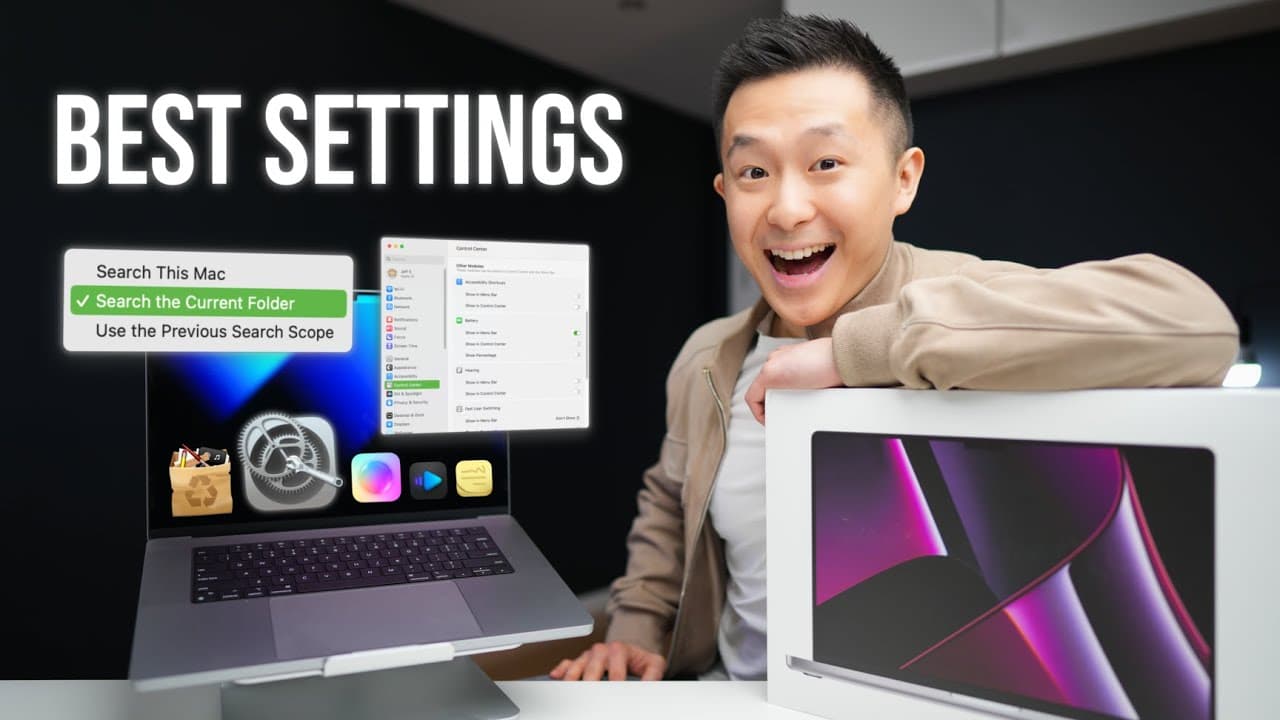
TL;DR
To maximize productivity with your new MacBook Pro, start by adding your fingerprint twice for secure and quick access. Adjust the display settings for better color accuracy, and customize your Dock and Finder for an efficient workflow. Implement these tips to enhance your overall experience.
Transcript
this is the latest overpriced MacBook Pro I am the latest overrated product TV YouTuber and here are the first 18 things you want to do on your new Mac for productive setup let's get started number one doing the initial setup process add the same fingerprint twice this way you'll never fail to quickly unlock your Mac or confirm a change ever again ... Read More
Key Insights
- 😫 Setting up the fingerprint scanner enhances security and allows for quick access to the MacBook Pro.
- 👤 Adjusting display settings can greatly improve the user experience and color accuracy.
- ❓ Customizing Dock and Mission Control settings can streamline workflow and prevent accidental actions.
- 🎭 Using Spotlight for quick access to system settings and performing actions not available in Spotlight.
- 📁 Utilizing Finder settings for better file management and organization.
- 🔉 Installing useful applications like Alfred, App Cleaner, and VLC or IINA for media playback.
- 😀 CleanShot X is a paid but worth-it screenshot app with user-friendly features.
Install to Summarize YouTube Videos and Get Transcripts
Explore YouTube Video Summarizer or Get YouTube Transcript Extractor
Questions & Answers
Q: How can I ensure quick and secure access to my MacBook Pro?
Set up the fingerprint scanner by adding the same fingerprint twice, ensuring quick unlocking and confirming changes.
Q: How can I improve the display settings on my MacBook Pro?
Turn off true tone and disable wallpaper tinting to enhance color accuracy. Additionally, show scroll bars always for better navigation.
Q: What settings can I customize in the Dock and Mission Control?
Toggle off automatically rearranging spaces based on most recent use and turn off all hot corners to prevent accidental actions.
Q: How can I improve productivity with Finder and file management?
Toggle on the path bar and status bar in Finder view for better navigation. Customize the toolbar to remove unnecessary actions and add frequently used ones like Airdrop.
Key Insights:
- Setting up the fingerprint scanner enhances security and allows for quick access to the MacBook Pro.
- Adjusting display settings can greatly improve the user experience and color accuracy.
- Customizing Dock and Mission Control settings can streamline workflow and prevent accidental actions.
- Using Spotlight for quick access to system settings and performing actions not available in Spotlight.
- Utilizing Finder settings for better file management and organization.
- Installing useful applications like Alfred, App Cleaner, and VLC or IINA for media playback.
- CleanShot X is a paid but worth-it screenshot app with user-friendly features.
- Window management tools like Moon or Rectangle can help improve multitasking and window resizing.
Summary & Key Takeaways
-
Set up the fingerprint scanner twice for quick and secure access to your Mac.
-
Adjust display settings for accurate colors and enhanced user experience.
-
Customize Dock settings and disable hot corners for a more efficient workflow.
Read in Other Languages (beta)
Share This Summary 📚
Summarize YouTube Videos and Get Video Transcripts with 1-Click
Try YouTube Summary with ChatGPT & Claude or YouTube Transcript Generator
Explore More Summaries from Jeff Su 📚






Summarize YouTube Videos and Get Video Transcripts with 1-Click
Try YouTube Summary with ChatGPT & Claude or YouTube Transcript Generator