How to Create a Web Browser for Windows 10 IoT on Raspberry Pi
TL;DR
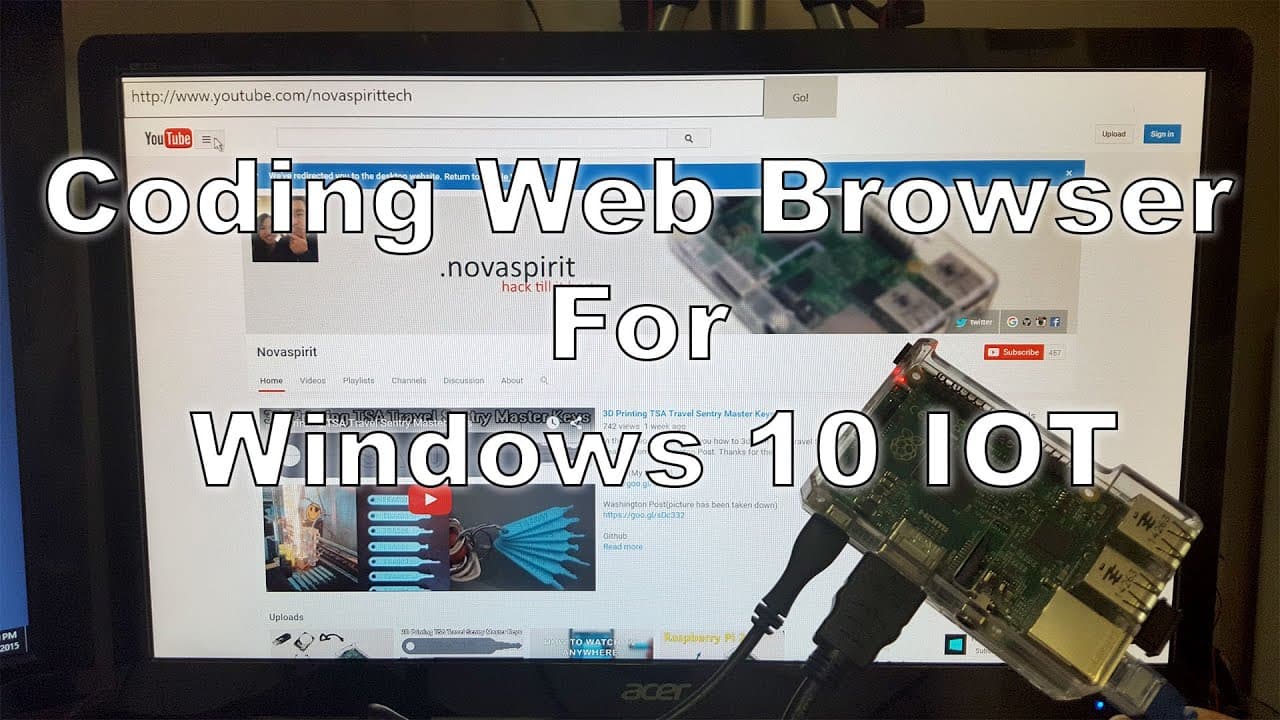
To create a web browser for Windows 10 IoT on a Raspberry Pi 2, use Visual Studio 2015 Community Edition to set up the user interface and program key functionalities like URL navigation. The project serves as a proof-of-concept, highlighting limitations such as the lack of hardware acceleration affecting media playback.
Transcript
hey what's going on YouTube it's down here from Nova spirit and today we're going to be coding a web browser for Windows 10 IOT on raspberry pi 2 so let's get started all right to get started we're going to need visual Studios 2015 Community Edition and yes it's free I'm gonna leave all the link in the description below that way you'll have to zoom... Read More
Key Insights
- 💄 Visual Studio provides the necessary tools to create applications for Windows 10 IoT, making development accessible for hobbyists using Raspberry Pi.
- 🏛️ Enabling developer mode on your device is crucial for deploying applications built with Visual Studio.
- 🎨 Understanding the UI elements and how to manipulate them in XML is essential for designing functional applications.
- 👤 Using asynchronous programming is important to prevent the application from freezing while loading content, enhancing the user experience.
- 🥺 Debugging is a critical phase in development, and knowing how to address errors can lead to faster problem-solving.
- 🕸️ Limitations in media playback highlight the existing challenges in developing full-featured web browsers on constrained IoT hardware.
- 🕸️ The project serves as both an educational experience and a proof-of-concept for creating web applications on the Raspberry Pi platform.
Install to Summarize YouTube Videos and Get Transcripts
Explore YouTube Video Summarizer or Get YouTube Transcript Extractor
Questions & Answers
Q: What software is required to begin building the web browser?
To build the web browser, you will need Visual Studio 2015 Community Edition, which is free to download. It is recommended to enable developer mode in Windows 10 settings to prepare your environment for coding applications specifically for the Raspberry Pi’s operating system.
Q: How does the layout design of the web browser work?
The layout design involves using XML to set up different components on the main page, such as a top bar for entering URLs and a web view area for displaying website content. Proper layout management ensures that elements are appropriately sized and positioned, enhancing usability, particularly during interactions like navigating between URLs.
Q: What should I do if I encounter errors during debugging?
If you encounter errors during debugging, you will typically see red indicators in the code editor. It is crucial to read error messages carefully to understand what might be wrong. Common issues often result from missing function declarations or incorrect syntax. By following the suggestions in the video, you can often resolve these problems efficiently.
Q: Can the web browser run media content like videos?
Currently, the web browser developed in this tutorial struggles with media playback due to the limitations of Windows 10 IoT not supporting hardware acceleration. While it may load certain video platforms, the overall performance could be choppy and not suitable for seamless viewing experiences, particularly for applications like Netflix that rely on advanced features.
Summary & Key Takeaways
-
The video demonstrates the process of coding a web browser for Windows 10 IoT on a Raspberry Pi 2 using C# and Visual Studio 2015 Community Edition.
-
Viewers are guided through creating the user interface, defining layouts, and implementing key functionalities such as URL navigation and error handling.
-
The project highlights limitations like lack of hardware acceleration, which affects media playback, but serves as a proof-of-concept for browser development on IoT devices.
Read in Other Languages (beta)
Share This Summary 📚
Summarize YouTube Videos and Get Video Transcripts with 1-Click
Try YouTube Summary with ChatGPT & Claude or YouTube Transcript Generator
Explore More Summaries from Novaspirit Tech 📚






Summarize YouTube Videos and Get Video Transcripts with 1-Click
Try YouTube Summary with ChatGPT & Claude or YouTube Transcript Generator